Product update
Exclusive tier cards now show your words, not a points target
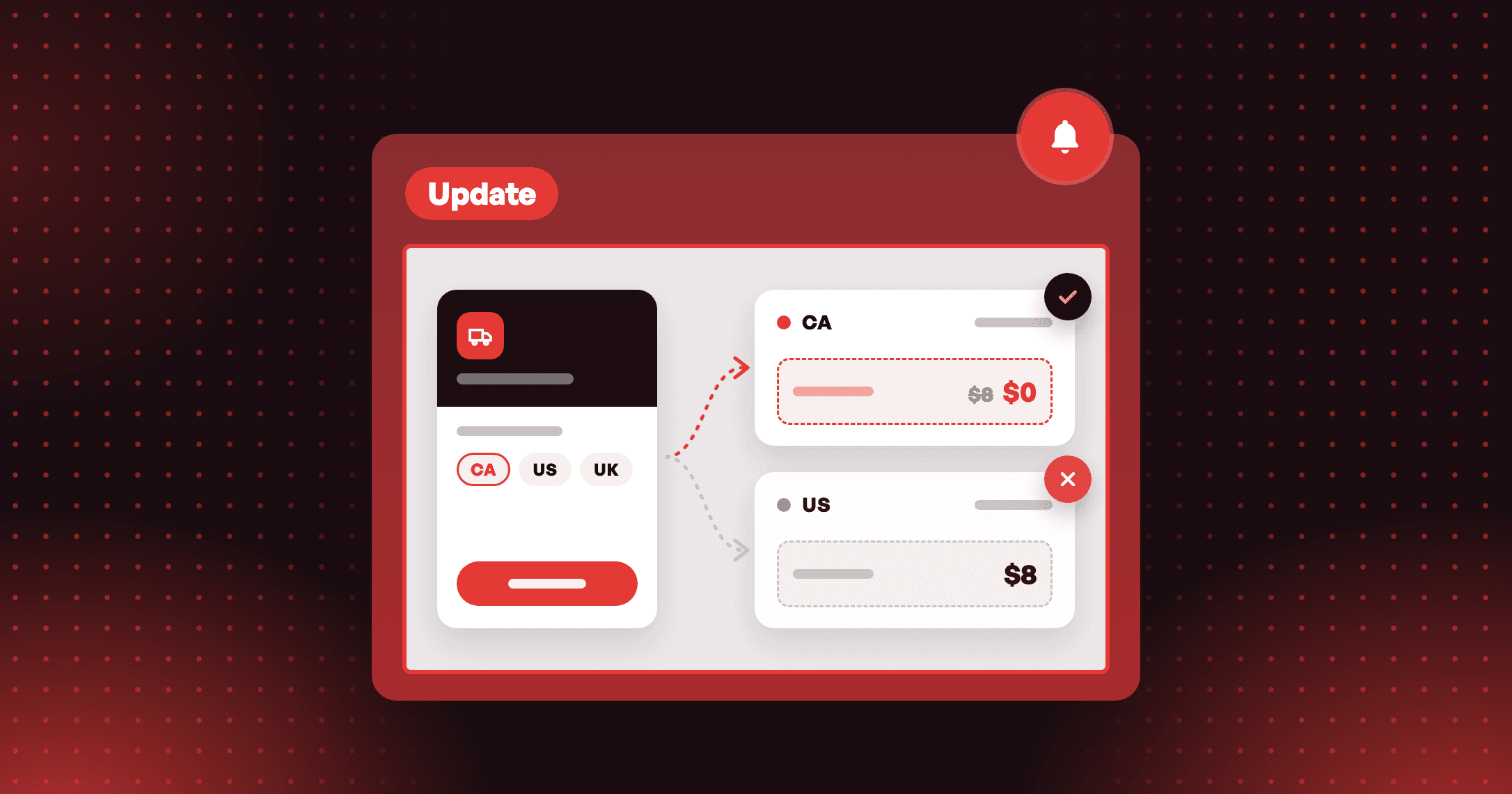
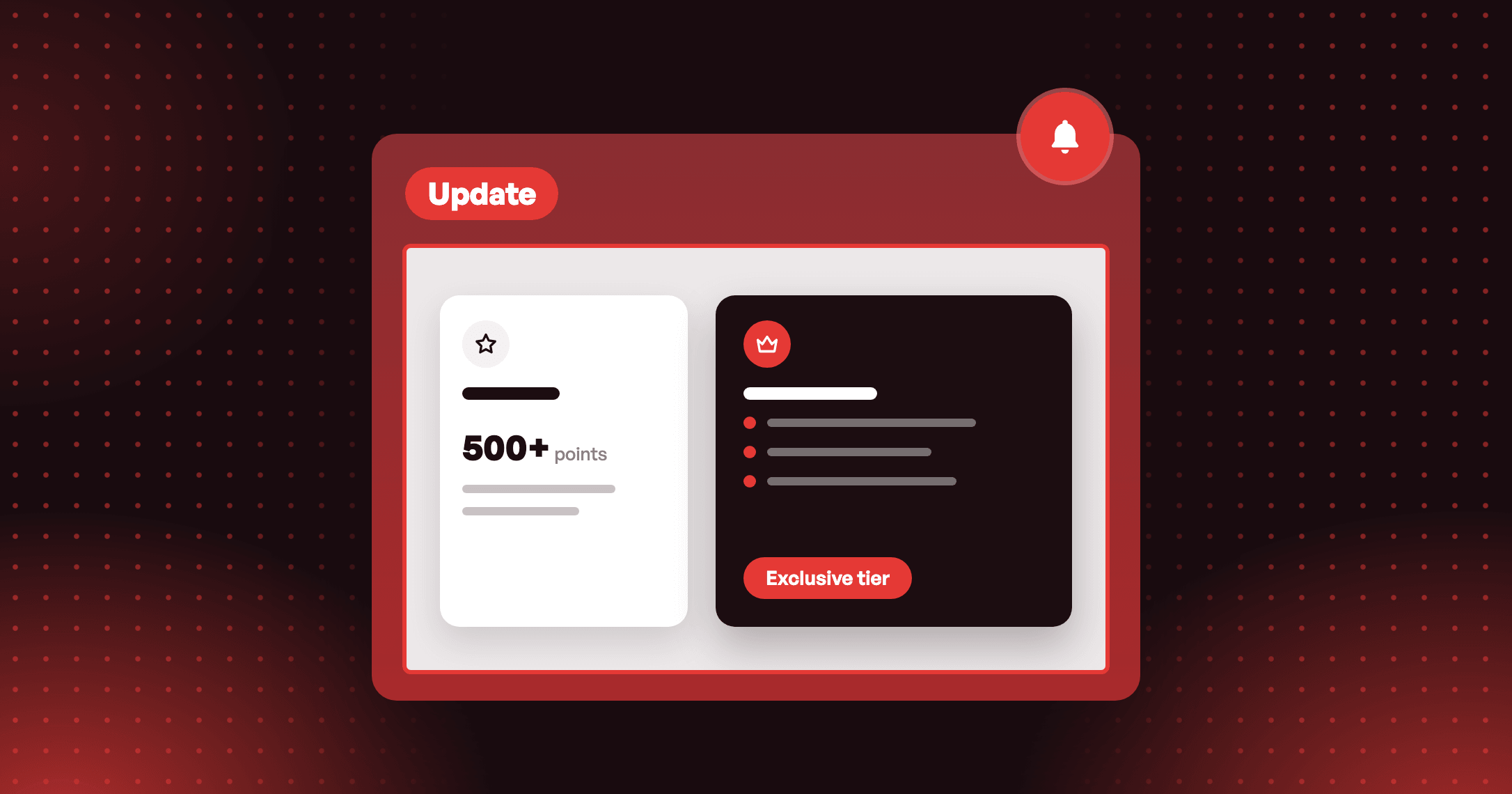
Your exclusive tier card on the New Loyalty page now shows your own description, not a points target. No description yet? It reads Exclusive tier.

Summarize this post with AI
Why this matters
An exclusive tier is assigned by hand, so no number of points reaches it. When a tier kept a points target, its card on the New Loyalty page printed it. The card now says what the tier is.
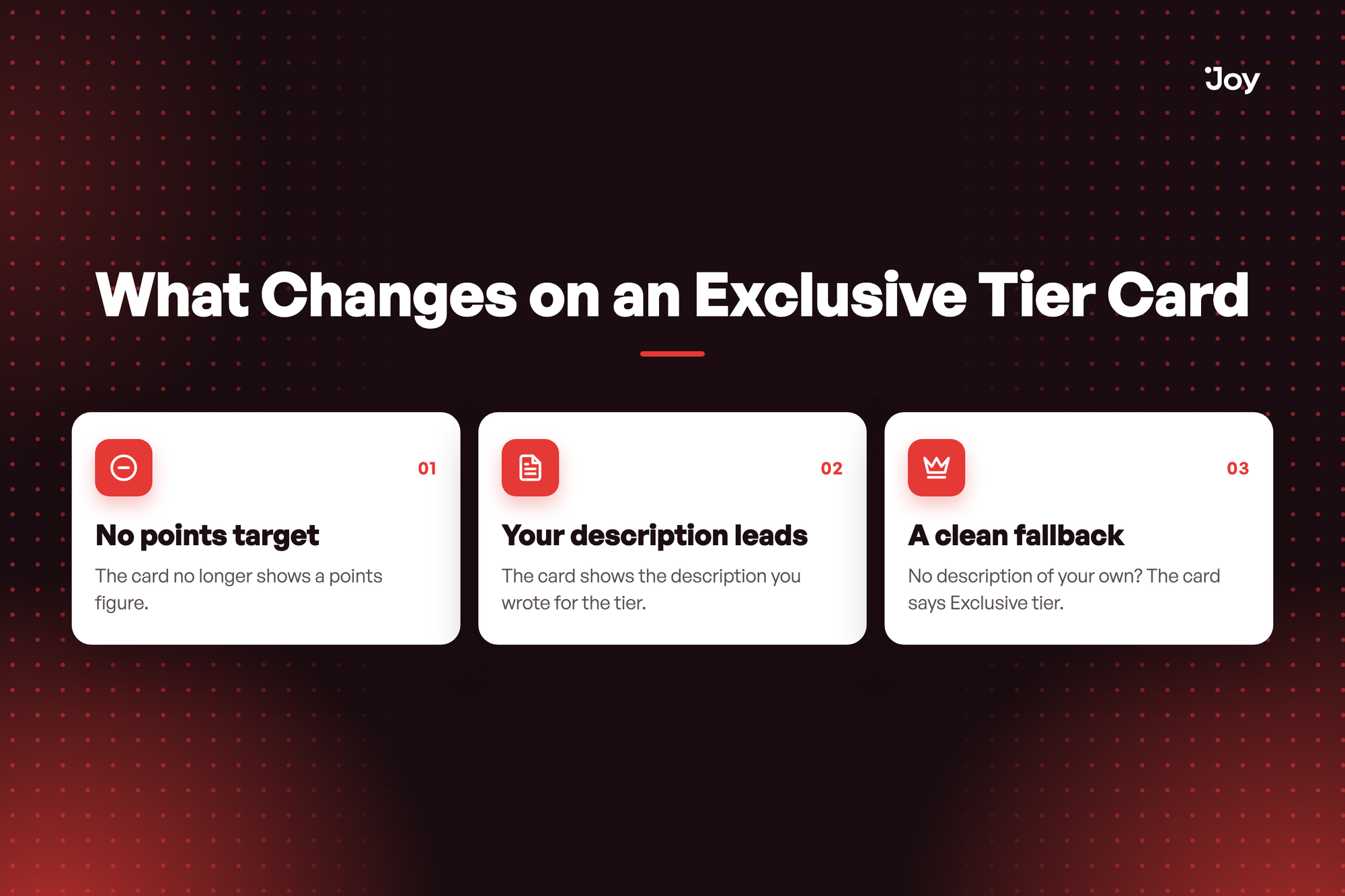
No points target
The card no longer shows a points figure. Customers do not reach this tier with points, so the card stops implying they do.
Your description leads
The card shows the description you wrote for the tier. Shoppers see it in their own language when a translation exists.
A clean fallback
No description of your own? The card says Exclusive tier.
Illustrative question
My Brand Ambassador tier is invite-only. How do I tell shoppers what it is instead of showing points? Open the tier in Membership, write a description that says what members get, and save. The card on your New Loyalty page shows it.
My Brand Ambassador tier is invite-only. How do I tell shoppers what it is instead of showing points? Open the tier in Membership, write a description that says what members get, and save. The card on your New Loyalty page shows it.
How to access and use
- In Joy, go to Membership and open your exclusive tier.
- Write the description shoppers should read on the tier card.
- Click Save, then open your New Loyalty page. The exclusive tier card shows that description in place of a points target.