Product update
Free gift programs — catch oversized selections before checkout
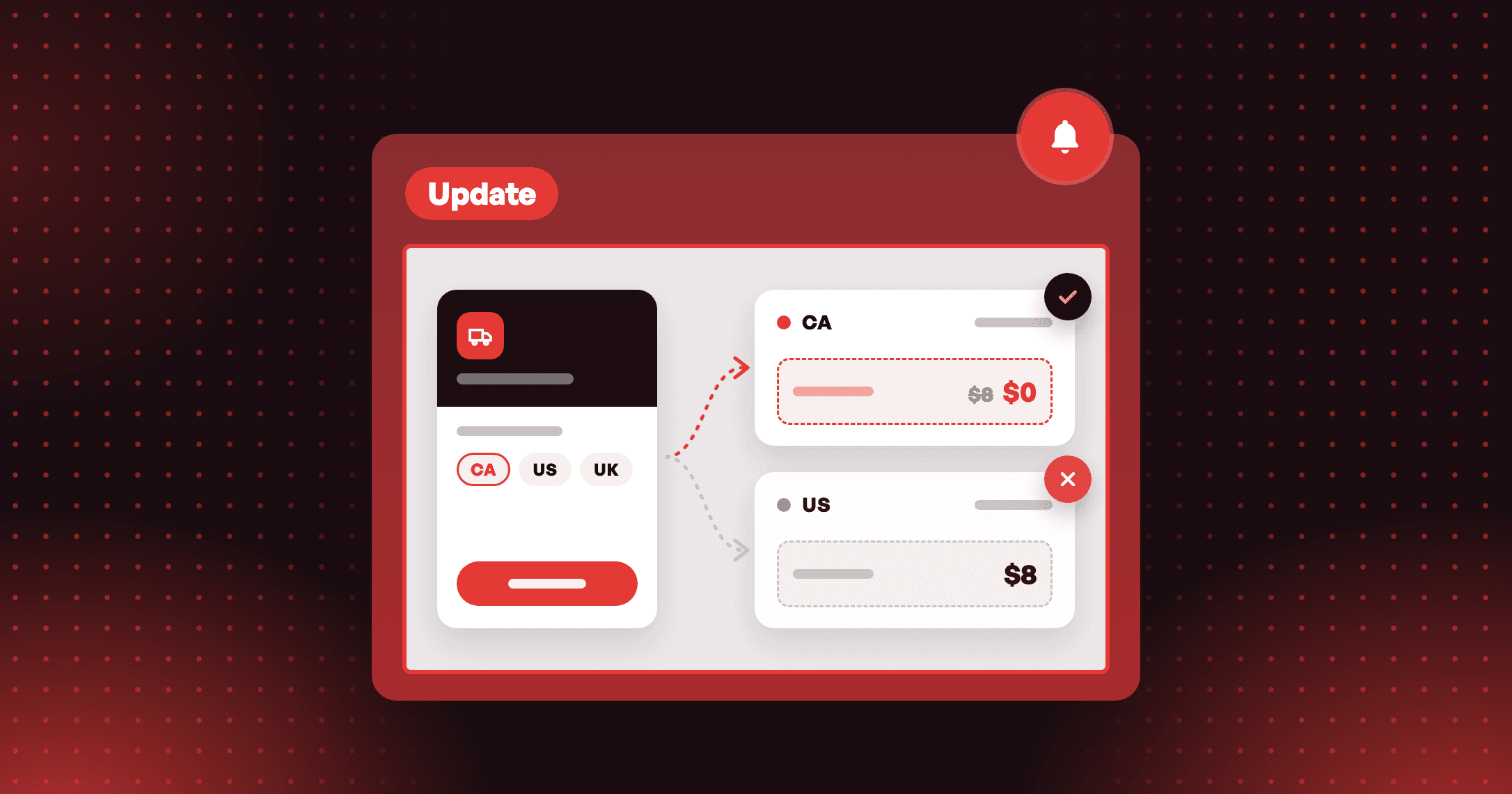
Joy now blocks a free gift program that holds more products than the reward can carry, so a gift never fails to apply at checkout.


Summarize this post with AI
Why this matters
A free gift program can look fine in the admin and still fail at checkout when its selection is too large. Joy now checks the selection when you save.
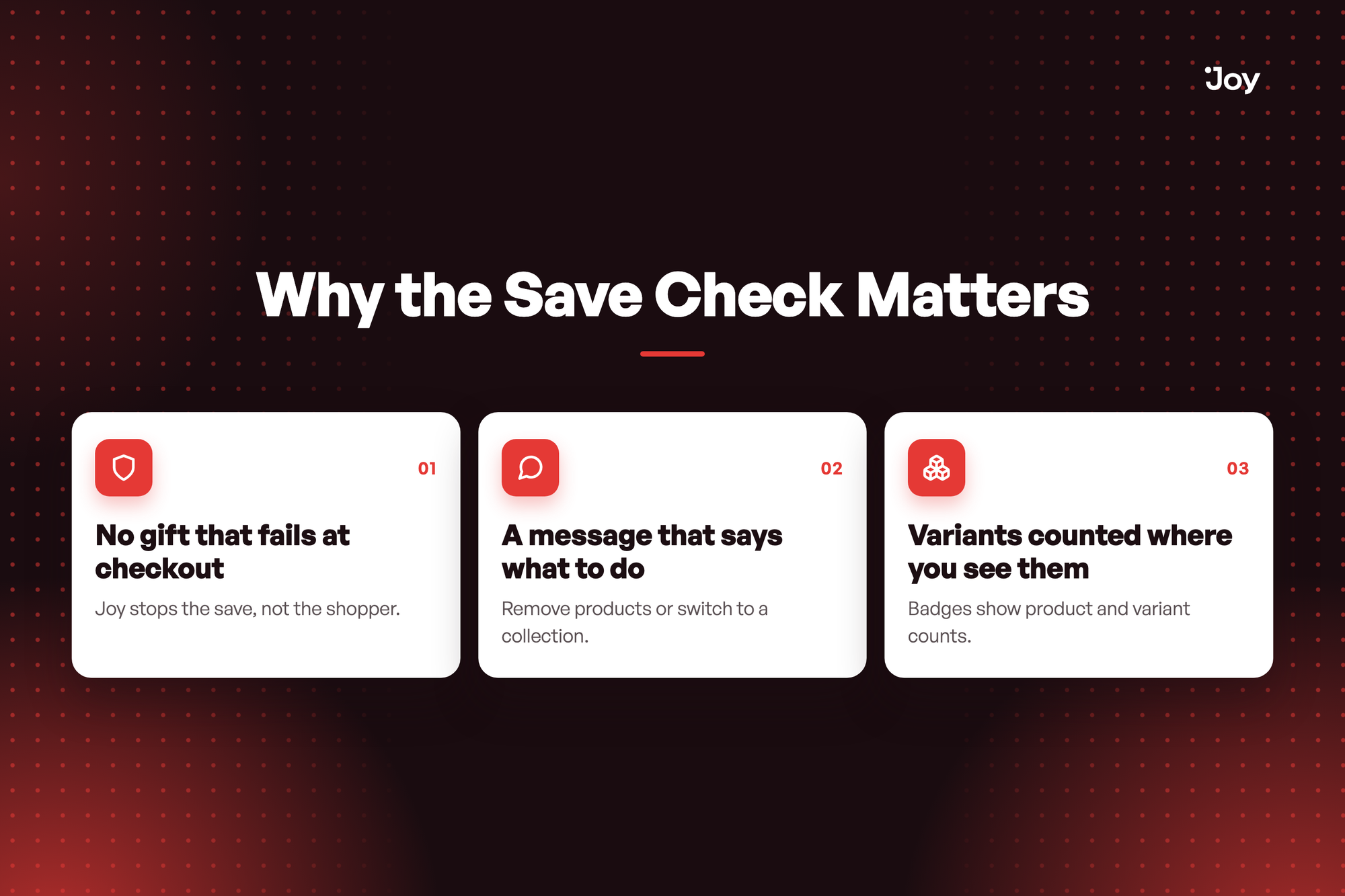
No gift that fails at checkout
Past a size limit, Shopify drops the data a free gift discount reads, and the discount stops applying with no error. Joy now stops the save instead.
A message that says what to do
A blocked save tells you what to change, so you fix it in the form rather than hearing about it from a shopper.
Variants counted where you see them
On discount programs that apply to specific products, the Discount applies to badge shows both counts, since every variant counts toward Shopify's variant limit.
Illustrative question
I picked 70 products for a free gift and Save is blocked. Why? A Free all products in selection gift can carry about 60 variants, and every variant of a product counts. Remove products, or switch to a collection to include more items.
I picked 70 products for a free gift and Save is blocked. Why? A Free all products in selection gift can carry about 60 variants, and every variant of a product counts. Remove products, or switch to a collection to include more items.
How to access and use
- In Joy, go to Reward programs → Redeeming programs and open Free gift program, or select Add more.
- Choose the product selection mode. Joy checks Free all products in selection when you save, and does not block Free one product from selection this way.
- Select your products, or switch to a collection to include more items.
- Click Save. If the selection is too large, Joy blocks the save and shows a message. Remove some products or switch to a collection, then save again.