Product update
Social activity — a different link for each language
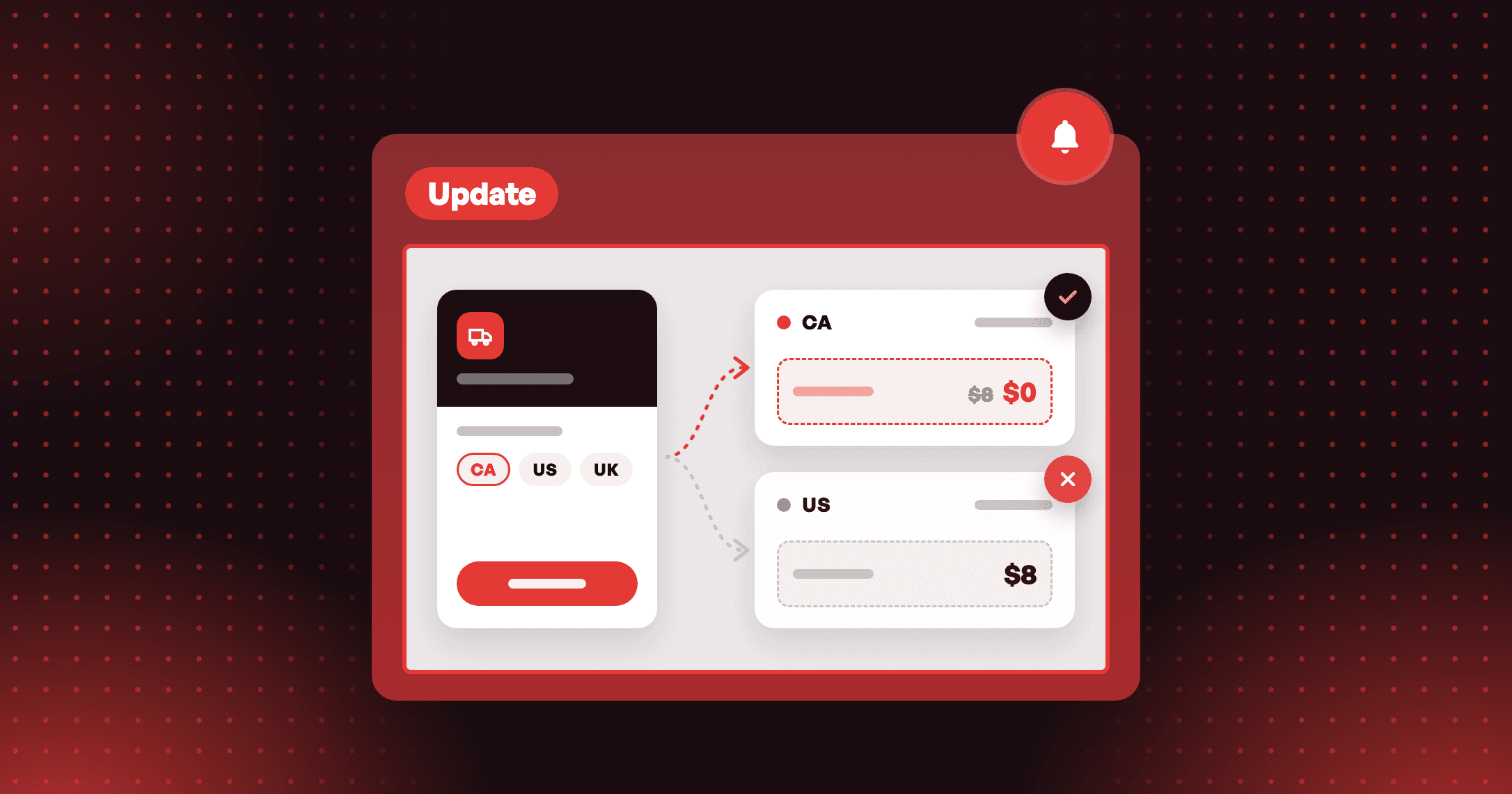
Send shoppers to the right social account for their language. Social activity programs now take a separate link for each language of your store.


Summarize this post with AI
Why this matters
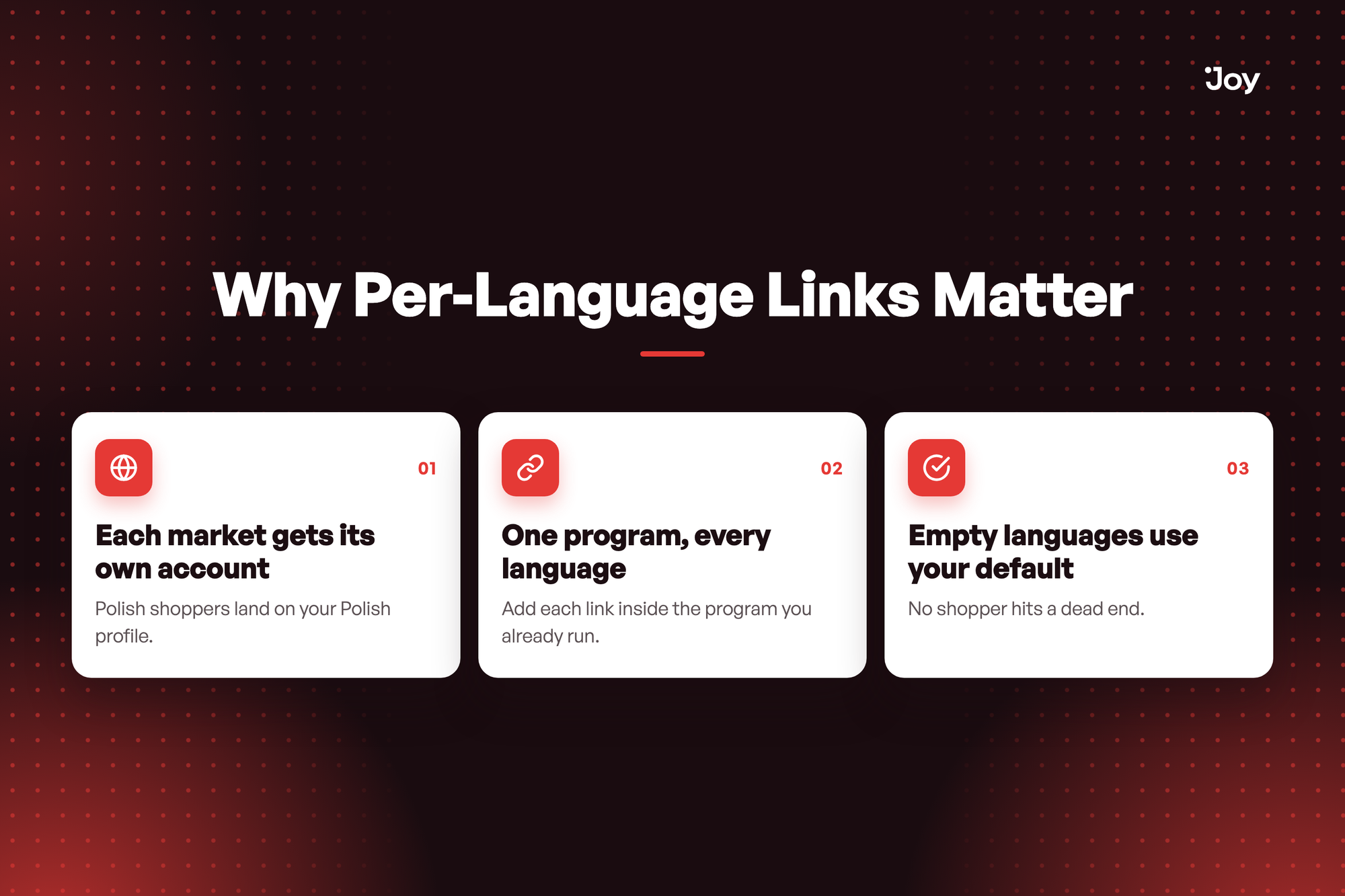
A store with a separate Instagram or TikTok account for each market used to send every shopper to the same link. Social activity programs now take a link for each language.
Each market gets its own account
A shopper reading your widget in Polish lands on your Polish profile, not the English one. The same goes for every language you run.
One program, every language
The Language selector already switches the rule name and descriptions. It now switches the link too, so you keep one program instead of one per market.
Empty languages use your default
A language you leave empty uses the default language link, so you can set links for the markets that need them first.
Illustrative question
Our Instagram has an English account and a Polish one. How do Polish shoppers reach the right one? Open your Follow on Instagram program, choose Polish in the Language selector, and enter the Polish account link. Shoppers in other languages keep the default link.
Our Instagram has an English account and a Polish one. How do Polish shoppers reach the right one? Open your Follow on Instagram program, choose Polish in the Language selector, and enter the Polish account link. Shoppers in other languages keep the default link.
How to access and use
- In Joy, go to Reward programs → Earning programs and open your Social activity program, or add one.
- Enter the default link in the link field. Every language uses it until you set another.
- Choose a language in the Language selector, then enter the link for that language. Joy checks each link the same way as the default link.
- Repeat for each language you need, then click Save. Languages you leave empty use the default link.