A customer just earned 200 points on their third order with you. You send the email: "You've reached Silver" or "Here's your reward." They open it.
And it looks nothing like the rest of your brand.
No nav bar. No promo banner. No footer with your social links. A clean, generic template - fine, but forgettable. Meanwhile, every other email this customer gets from you - order confirmation, shipping, your marketing flows - carries your full identity.
That's the part most loyalty programs quietly accept. Your most frequent program touchpoint—the loyalty email—is the least branded of the ones you send. To change that, you've had two options: rebuild every notification in a separate email marketing tool (another integration, another bill), or leave it generic.
Not anymore.
Two tabs. One email. Your call.
Every customer-facing notification in Joy now has two tabs at the top of its edit page: Visual Editor and HTML Editor.
Visual Editor is what you already know — the editor, your logo, your colors, your button. Nothing changes there, and it's still the right choice for quick edits and most programs.
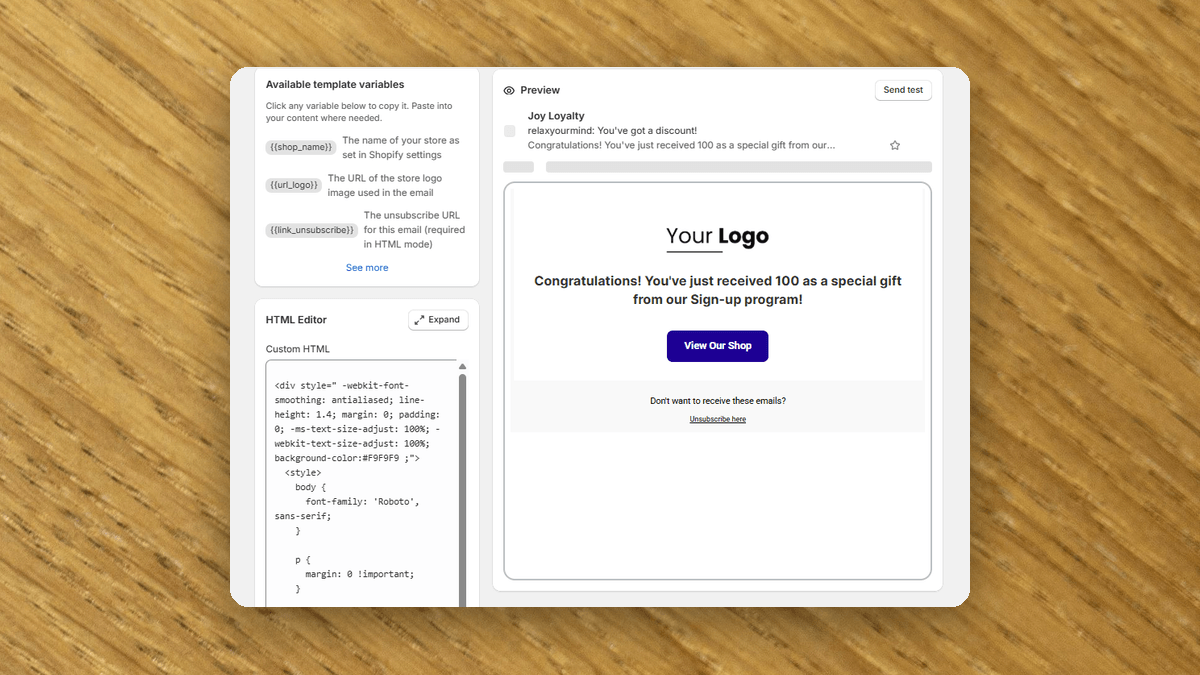
Flip to HTML Editor and the whole email is yours. Paste the HTML you already use elsewhere. Add a navigation menu in the header. Drop in a promotional banner. Build a footer with your social icons and store links. Match the exact layout of your marketing emails.
The two modes save independently, so you can switch back and forth without losing anything. Whichever mode is active when you hit Save is the one that goes out. Your subject line stays a separate field — not buried in the HTML — and Send Test and Preview always reflect the mode you're on.
The first time you switch to HTML mode, Joy hands you a starting point: it generates the full HTML from your current Visual Editor settings. Edit it, replace it, or paste your own over it. Loading the default template regenerates that starting point whenever you want a clean slate. Need room to work? Expand opens the editor full-screen.
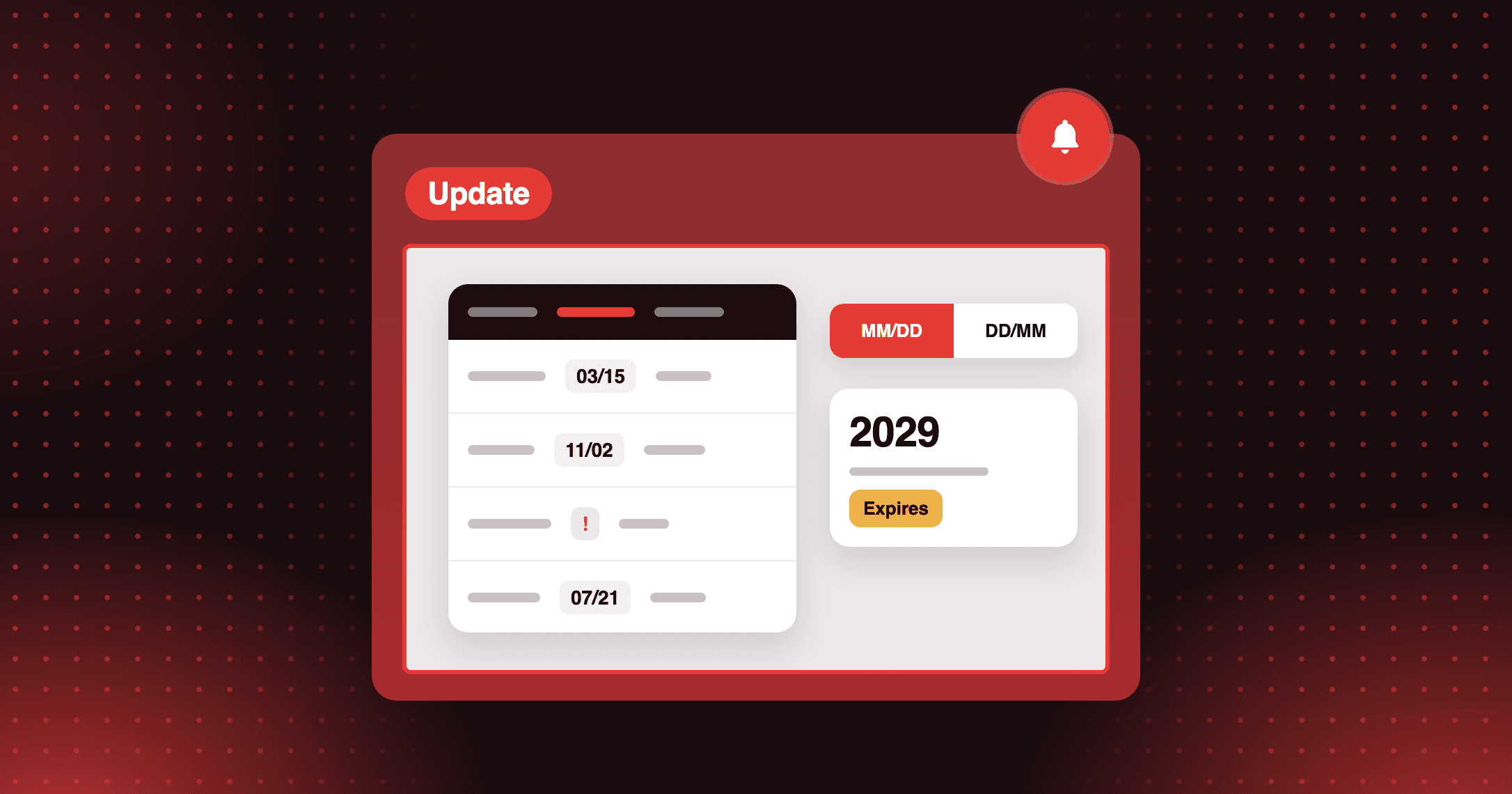
Your variables come with you. Every Liquid variable that works in Visual mode works in HTML mode — {{customer_name}}, {{points_balance}}, {{discount_code}}, all of them. Click any variable in the reference panel to copy it, then drop it wherever you want. One variable is new and exclusive to HTML mode: {{content_body}} — It renders the message body from your Visual Editor. Wrap it in your own HTML, and you get the best of both: one branded shell (header, footer, nav) with each notification's actual copy still editable from the Visual tab. No copy-paste across templates.
Which brings us to the part that scales it: Apply to all notifications. Build one branded HTML layout, click the button, confirm, and Joy sets HTML mode — with that layout — across every customer-facing notification at once. Paired with {{content_body}}, every email shares your shell while keeping its own message. One layout. Every touchpoint. One click.
Why this is the email that matters
Think about how often a loyalty email lands in a customer's inbox. Points earned. Reward unlocked. Tier achieved. Birthday gift. Coupon expiring. For an active member, that's not a one-off — it's a steady drumbeat.
Every one of those is a chance to look like the brand they chose to be loyal to. A loyalty email that carries your nav bar invites a click back to the store. A footer with your latest collection turns a points notification into a second touch. A banner about your sale rides along on an email the customer was already going to open — because it's about their rewards.
When the email looks like an afterthought, it gets treated like one. When it looks like you, it gets read like you.
And there's the simpler win: you're not paying for — or maintaining — a separate email tool just to make your loyalty emails presentable. The HTML you already built is now in Joy.
How it works
Step 1 — Open a notification. Go to Settings → Notifications, then open any customer-facing type — earn points, redeem points, birthday reward, referral, VIP tier upgrade, review reward, welcome points.
Step 2 — Switch to HTML Editor. At the top of the edit page, click the HTML Editor tab. The first time, Joy fills the editor with a default template built from your current Visual settings.
Step 3 — Make it yours. Edit the generated HTML, replace it, or paste in the template you use elsewhere. Drop {{content_body}} where the message should sit, and Liquid variables wherever you need them. {{link_unsubscribe}} is required — Joy won't save without it, to keep you compliant.
Step 4 — Roll it out (optional). Click Apply to all notifications to push the same HTML — and HTML mode — to every customer-facing notification at once. A confirmation tells you exactly how many will change.
Step 5 — Test, then save. Use Send Test and Preview to check the rendered email. Hit Save, and the notification sends as HTML from then on.
A few things to know: each notification's HTML is capped at 50,000 characters. For safety, <script>, <iframe>, <form>, <input>, event handlers like onclick, and javascript: URLs are stripped on save — inline style attributes are kept exactly as you wrote them. The Custom HTML editor now owns how the email renders across inboxesis, available on every Joy plan — Free, Basic, Advanced, and Ultimate.
One word of caution that comes with the control: you now own how the email renders across inboxes. Test in Gmail, Outlook, Apple Mail, and at least one mobile client before you turn it on for live sends.
Every loyalty email is as good as your best email
A loyalty program isn't a feature bolted onto your store. It's part of the relationship — and every message it sends is a moment your customer hears from you.
Those moments shouldn't look borrowed. They should look like you, sound like you, link back to you. With HTML mode, the email a customer gets when they hit a new tier can carry the same craft as your homepage.
That's the bar. Not "good enough for a transactional email." As good as the best email you send.
Ready to turn retention into real growth?
Join the future of loyalty today. With our omnichannel platform, you can connect with customers across every touchpoint, reward their engagement, and build lasting relationships that drive growth.