The Unified Widget is here. Make your widget be your brand.
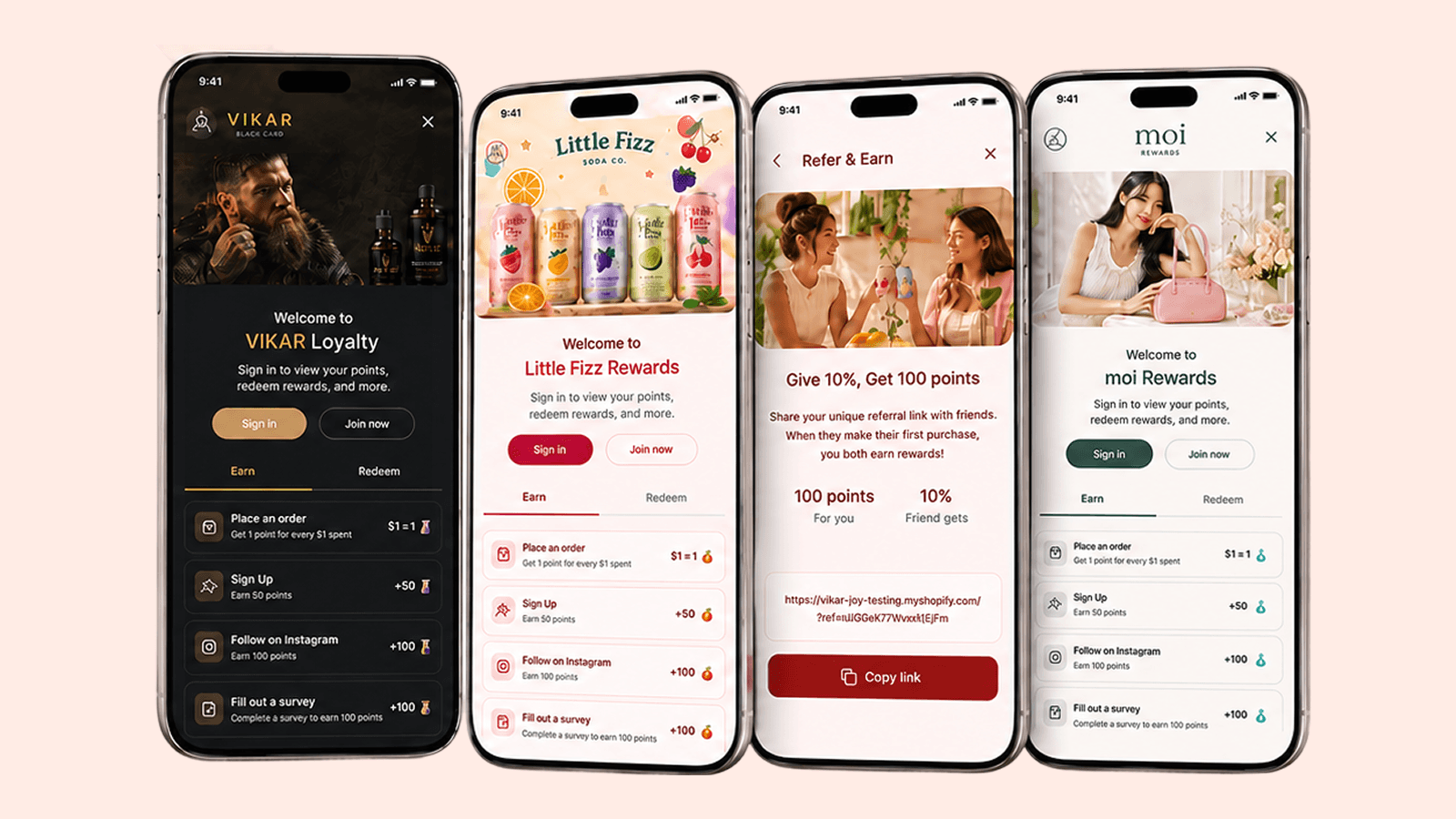
Joy's new storefront, rebuilt on Lit Web Components. Theme every detail through CSS design tokens. Request the upgrade through support.

Summarize this post with AI
Why this matters
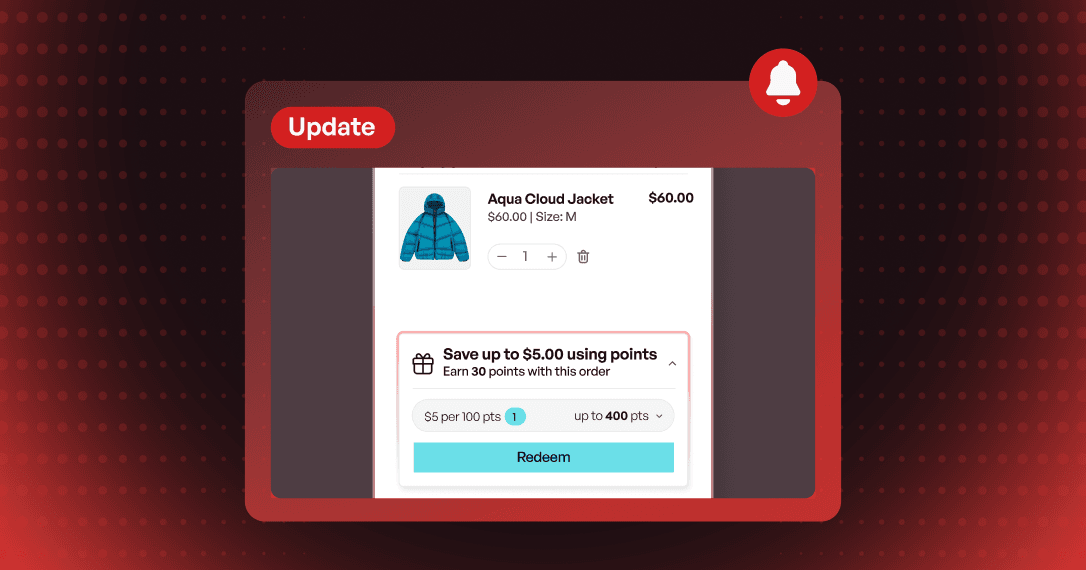
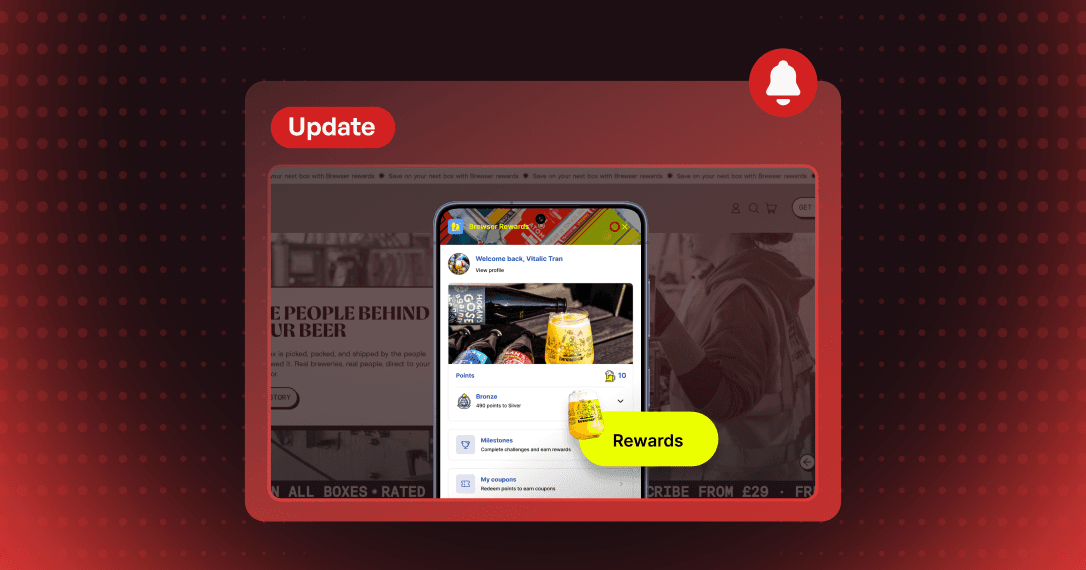
Make your loyalty widget look like part of your store. The Unified Widget rebuilds Joy's floating widget, loyalty page, account page, cart drawer redeem, and points calculator on one component library with a shared set of design tokens.
Match every surface to your brand
Colors, typography, corner radius, and spacing are exposed as CSS design tokens. Set a token once at the root level and every component picks it up, while custom CSS still works.
Build the loyalty page from blocks
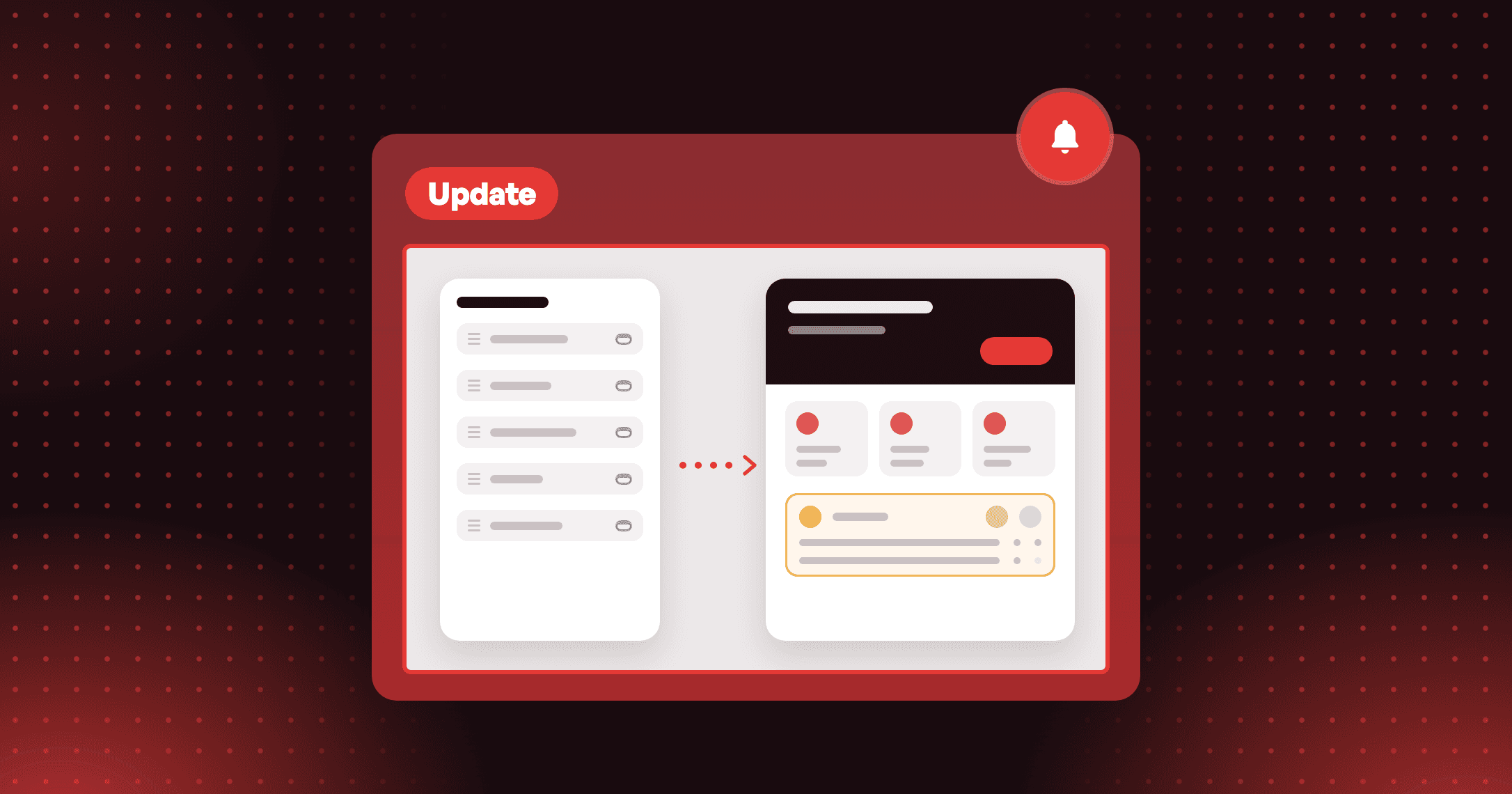
Screens are composed from modular blocks that work like Shopify sections. Add a Hero, Ways to Earn, VIP Tier, or Referral block, reorder them, hide what you do not need, and theme each block independently.
Upgrade without touching your program
The Unified Widget reuses your existing business logic, so programs, points, customers, integrations, and Shopify Flows stay as they are. Only the visual layer changes.
Start with your loyalty page. Keep the blocks your customer journey needs, such as Hero and Ways to Earn, then reorder them and hide the rest.
How to access and use
Step 1: Open the Widget tab
In Joy, go to On-site content and select the Widget tab.
Step 2: Open the Unified widget
On the Unified widget card, click Setup to open the widget design editor.
Step 3: Set your design
In the Design panel, set your colors, typography, shape, and spacing.
Step 4: Save and publish
Click Save to publish the widget to your storefront.
Frequently asked questions
Do I need to redo my current branding settings?
No. Your current colors, fonts, and button styles map to the Unified Widget's design tokens automatically, so you fine-tune from there.
What happens to features the Unified Widget does not cover yet?
The milestone program, interactive website popup, wallet pass and QR, submit receipt program, and branded reminder popup stay on the legacy widget. Joy falls back to it automatically, so customers see no broken screens.
Does the Unified Widget slow down my storefront?
No. It is built to load lighter: the floating button ships in a small bundle on first paint, and everything else loads when a customer opens the widget.