Product update
Customers can now redeem points for store credit
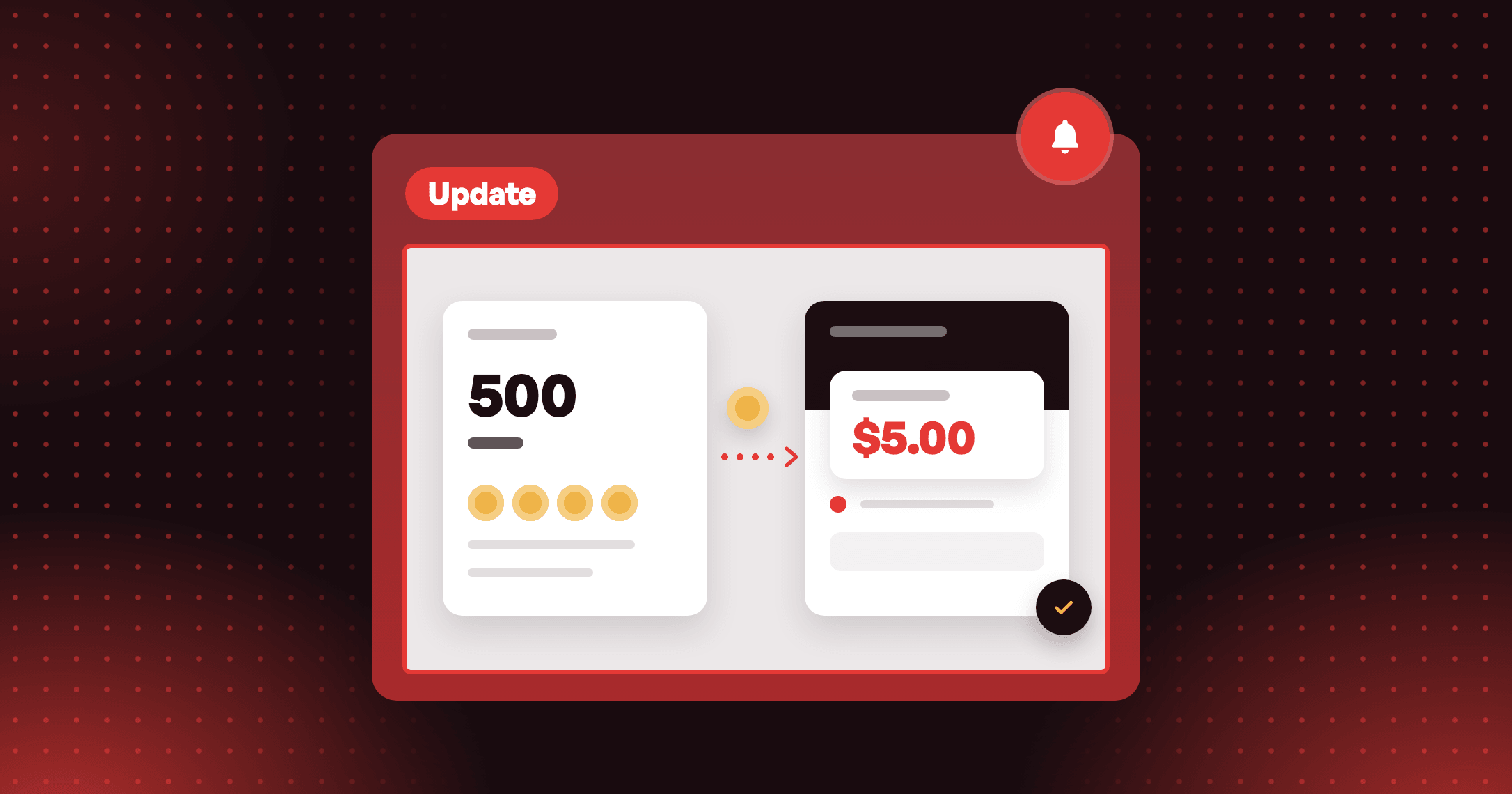
Customers spend points and the amount goes straight into their Shopify store credit balance, with no discount code to copy.

Summarize this post with AI
Why this matters
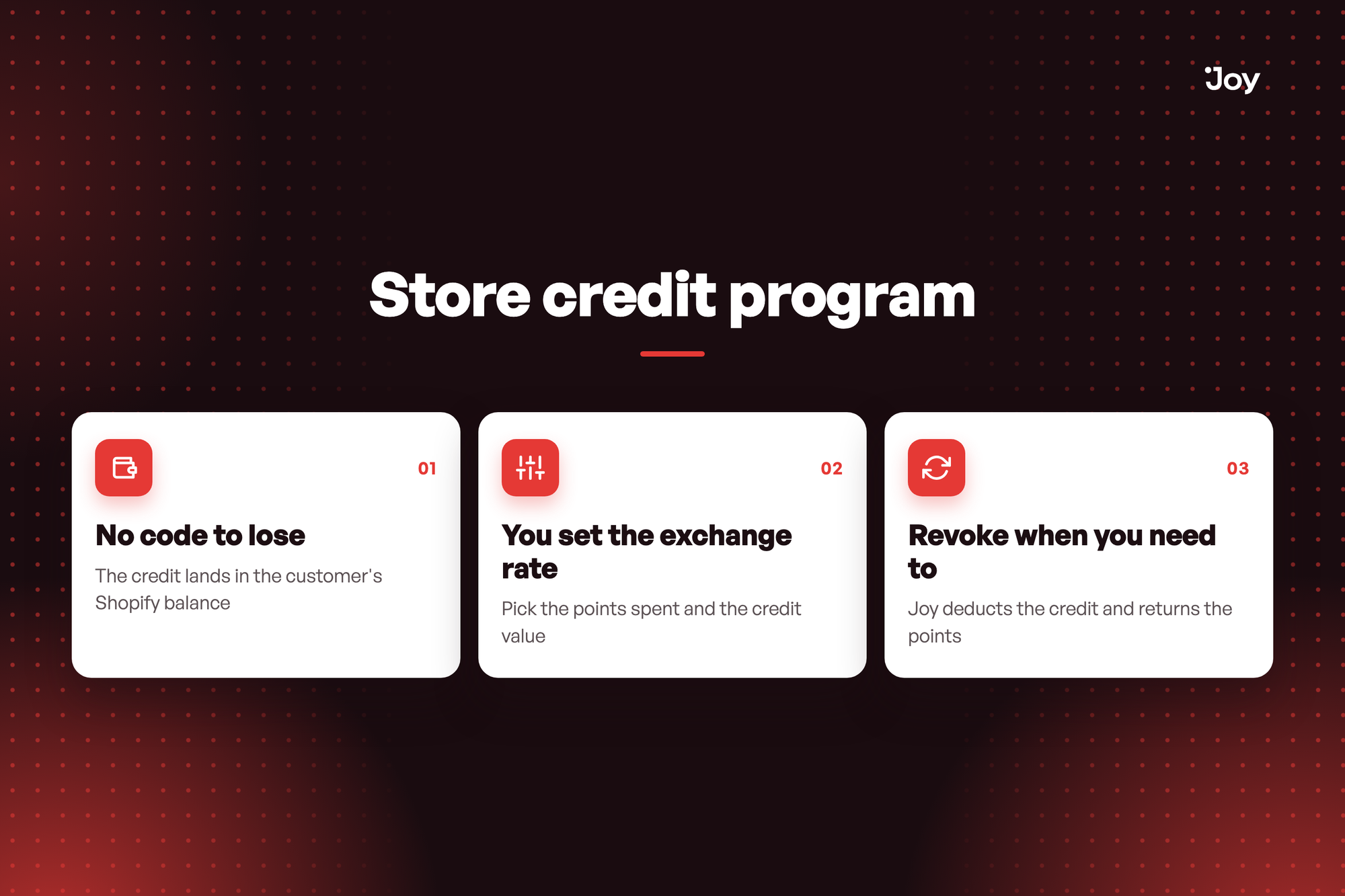
Not every reward should be a code. A Store credit program lets customers spend points on a balance that sits in their Shopify account.
No code to lose
The credit lands in the customer's Shopify balance. There is nothing to copy, paste or find again at checkout.
You set the exchange rate
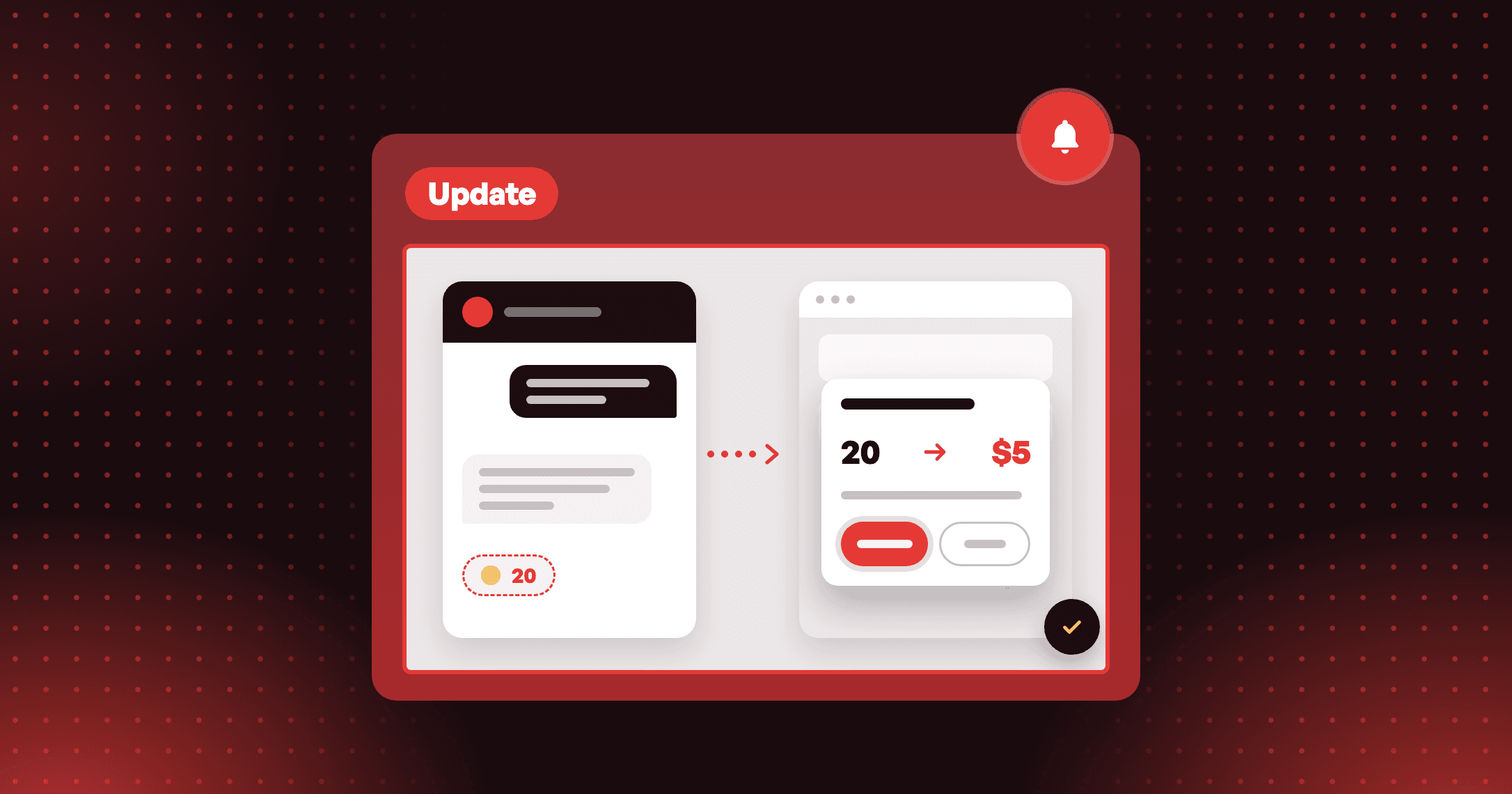
Pick the points spent and the credit value. When your store has one Place order rule that earns by amount spent, Joy shows the percentage back on spend, so you can compare the reward with what customers earn.
Revoke when you need to
Joy deducts the credit and returns the points, as long as the customer's balance still covers the amount.
Illustrative question
A customer redeemed points for store credit and wants the points back. Can I reverse it? Yes. In Activities, open the Store credit tab and click Revoke. Joy deducts the credit and returns the points, as long as the customer's balance still covers the amount.
A customer redeemed points for store credit and wants the points back. Can I reverse it? Yes. In Activities, open the Store credit tab and click Revoke. Joy deducts the credit and returns the points, as long as the customer's balance still covers the amount.
How to access and use
- In Joy, go to Reward programs → Redeeming programs → Store credit and click Add more.
- If a banner asks for store credit access, grant it. You do this once for all programs.
- Enter Customer redeems and Store credit value. Set expiration, who can redeem and any limits if you need them.
- Click Save and turn the program on.