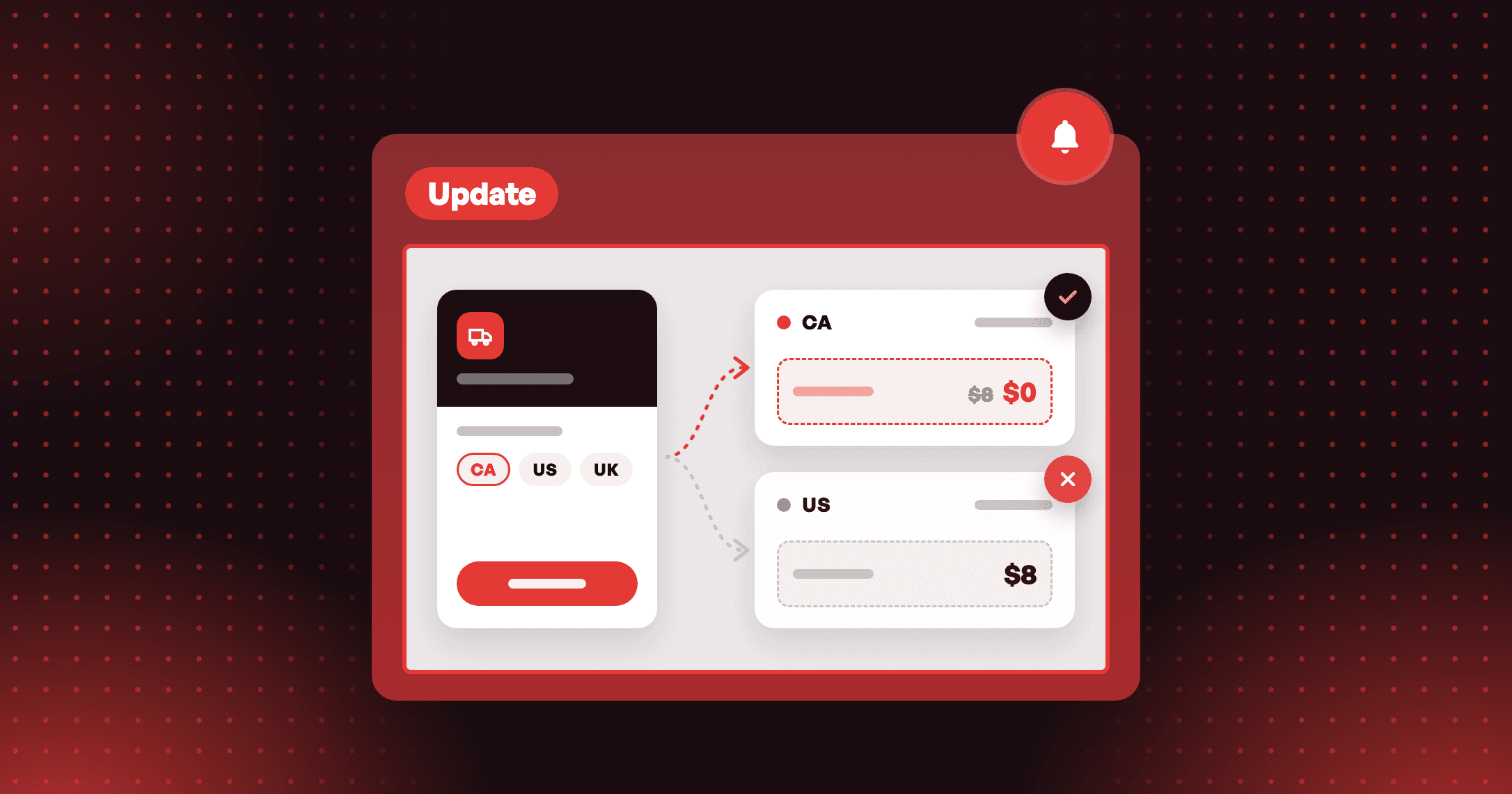
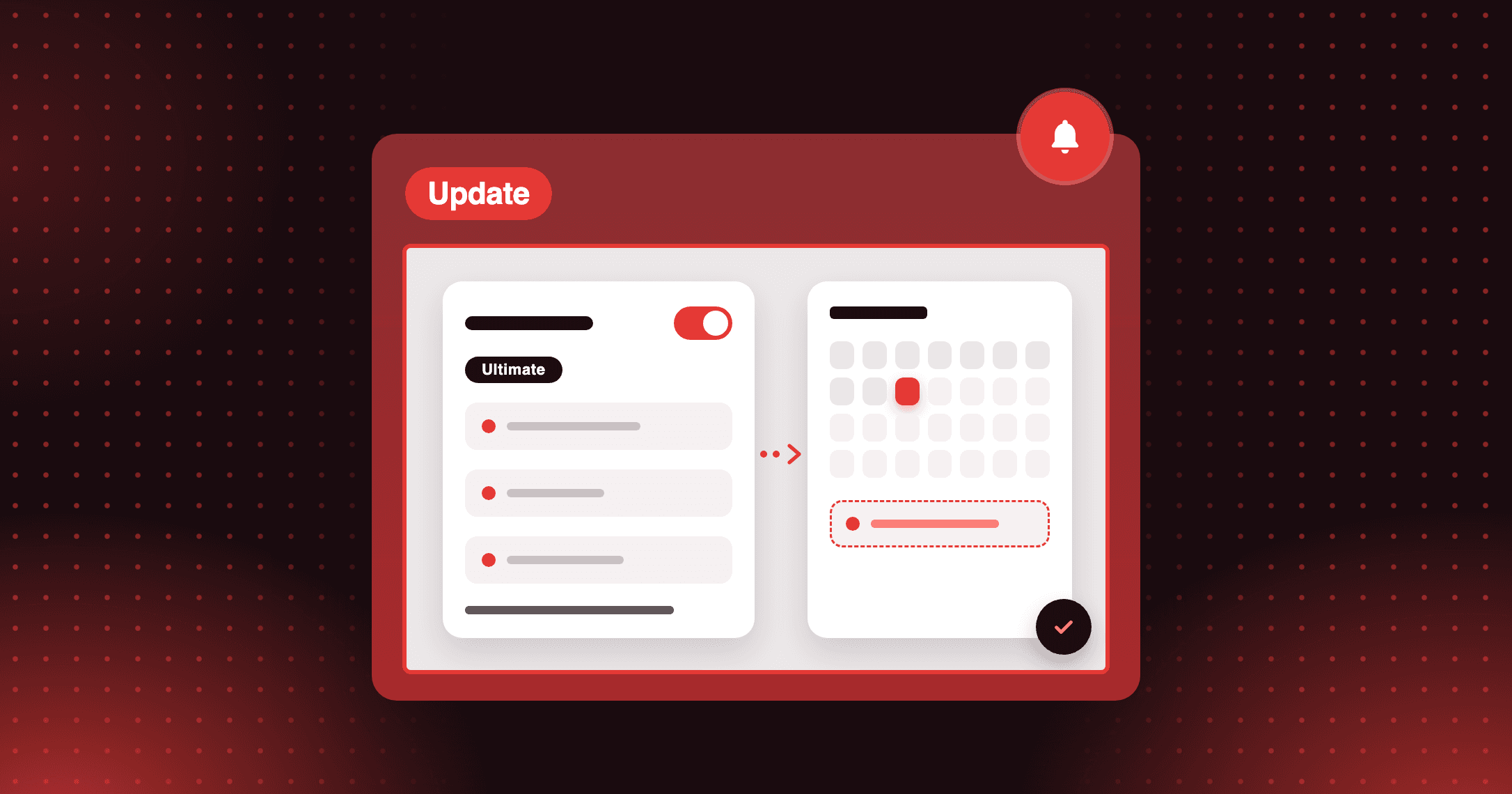
Product update
VIP relaunch — skip customers who already got the reward
Relaunch your VIP tiers without paying the same entry reward twice. Skip customers who already received it, or send it to everyone in the tier.

Summarize this post with AI
Why this matters
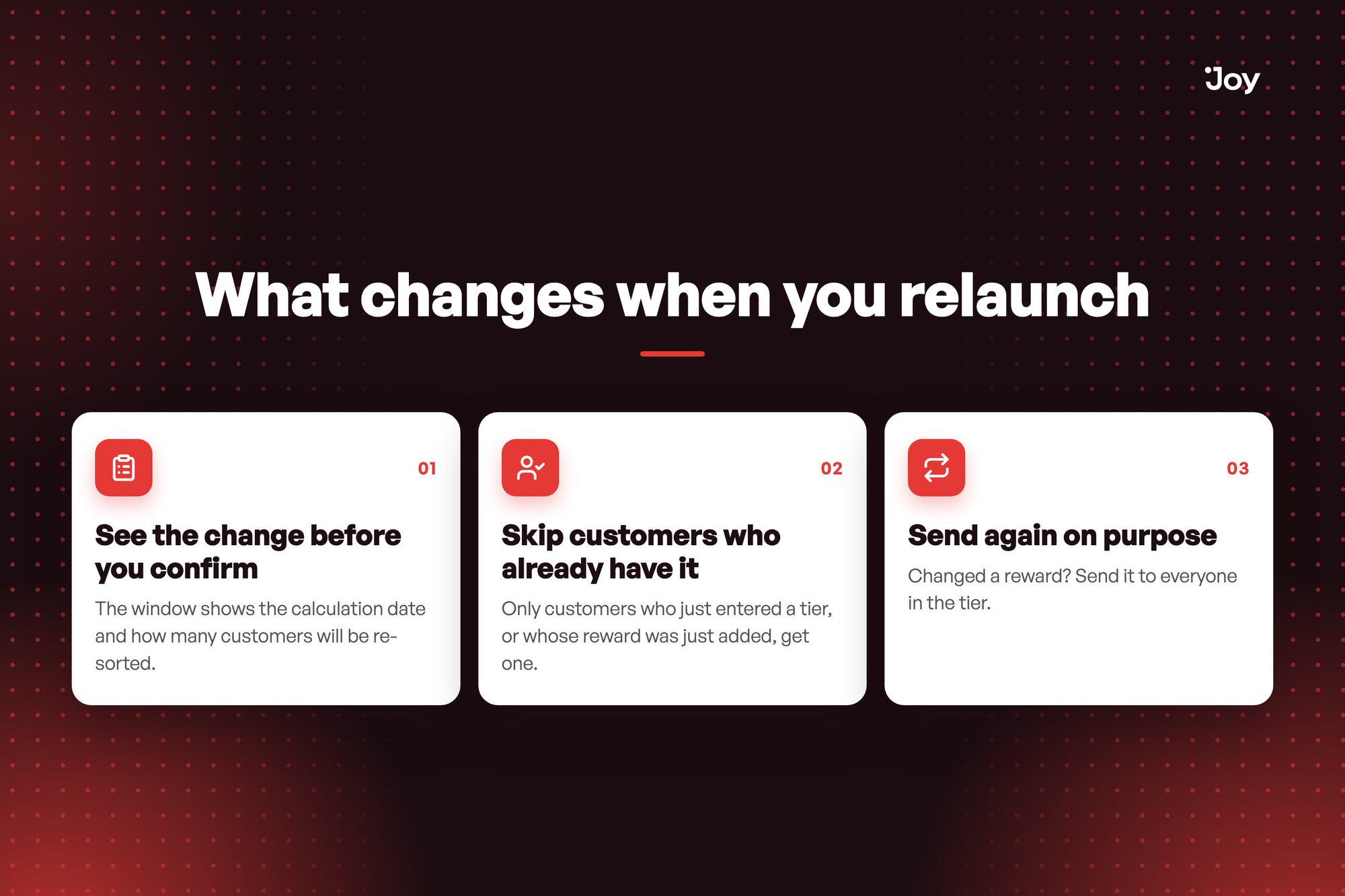
A relaunch re-sorts every customer into a tier, and entry rewards go out on the result. The window now lays out what will happen before you confirm.
See the change before you confirm
The window shows the calculation date and how many customers will be re-sorted. A Change date link takes you back to edit the date.
Skip customers who already have it
Only customers who just entered a tier, or whose reward was just added, get one. This is the default once you tick Give entry rewards after recalculating.
Send again on purpose
Changed a reward? Send it to everyone in the tier. Customers may receive another reward, and it cannot be undone.
Illustrative question
I raised the Gold tier's entry reward and relaunched. Will my current Gold members get it again? Only if you ask for it. Give entry rewards after recalculating starts unticked. Tick it and Joy skips customers who already received the tier's reward. Choose Send to everyone in the tier when the new reward should reach members who already hold the old one.
I raised the Gold tier's entry reward and relaunched. Will my current Gold members get it again? Only if you ask for it. Give entry rewards after recalculating starts unticked. Tick it and Joy skips customers who already received the tier's reward. Choose Send to everyone in the tier when the new reward should reach members who already hold the old one.
How to access and use
- In Joy, go to Membership → VIP Tiers. After you change tier settings, the start date or the entry method, click Launch at the top of the page.
- In Relaunch VIP Tiers, check Tiers are calculated from and the number of customers re-sorted. Click Change date to edit the date.
- To send entry rewards, tick Give entry rewards after recalculating, then choose Skip customers who already received this tier's reward or Send to everyone in the tier.
- Add Change notes (optional), then click Relaunch VIP Tiers.