Mobile app action — reward the first login in your Shopney app
Reward customers once for their first login in your Shopney app, or for turning on notifications.

Summarize this post with AI
Why this matters
Reward the moment a customer opens your app
The new Mobile app action program pays a customer once, when your Shopney app reports their first login. Customers who installed the app before you turned the program on are rewarded at their next login.
Reward notification opt-ins
A second action pays when a customer turns on notifications for your app. Only a granted permission counts, and points are never taken back if they turn notifications off later.
One reward per customer, no support request
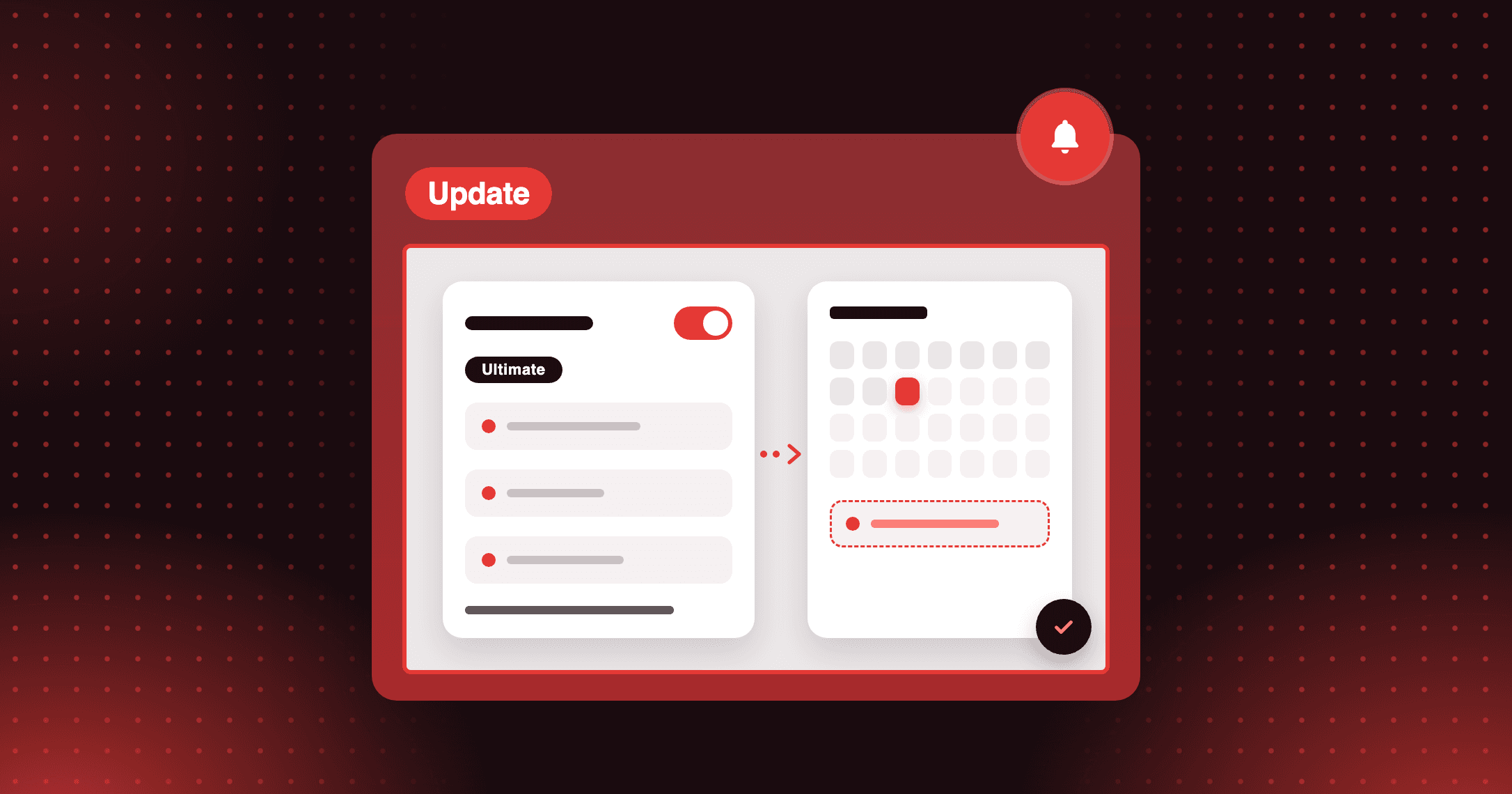
Each customer is rewarded once per program. Any Ultimate store sets it up in Joy admin; Mobile app actions currently work with Shopney only.
How do I get shoppers to open the app I just launched? Set the First login in the app reward and add your App Store and Google Play links. Your website's Ways to earn then shows a Download the app invitation, and the reward lands at the first login.
How to access and use
Step 1: Connect Shopney
In Settings > Developers, generate your App ID and Secret key, then paste them into Shopney's Joy Loyalty integration.
Step 2: Add the program
Go to Reward programs > Custom Program > Trigger action > Mobile app action. Under Action to reward, pick First login in the app or Turn on notifications.
Step 3: Add your store links (First login only)
Add an App Store link, a Google Play link, or both. At least one is required.
Step 4: Set the reward and turn it on
Set the reward and, if you want, the start and end dates. Until your app sends its first event, the form reads "Waiting for the first event from your app".