Tier Assessment — switch it on yourself on any Ultimate plan
Switch on Tier Assessment yourself on any Ultimate plan, with review dates that follow your store's timezone.

Summarize this post with AI
Why this matters
Switch it on yourself
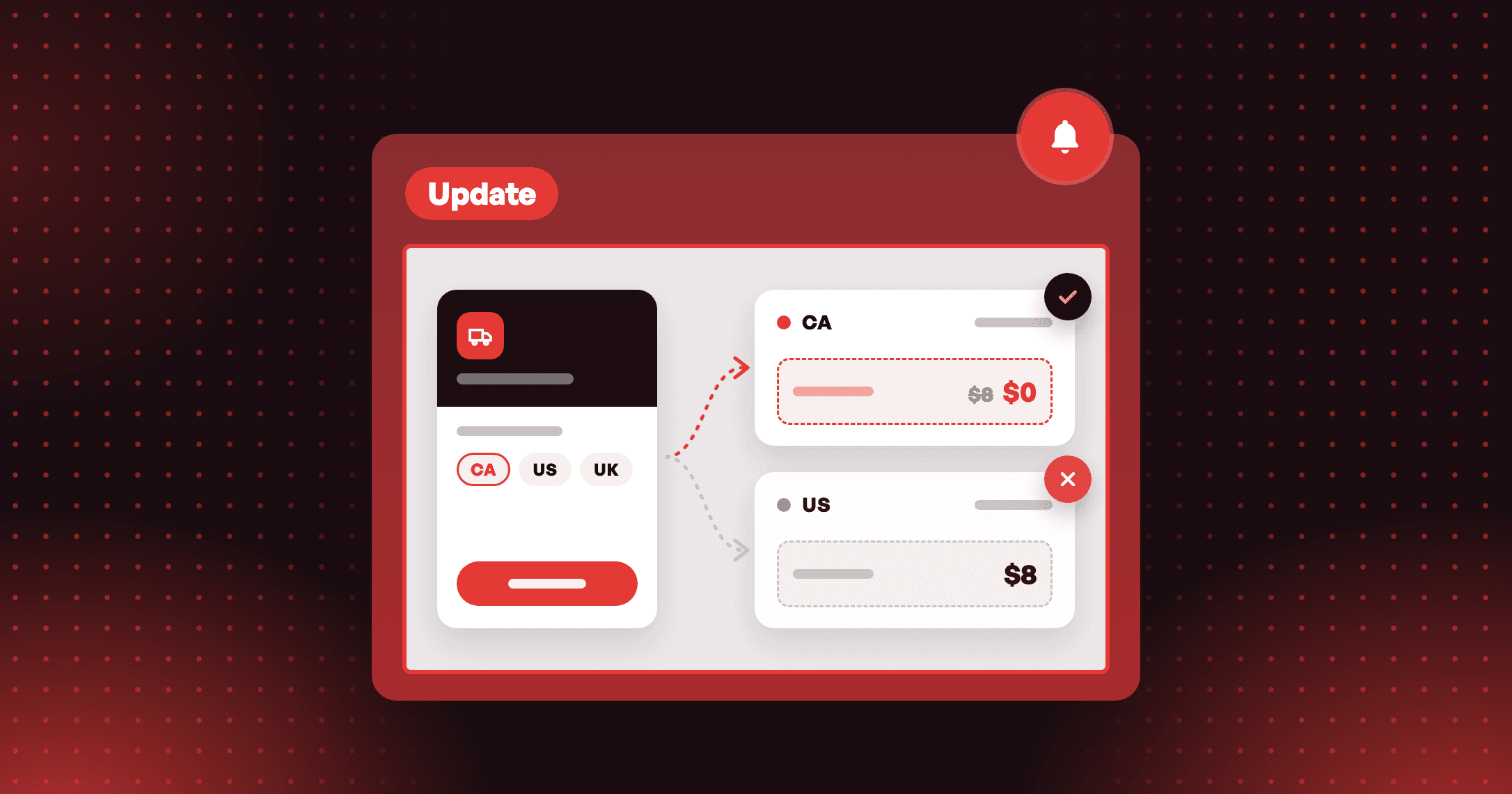
Tier Assessment used to wait on a request to Joy support. Now any store on the Ultimate plan turns it on under Membership > VIP Tier, in the Tier Assessment section. On a lower plan, the section stays locked with an Available on Ultimate badge.
Review dates that follow your store's clock
The first review date is a calendar day in your store's timezone, and it has to be tomorrow or later. A line under the cycle fields shows the first or next review date and the cycle. Emails, Klaviyo and the storefront use that same date.
A plan change never moves your members
If a store leaves the Ultimate plan, Joy turns Tier Assessment off and reviews stop. Members keep the tiers they have.
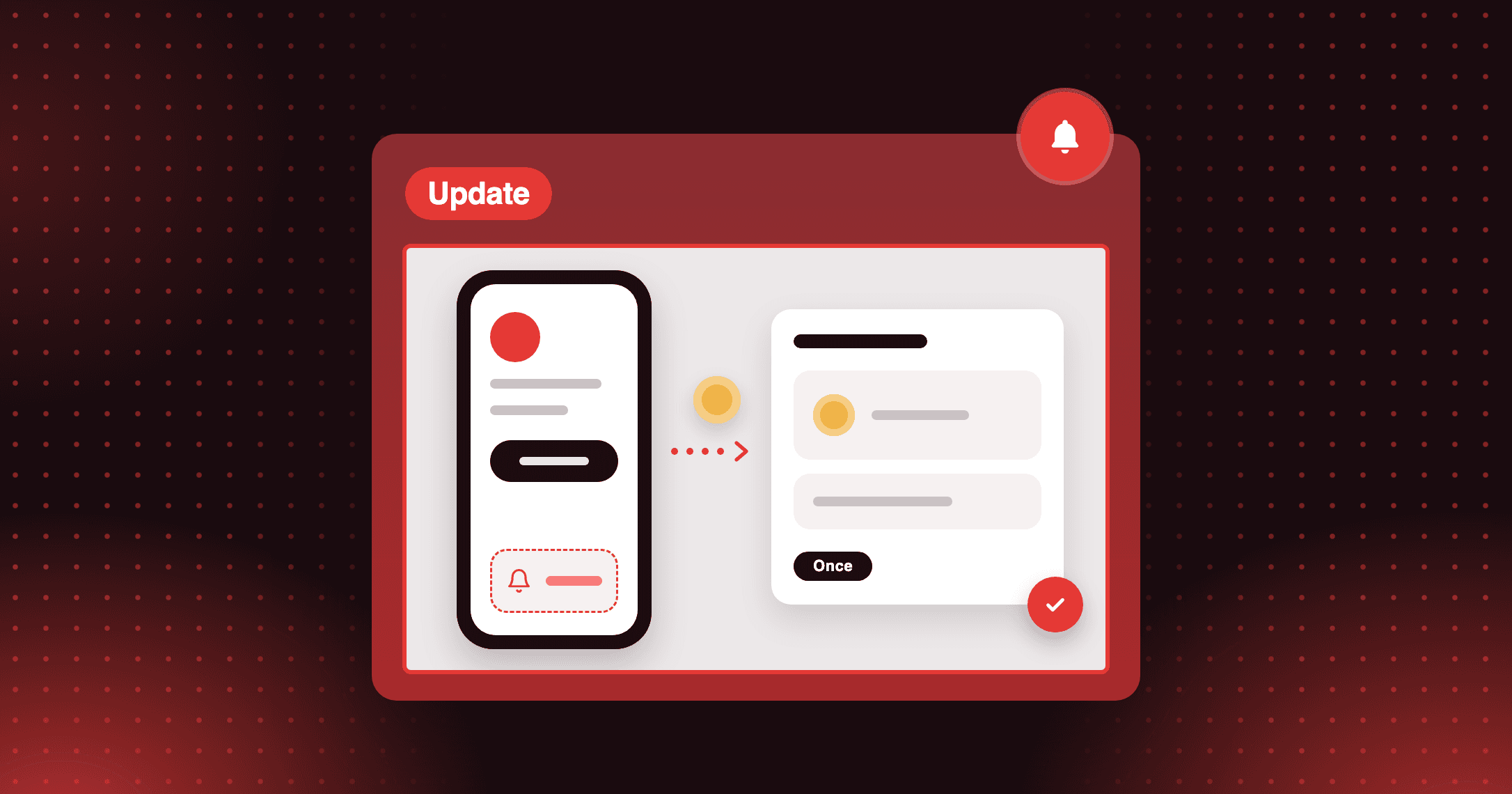
Will my VIPs get enough warning before the first review? Check the schedule line under the cycle fields. If the review is closer than your reminder's lead time, Joy warns you before you save, so you can move the date or shorten the lead time.
How to access and use
Step 1: Open VIP Tier
In Joy, go to Membership > VIP Tier > Set up and choose Assessment.
Step 2: Switch on Tier Assessment
Set the Assessment cycle, the review timeframe and the maintenance threshold for each tier.
Step 3: Pick the first review date
Under Assessment cycle start date, choose On specific date and set the First day of the assessment cycle to tomorrow or later.
Step 4 (optional): Warn members first
In Notifications, switch on Tier assessment reminder so at-risk members hear before the review.