A new look for Joy's admin: Home, Programs, Integrations
Home, Reward programs, Membership, Integrations and Plans have a new look, plus a Discover new features carousel on Home.

Summarize this post with AI
Why this matters
The pages you open every day in Joy now share one look, so programs, memberships and integrations are quicker to scan. Your storefront widget does not change.
What's new on each page
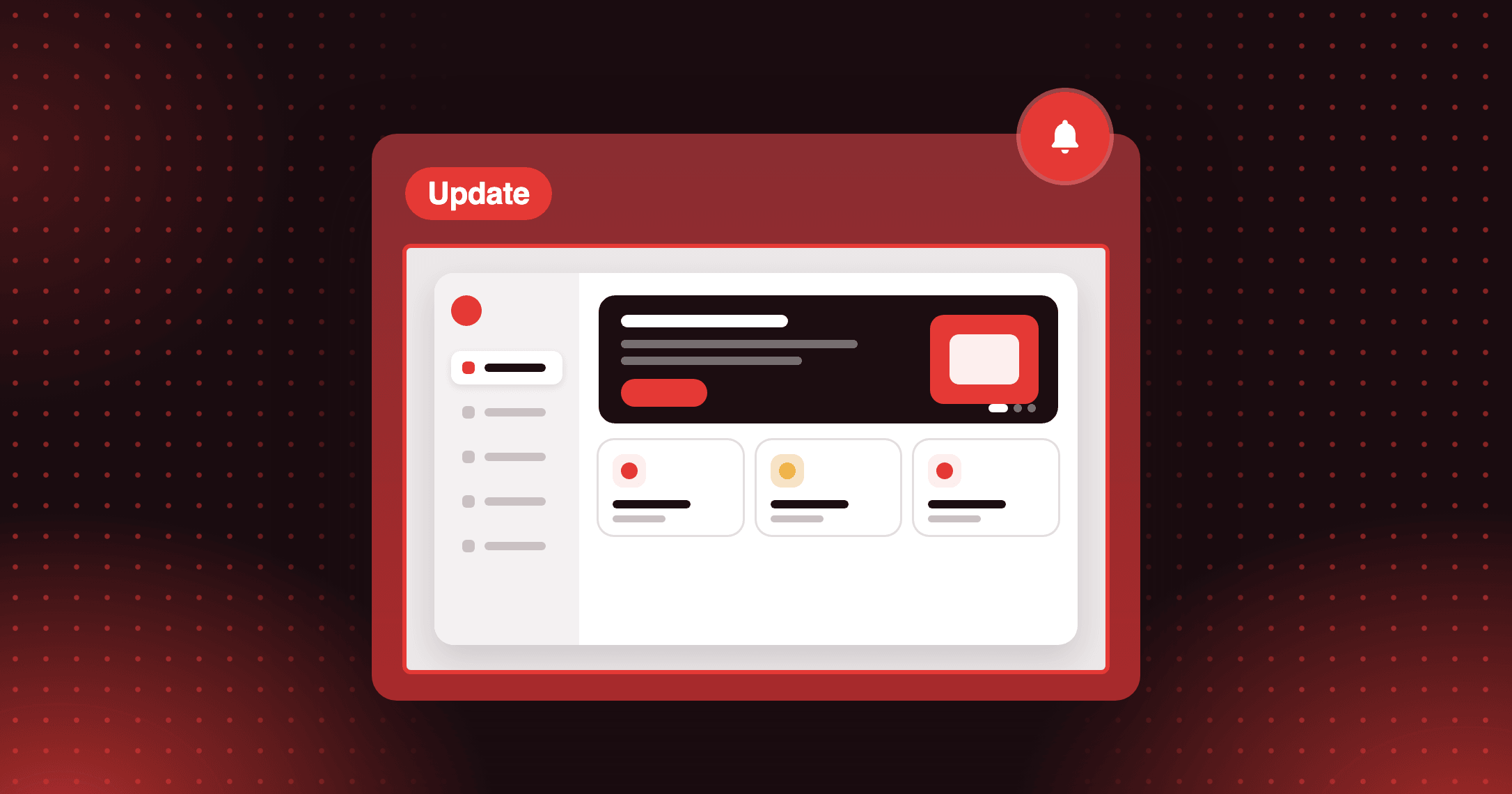
Home adds a Discover new features in Joy carousel at the top. The Getting started cards now carry illustrations, and in Basic mode no step opens on its own.
Reward programs use two-colour program icons, and loading screens show a placeholder layout while your programs load.
Membership shows each option as a card with a preview image, plus a dismissible Need support? card.
Integrations moves the search box into the left panel above the categories. App cards show tags such as POS and API, with shorter descriptions.
Plans adds a Find the features you need search to the plan comparison table, so you can check which plan includes a feature.
How to access and use
Nothing to turn on. Open Joy in your Shopify admin and the new pages are already there. Your settings, programs and data stay as they were.