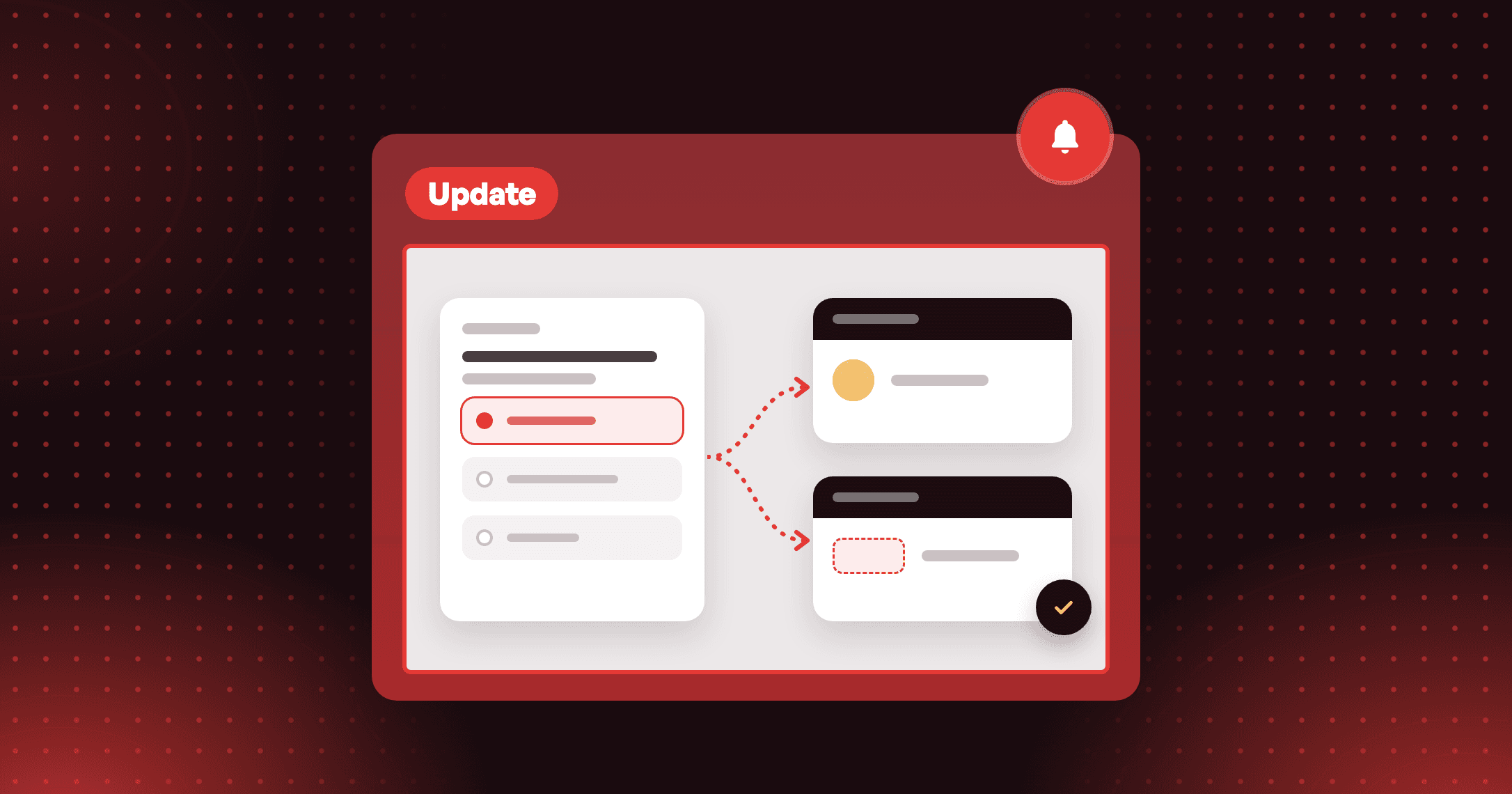
Joy AI now draws your Loyalty page images from your products
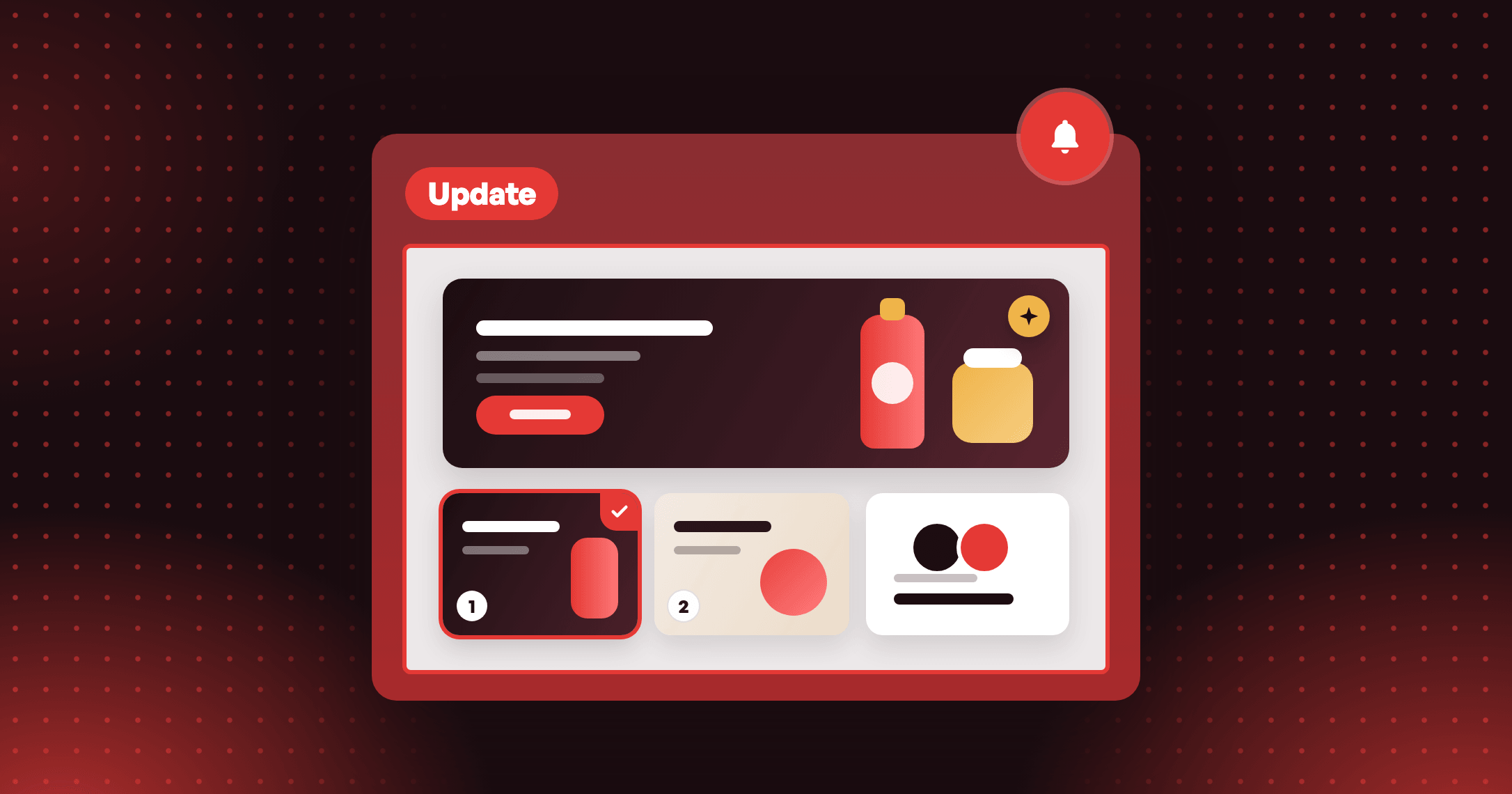
Joy AI draws your Loyalty page hero and Refer a friend images from your own products. You pick one of two for each spot.

Summarize this post with AI
Why this matters
The hero is the first thing a shopper sees on your Loyalty page. The Refer a friend image sits where you ask them to bring someone. Joy AI now draws both from your own products.
Made from your products
Joy reads your products, picks the clearest photo of each one and draws the images in your store's style. Add up to 8 photos of your own to steer the result.
Two images for every spot
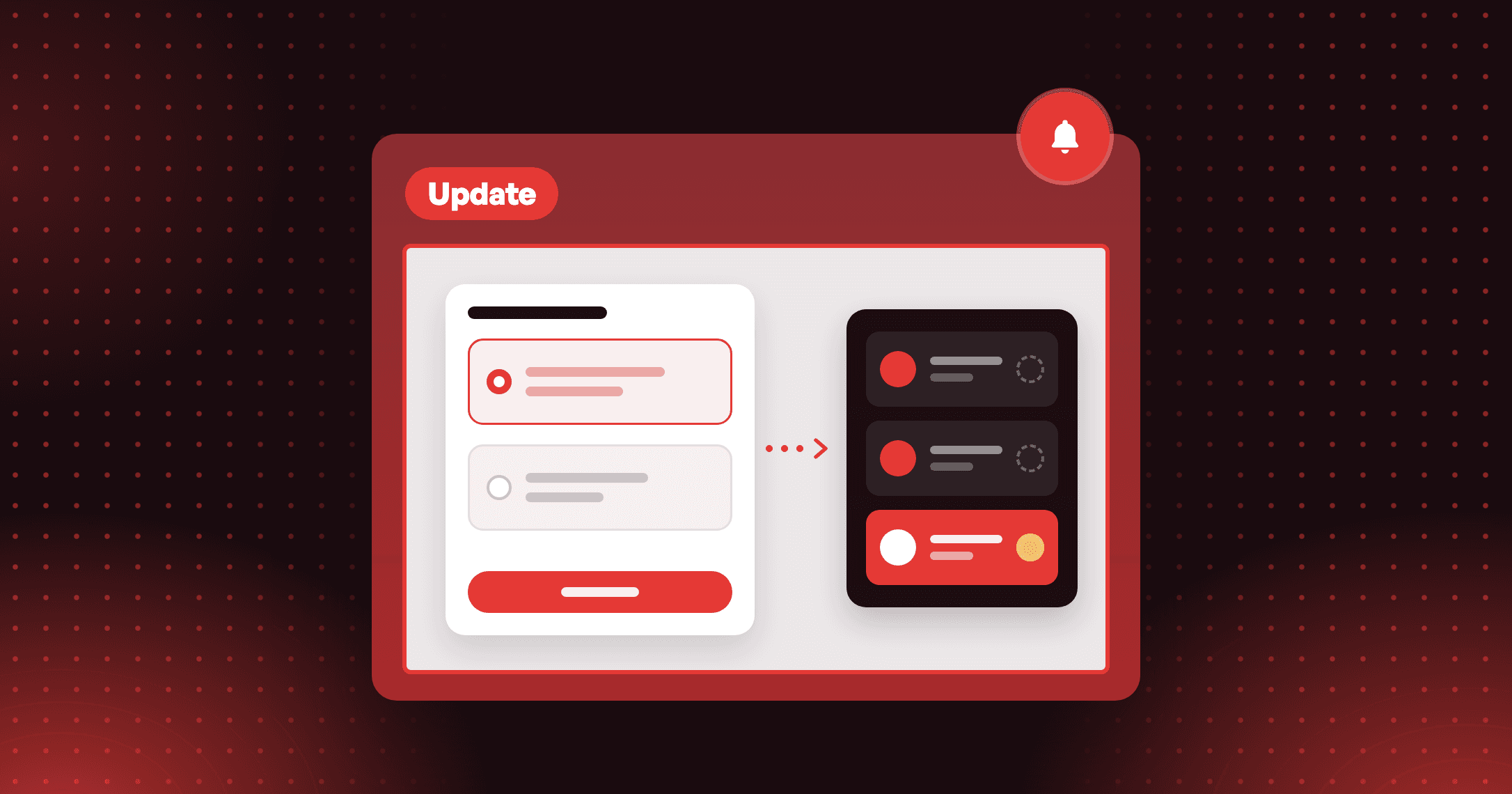
Hero image (desktop), Hero image (mobile) and Refer a friend each get two options. You pick one. Nothing reaches your page until you select Use this image and save.
Your own images stay
A spot with your own image is left alone unless you ask. If you create one anyway, Joy shows your current image next to the new one and you choose which to keep.
Will Joy replace the hero image I already uploaded? No. A spot with your own image is not ticked for you. If you create one anyway, Joy shows Current next to New, and you choose Keep current or Use new. Nothing reaches your page until you save.
How to access and use
- In Joy, open the Loyalty page tab, select Open editor, then go to On-brand → Banner images.
- Select Find product photos. Joy picks the clearest photo of each product. This can take up to a minute.
- Tick the spots you want and select Create. You can leave the page while Joy works.
- Pick Image 1 or Image 2 for each spot and select Use this image.
- Click Save.