AI shopping assistants can now check points and redeem rewards
A shopper's AI assistant can check their points, estimate a cart and redeem a reward on your store. The shopper confirms every redemption.

Summarize this post with AI
Why this matters
Joy now gives AI assistants in the shopper's browser five loyalty tools. A shopper can ask for their balance, what this cart earns, or to redeem a reward, and the assistant answers from your live program.
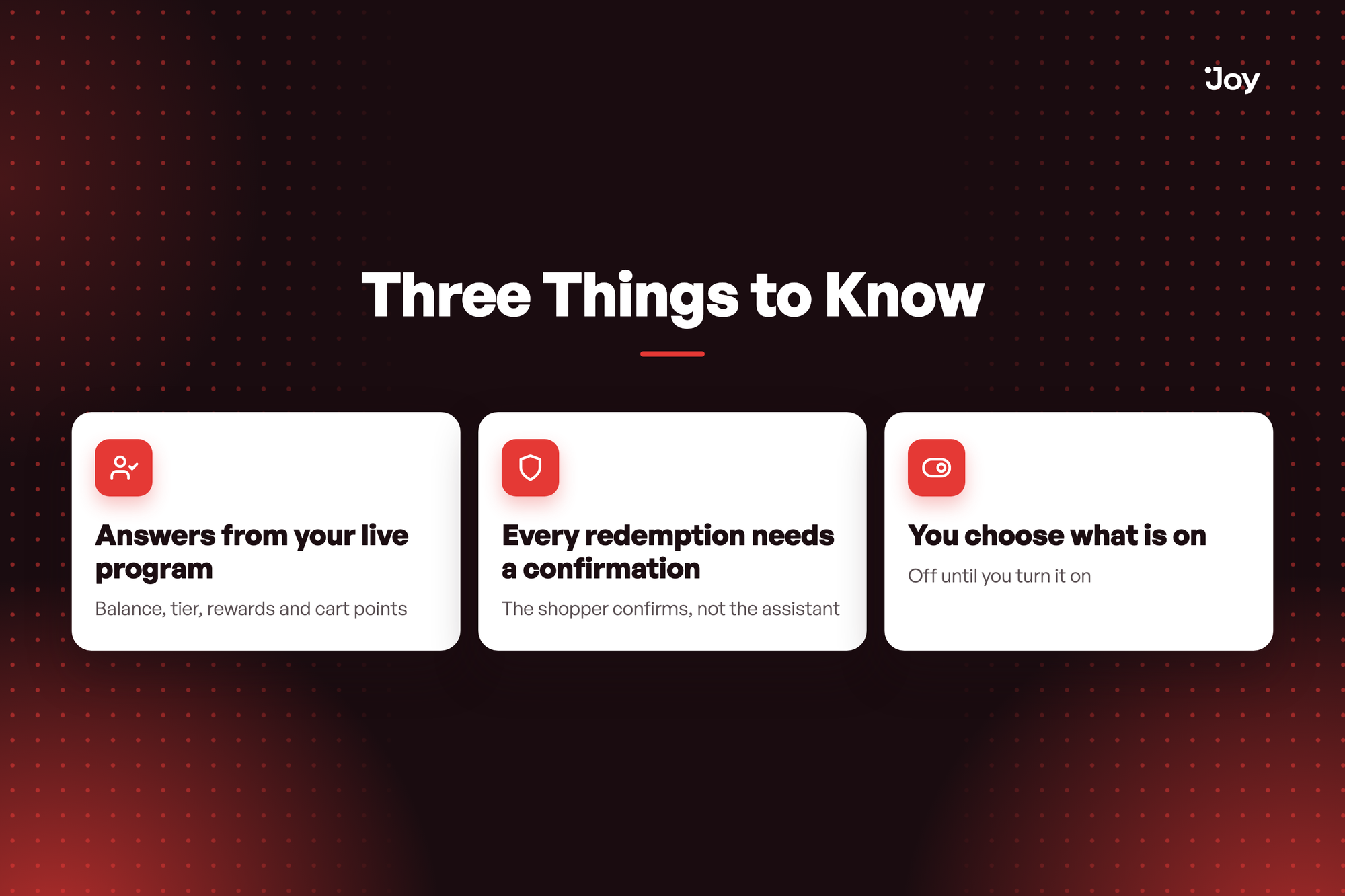
Answers from your live program
Balance, tier, rewards and cart points. The assistant reads them for the signed-in shopper, and can open your widget at rewards, ways to earn, referral or join.
Every redemption needs a confirmation
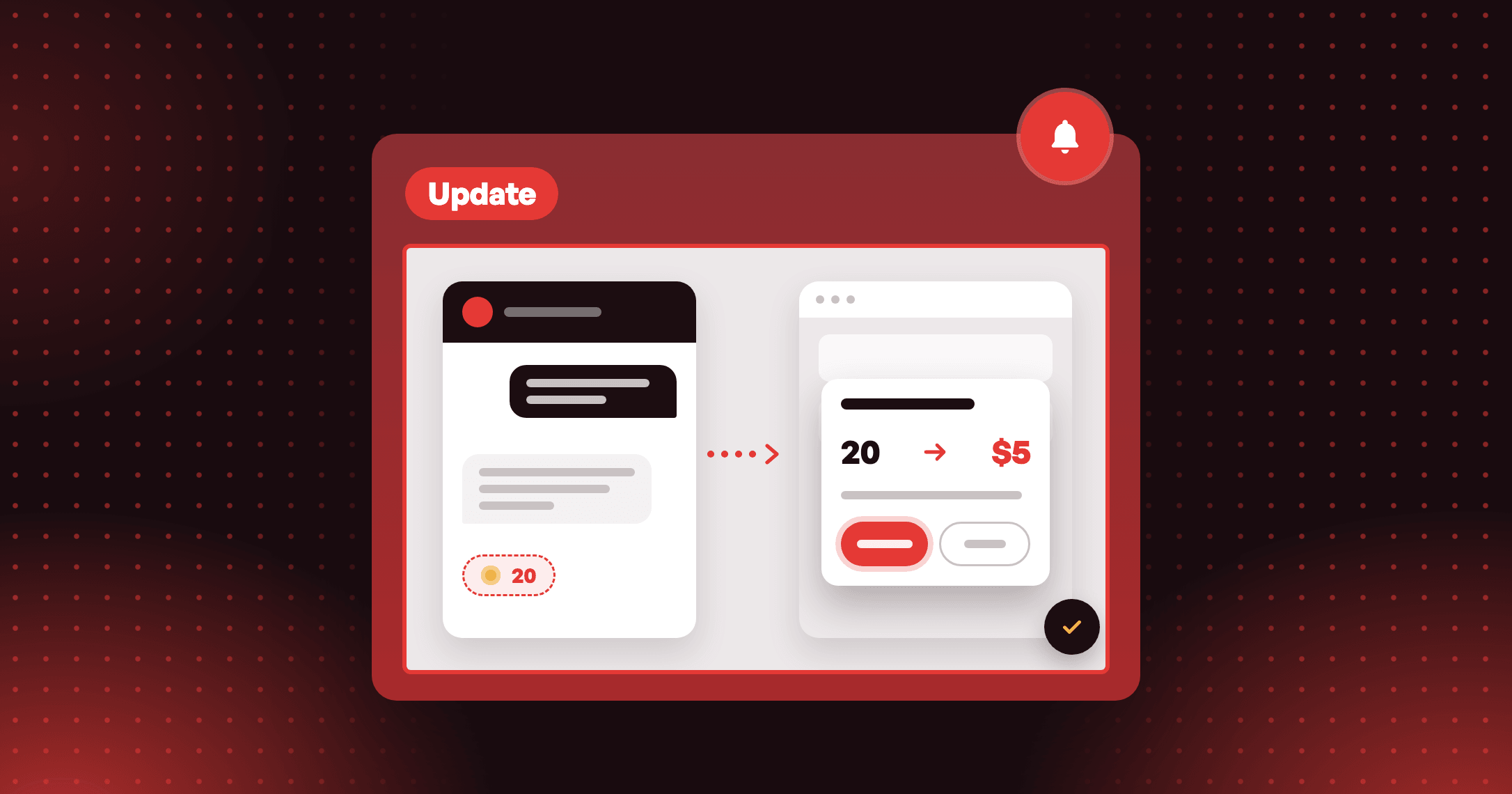
The shopper confirms, not the assistant. A dialog on your store asks, and Joy gives the assistant only the last 4 characters of the code.
A shopper asks to use their points for $5 off this order. The assistant asks Joy, your store shows "Redeem 20 points for $5 off your order", the shopper selects Confirm, and the code lands in the cart.
You choose what is on
Off until you turn it on, with a separate checkbox for redeeming. Turn the main toggle off and assistants lose the tools.
How to access and use
- In Joy, go to Settings → Additional features.
- On the AI shopping assistant tools card, turn on the toggle. The card is marked Beta.
- To let assistants redeem, tick Allow assistants to redeem rewards.
- Open your storefront in Chrome on desktop, sign in as a customer who has points, and ask your browser's AI assistant for their balance.