Product update
Quizzes: ask customers a question, reward the answer
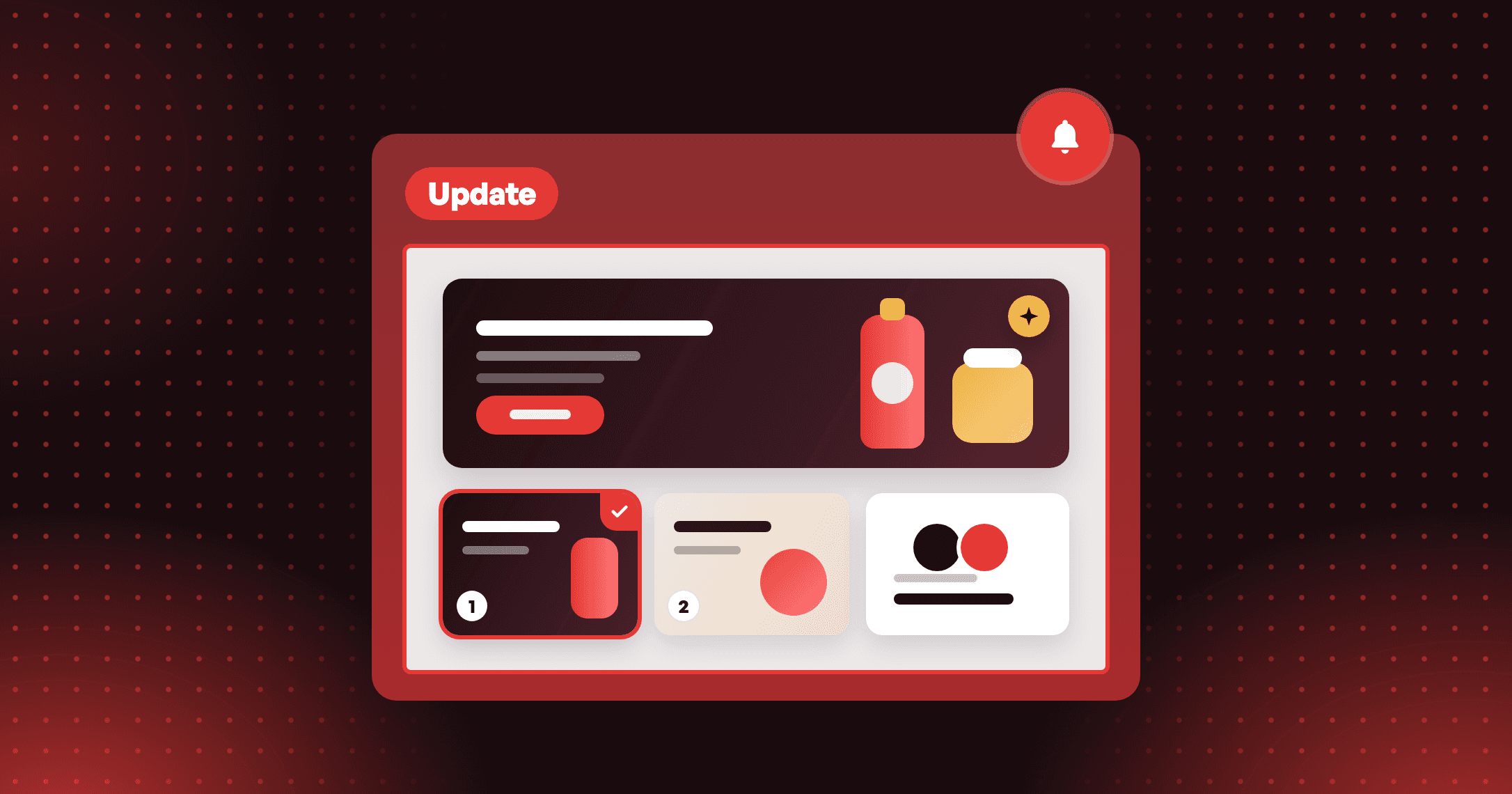
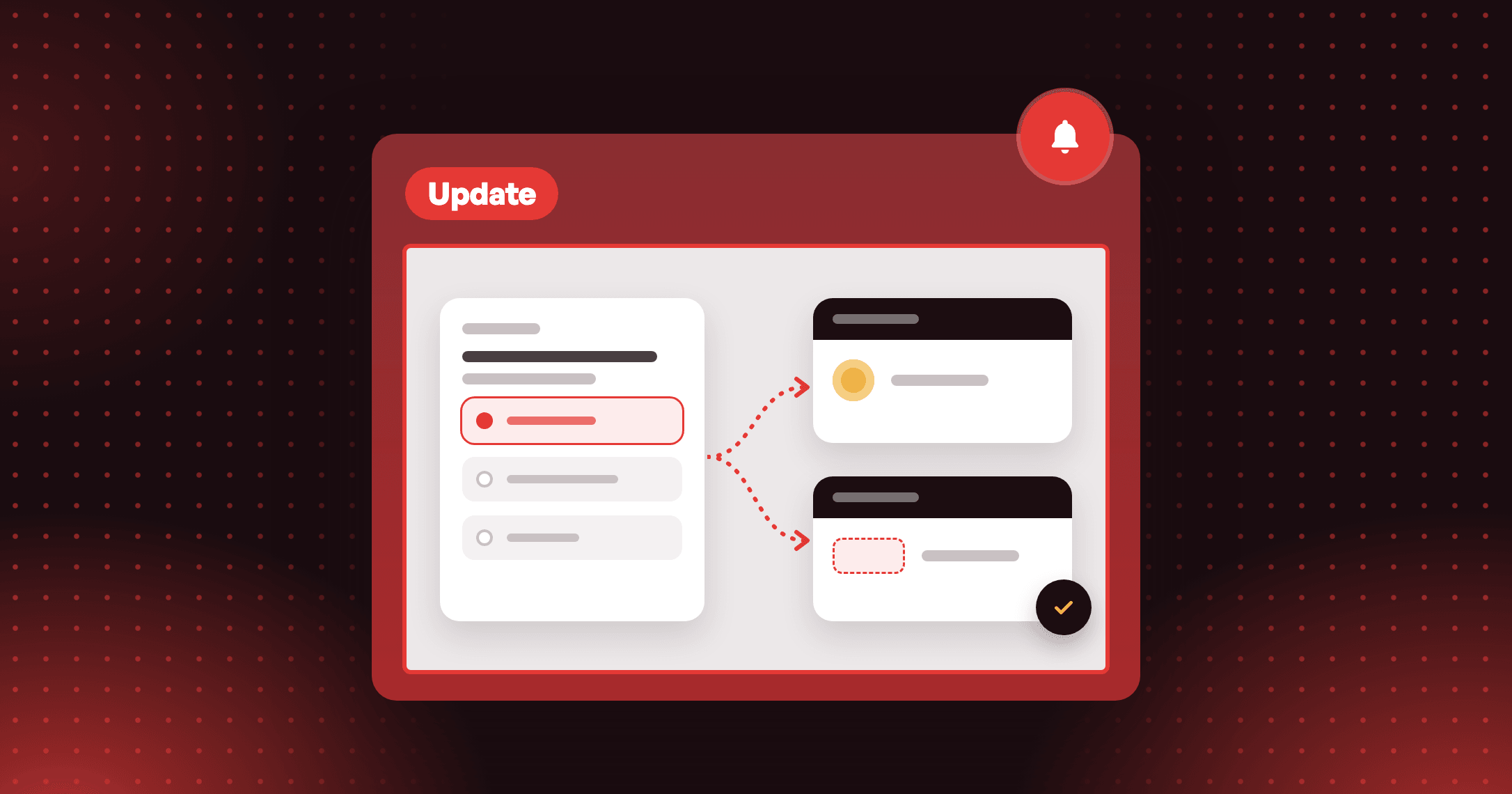
Build a quiz that asks questions, branches on the answers and ends in a reward. Answers can sync to Shopify as customer tags or metafields.

Summarize this post with AI
Why this matters
An order tells you what a customer bought. It does not tell you who they are shopping for. A Joy Quiz asks inside your widget and rewards the answer.
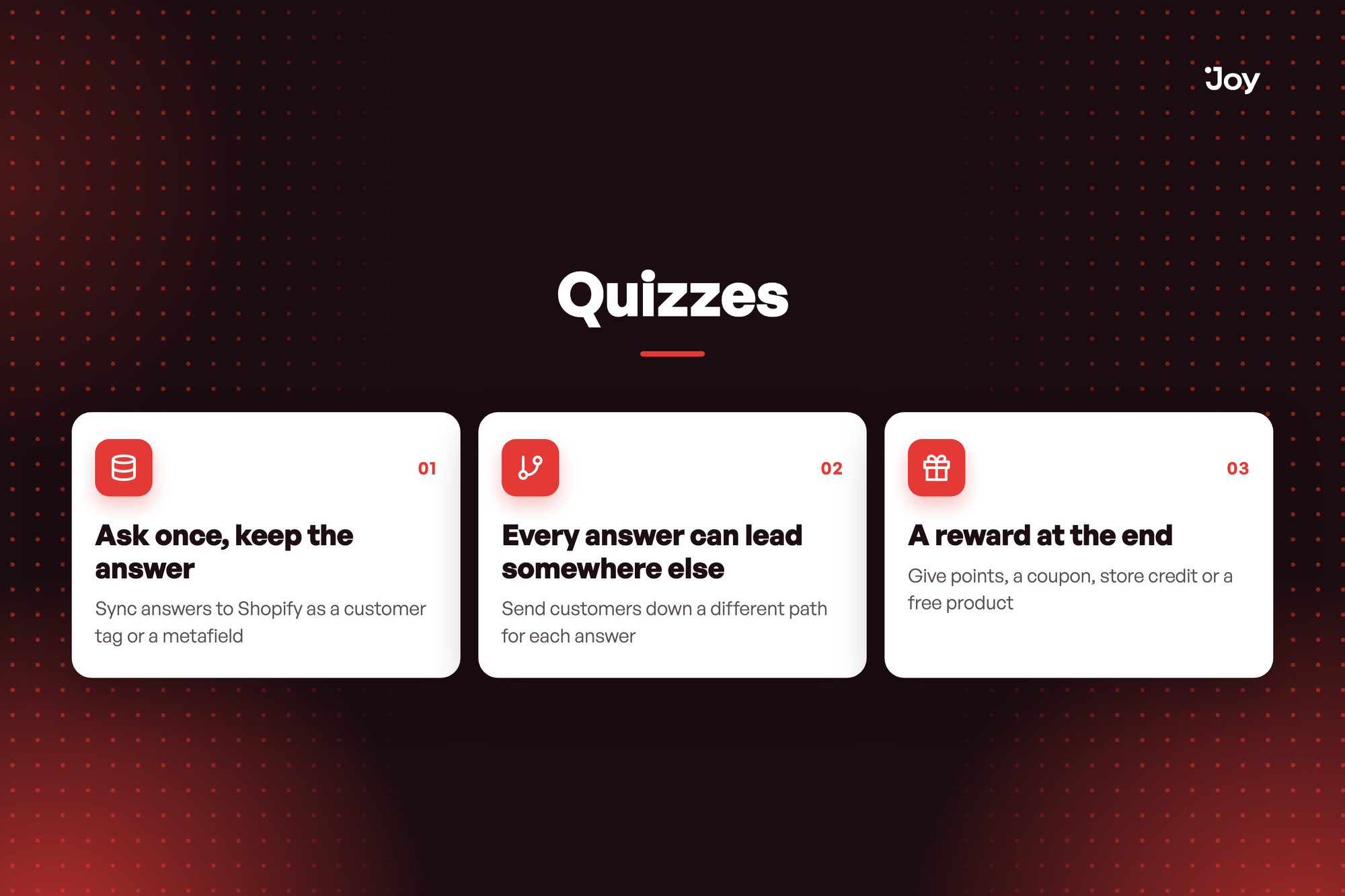
Ask once, keep the answer
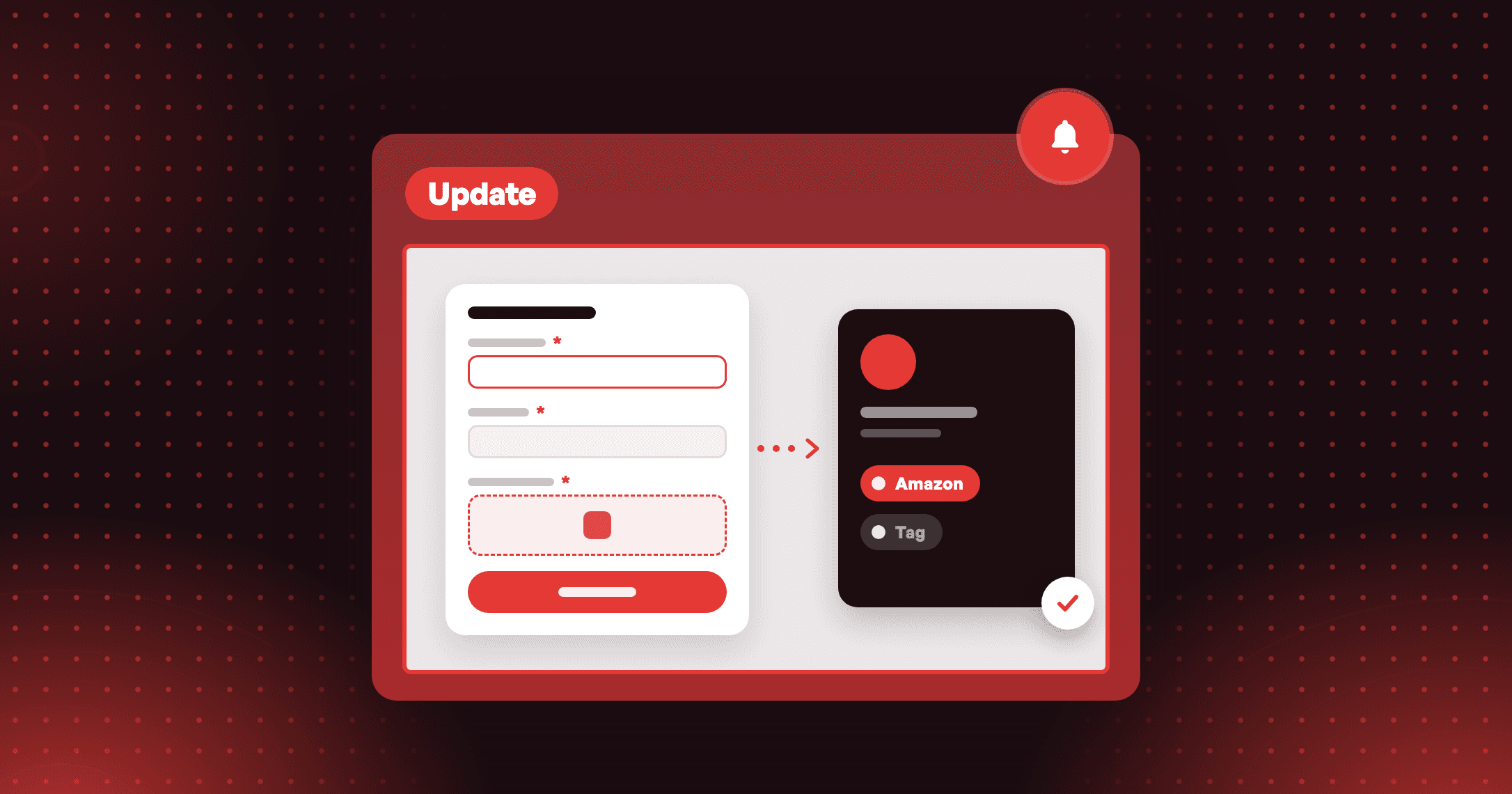
Sync answers to Shopify as a customer tag or a metafield, then segment on them. Customers who pick several answers get a tag for each.
Every answer can lead somewhere else
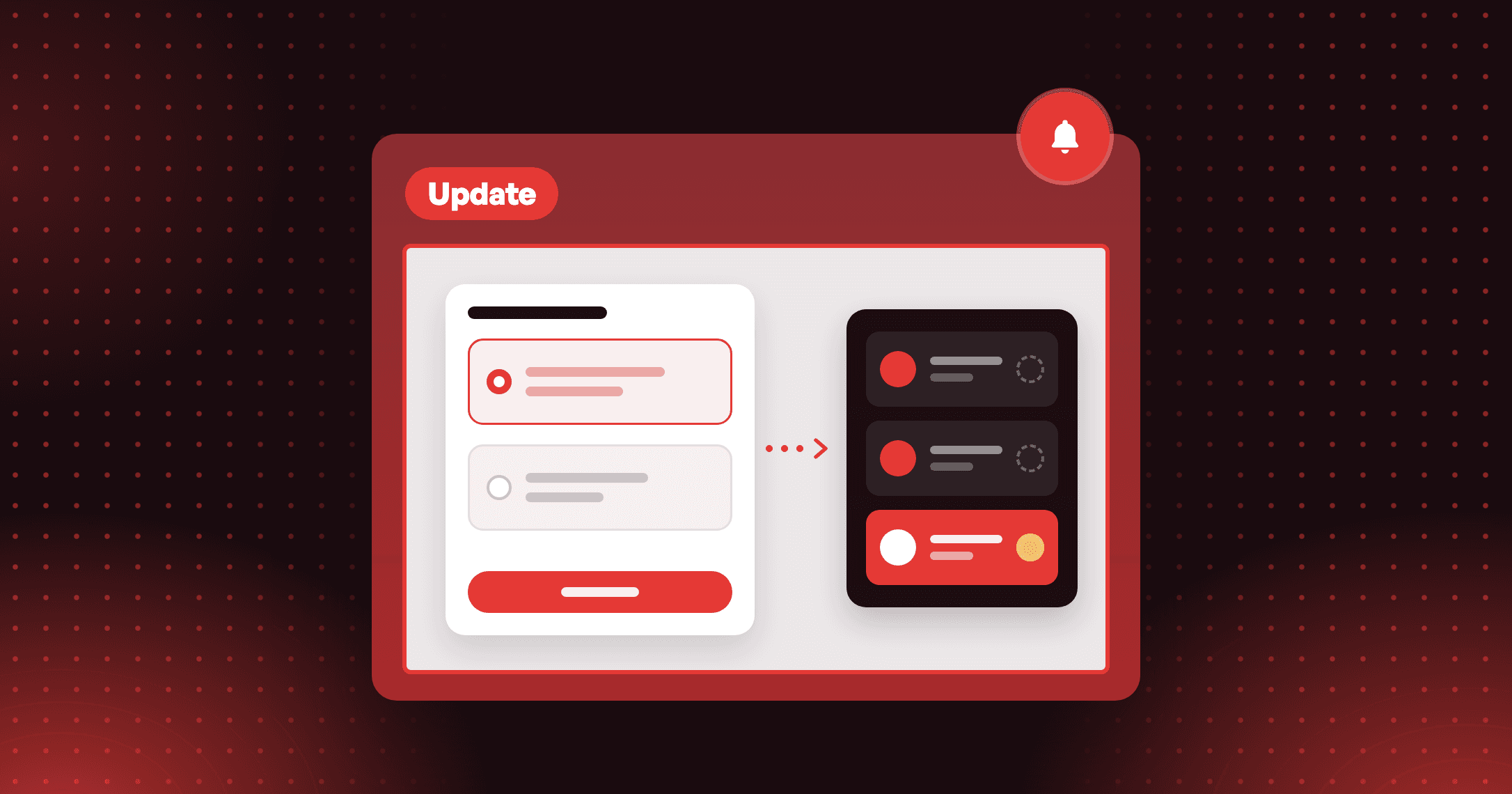
Send customers down a different path for each answer with a condition under the question. Each path ends on its own Thank you screen with its own reward.
A reward at the end
Give points, a coupon, store credit or a free product on the Thank you screen. Each question can also pay points for answering.
Illustrative question
I asked customers who they are shopping for. How do I see who answered what? Open the Analytics tab of the quiz and go to Survey answers. Click an answer to filter the Responses table to those customers. If you synced the answers to a customer tag, you can also segment on that tag in Shopify.
I asked customers who they are shopping for. How do I see who answered what? Open the Analytics tab of the quiz and go to Survey answers. Click an answer to filter the Responses table to those customers. If you synced the answers to a customer tag, you can also segment on that tag in Shopify.
How to access and use
- In Joy, go to Reward programs → Quizzes and click Create quiz. Pick a template or Build your own.
- Add steps: a question, Customer details, Product recommendations or Custom content. Give each question an answer name.
- Add a Condition under a question to split by answer, and end every path on a Thank you screen with a reward.
- On the Set up tab, choose Who can play, a Trigger and your dates.
- Check the quiz on the Preview tab, then click Turn on.