Product update
VIP discount perks — set a different rate by order range
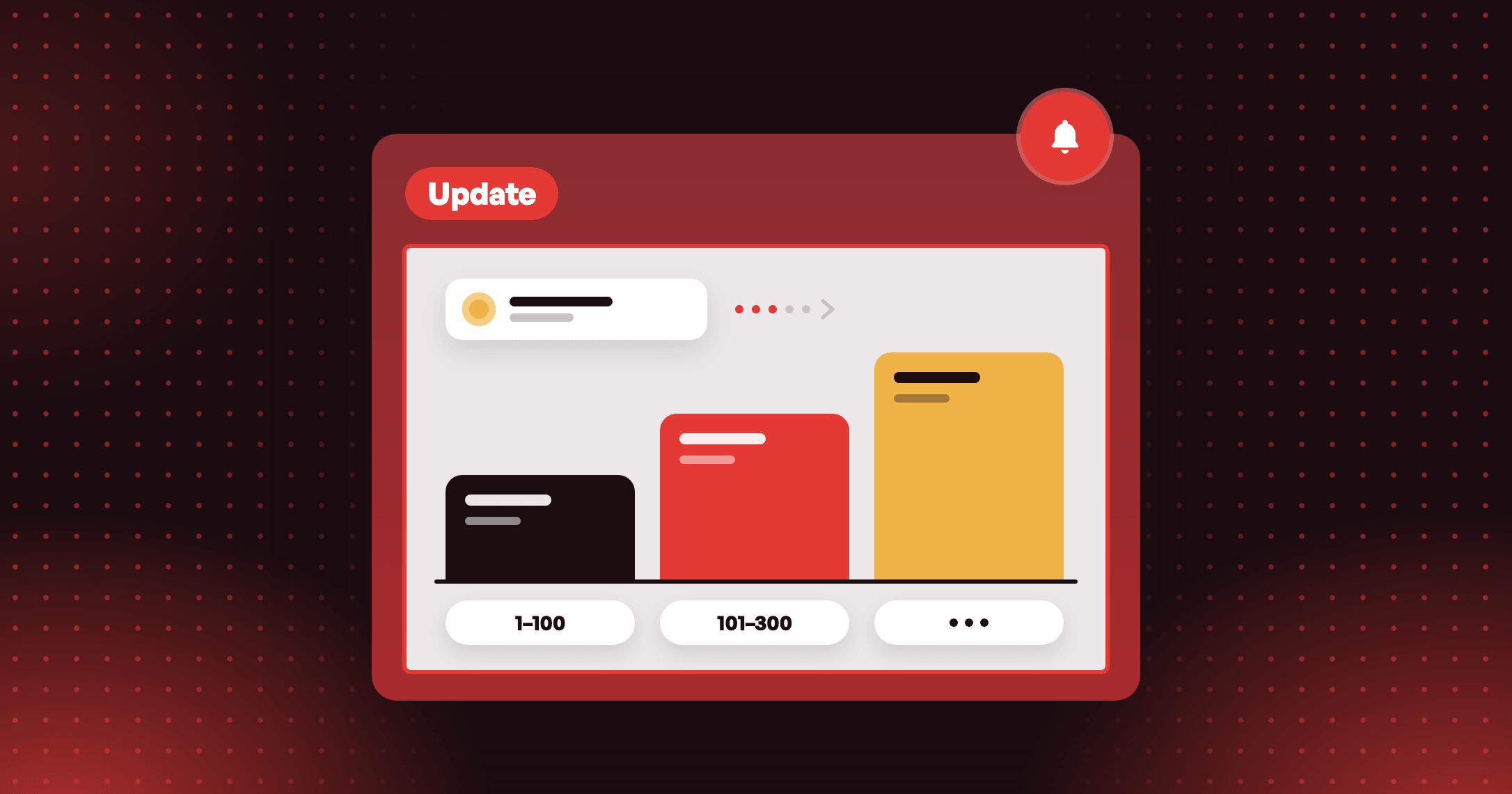
Give a VIP discount perk a different rate for each range of orders, such as the first 100 and the next 200.

Summarize this post with AI
Why this matters
A Discount Percentage or Discount Amount privilege on a VIP tier gives the same rate on every order. Now the rate can depend on where the order falls in the count.
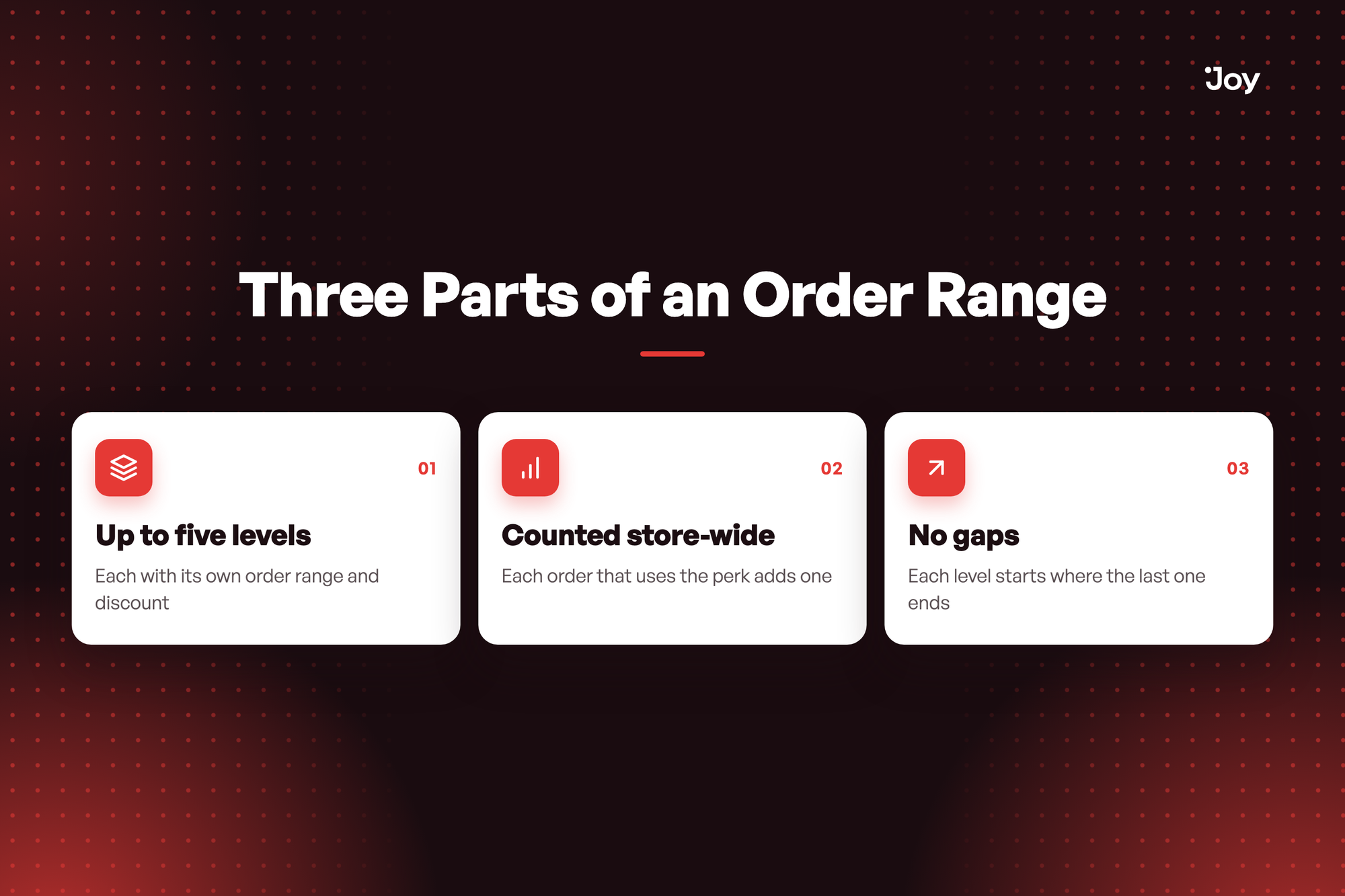
Up to five levels
Each with its own order range and discount. Each level also sets a minimum quantity.
Counted store-wide
Each order that uses the perk adds one. The range counts uses of the perk across your whole store, not each customer's own orders, and the next checkout applies the level whose range covers the next number.
No gaps
Each level starts where the last one ends. Joy fills in the next range when you add a level.
Illustrative question
Can a Gold perk give 10% off on orders 1–100, then 15% on orders 101–300? Yes. Open the Gold tier's Discount Percentage privilege, pick Customer & item quantity limit and add two levels: 1–100 at 10% and 101–300 at 15%.
Can a Gold perk give 10% off on orders 1–100, then 15% on orders 101–300? Yes. Open the Gold tier's Discount Percentage privilege, pick Customer & item quantity limit and add two levels: 1–100 at 10% and 101–300 at 15%.
How to access and use
- In Joy, go to Membership → VIP Tiers → Tiers, select a tier and open its Discount Percentage or Discount Amount privilege, or click Add Reward and choose one.
- In the requirements, pick Customer & item quantity limit.
- Under Discount level, fill in From order, To order, Minimum quantity and Discount value.
- Click the plus icon to add more levels, up to 5, then click Save.