Product update
Guests can now see which redeem programs VIP tiers unlock
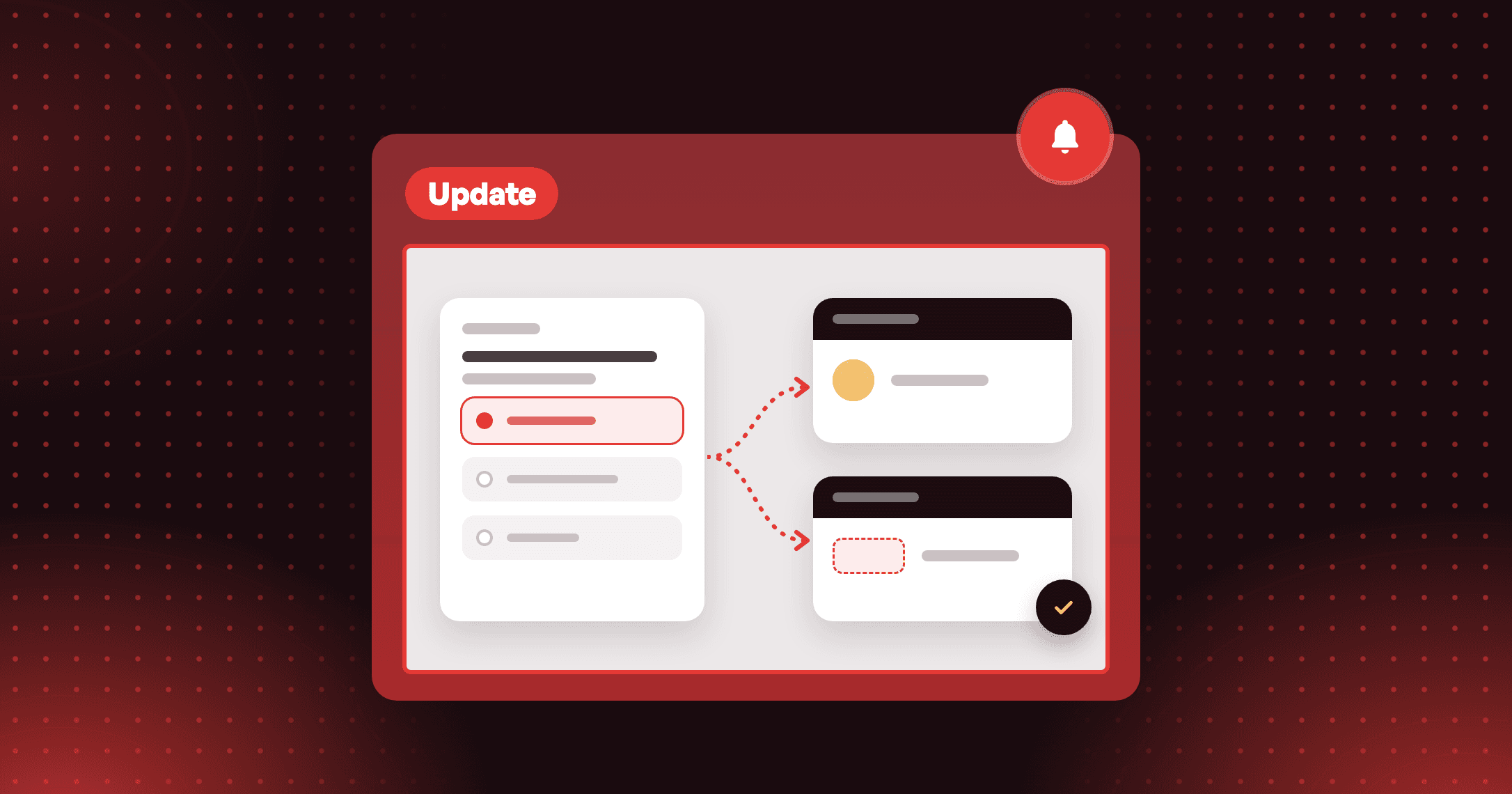
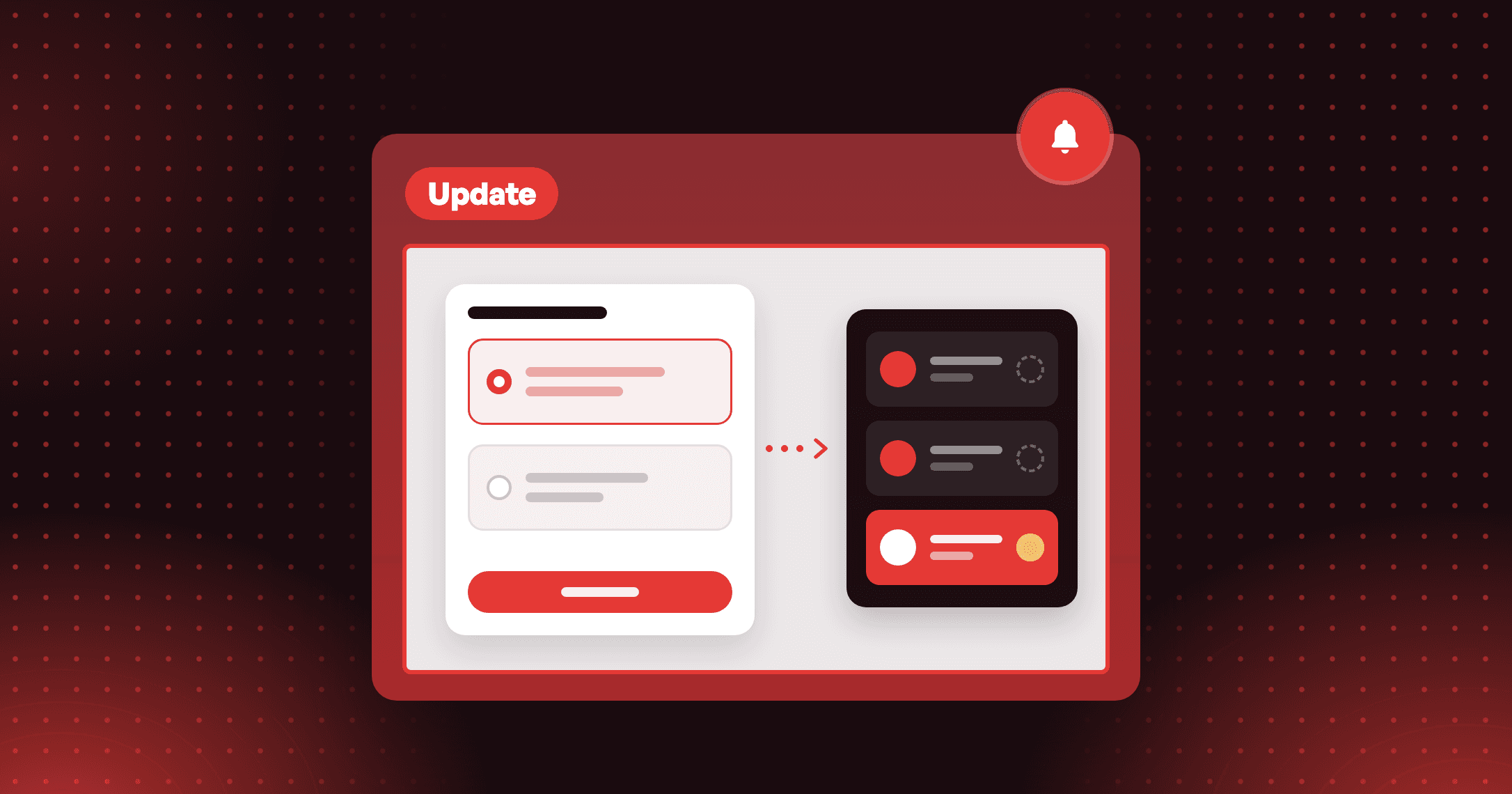
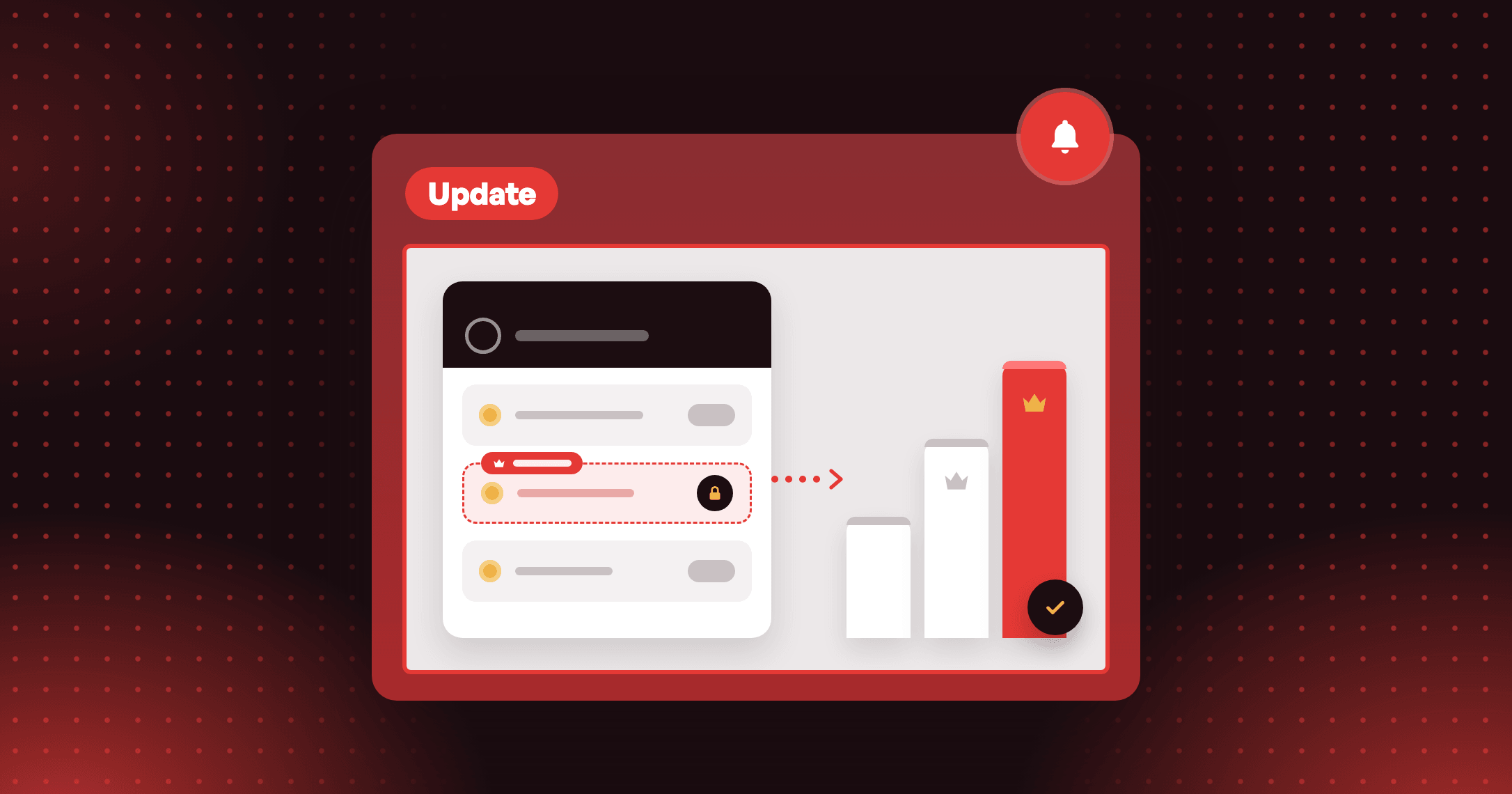
Let guests see the redeem programs your VIP tiers unlock, before they sign in or join. Only members of those tiers can redeem them.

Summarize this post with AI
Why this matters
By default, a redeem program limited to VIP tiers does not show to guests. One checkbox puts it in front of them.
Guests see what a tier unlocks
Each program shows a label naming the tiers that can redeem it. This reaches customers who are not signed in and customers who have not joined yet.
Redeeming stays with the tier
Only members of those tiers can redeem. The redeem step blocks everyone else, and members see no change.
One setting covers every surface
The loyalty widget, Loyalty page and Redeem in Cart all follow it. Tick it in Settings, the widget editor or the Loyalty page editor; all three change the same setting.
Illustrative question
A guest opens my Loyalty page. Can they see the redeem programs I reserved for my top tier? Only if you tick Show tier-exclusive redeem programs to guests. It is off by default. When it is on, the guest sees the program with a label naming the tiers that can redeem it, and the redeem step still blocks anyone outside them.
A guest opens my Loyalty page. Can they see the redeem programs I reserved for my top tier? Only if you tick Show tier-exclusive redeem programs to guests. It is off by default. When it is on, the guest sees the program with a label naming the tiers that can redeem it, and the redeem step still blocks anyone outside them.
How to access and use
- In Joy, click Settings and open the General tab.
- In the Redemption Behavior card, tick Show tier-exclusive redeem programs to guests.
- Click Save.
- To check a program, open it and choose Specific tiers under Member eligibility. A line under the tier list says whether guests see it.