FAQ section in the Joy widget — answer shoppers where they ask
Answer shoppers' questions inside the Joy widget, from the same FAQ list as your Loyalty page. AI drafts the wording in your store's voice.

Summarize this post with AI
Why this matters
A shopper who opens your widget meets earning rules, rewards, tiers and referrals in one place, with nowhere to ask about any of them. The new FAQ section gives those questions a home inside the widget.
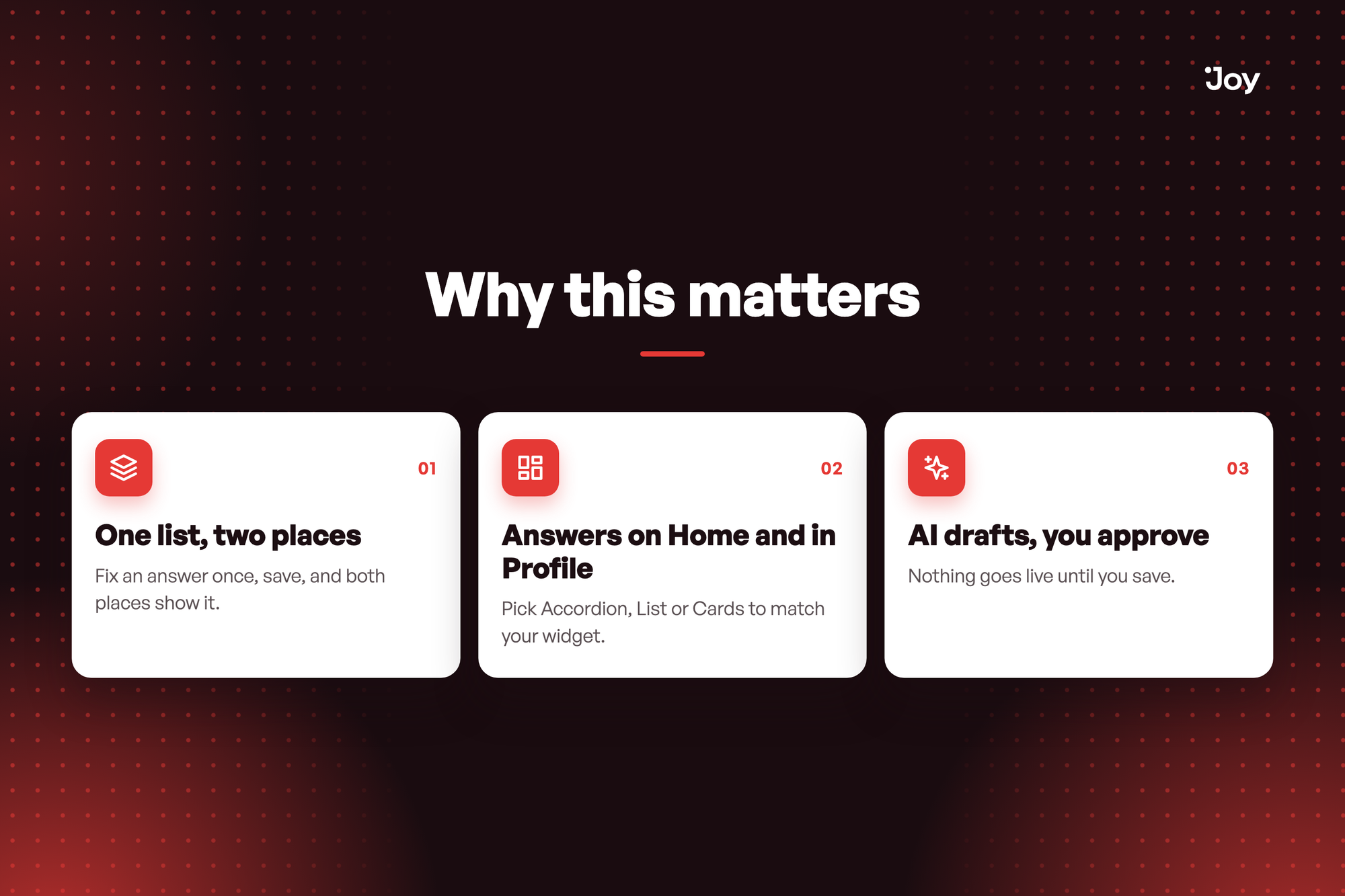
One list, two places
The widget edits the same questions as your Loyalty page FAQ. Fix an answer once, save, and both places show it.
Answers on Home and in Profile
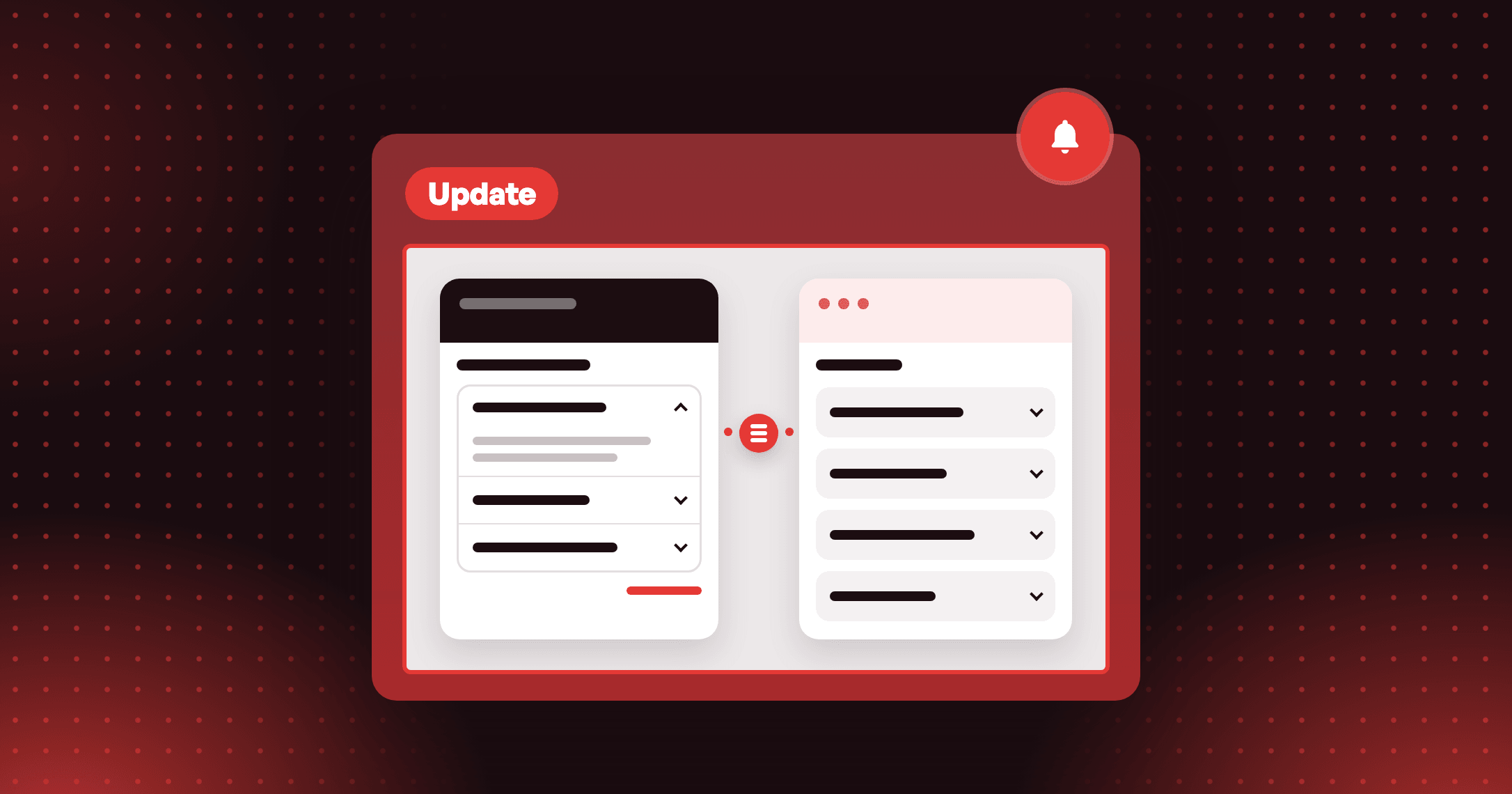
Home shows as many questions as you choose, with See all for the rest, and Profile shows the full list. Pick Accordion, List or Cards to match your widget.
AI drafts, you approve
Make it on-brand reads your store and programs and suggests questions in your store's voice, and a chat edits the draft from a plain request. Nothing goes live until you save.
Where do I answer "How do I earn points?" so shoppers see it in the widget? Open FAQ in the widget editor, edit that question, and save. The same answer shows on your Loyalty page.
How to access and use
- In Joy, go to On-site content → Unified widget. FAQ lives in the widget editor, so your store needs the Unified Widget.
- Open FAQ from the Body or Profile menu, then click the eye icon next to FAQ to turn the section on. Existing stores start with it off.
- Edit your questions, or click Make it on-brand. The first time you open FAQ, Joy fills in six suggested questions, and AI suggestions only change your draft until you click Apply.
- Choose a Style and the number of Questions shown on Home. Accordion, List and Cards change how the same questions look.
- Click Save. Joy updates your widget and your Loyalty page together, and translates the questions into your other languages.