Bridge the Offline Gap: Earn Points by Submitting Receipts
Customers can now upload in-store receipts to earn loyalty points. Bridge your online and offline experience with one program.


Summarize this post with AI
Why this matters
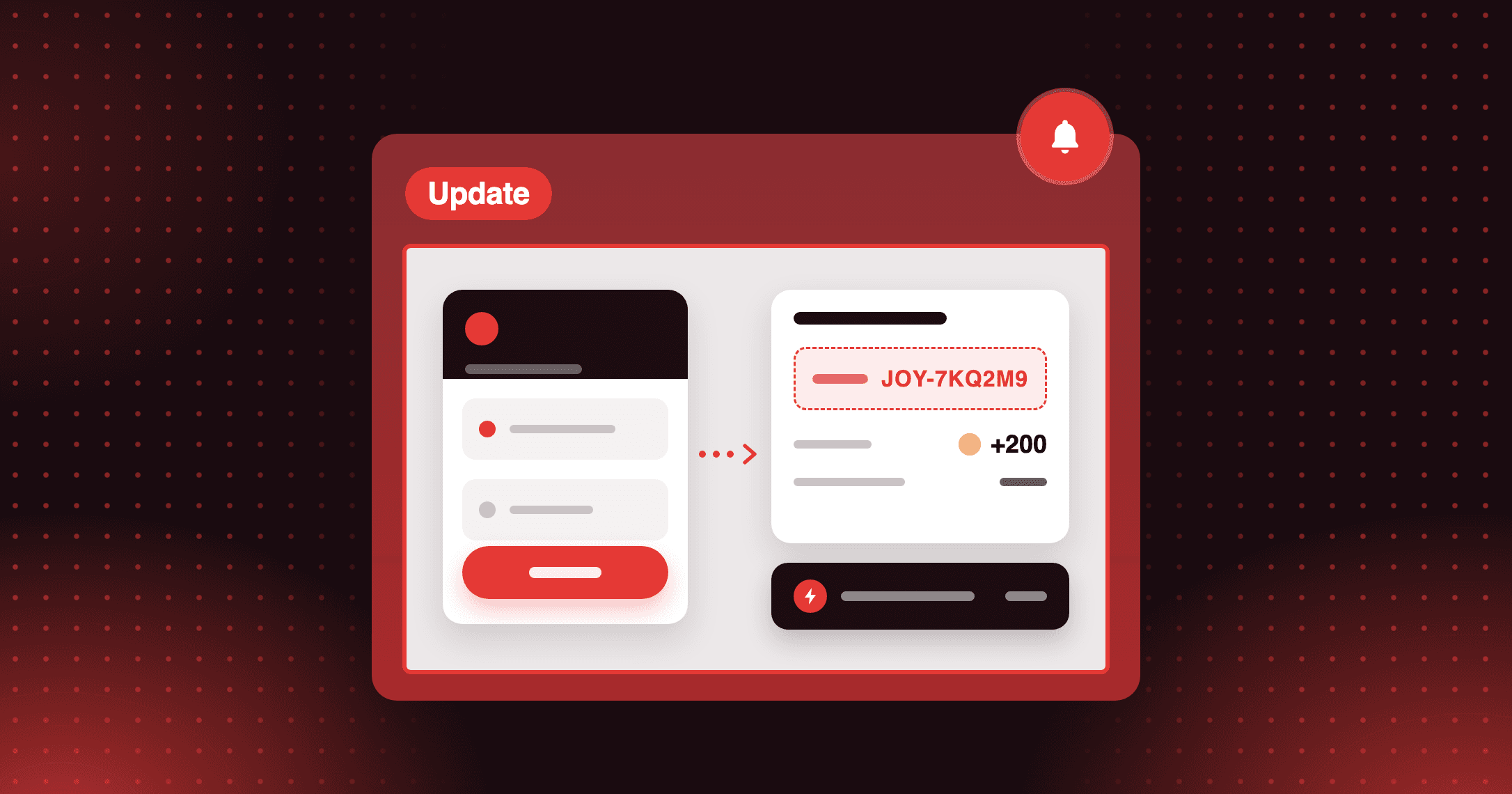
Reward purchases made outside your online store. With Submit Receipt, customers upload a photo of an in-store or offline receipt through the Joy widget or your loyalty page, and your team approves it to award points or a discount.
Count pop-up and in-store sales
Customers who buy at a pop-up shop, a trade show, or a physical location submit the receipt and earn the reward you set once it is approved. Offline purchases count toward your program alongside online orders.
Review receipts with Ask AI
Ask AI analyzes a submitted receipt image and returns the customer details, store, items, and amounts with an approve or reject recommendation. Your team makes the final call from a structured summary.
Control rewards and submission volume
Reward with points, an amount discount, or a percentage discount, and vary the reward by VIP tier. A submission limit caps how many receipts each customer can send within a time frame.
Add a Submit Receipt program before your next pop-up shop, so customers who pay in person can upload their receipt and earn points.
How to access and use
Step 1: Create the program
In Joy, go to Earning Programs → Add New → Submit Receipt. Name the program and choose the reward type.
Step 2: Set a submission limit
Turn the limit on and set how many receipts a customer can submit within a time frame.
Step 3: Save and activate
Click Save, then check that the program status is Active.
Step 4: Review submitted receipts
Open Customers → Activities and find pending receipts under Submitted receipts. Click Ask AI for a recommendation, then approve or reject.
Frequently asked questions
Which image files can customers upload?
JPG, PNG, and JPEG images, up to 5MB each. A submission can include up to five images and reaches your team as one request for review.
What happens when a customer reaches the submission limit?
They see an error message and cannot submit another receipt until the limit resets.
Can I reject a receipt after approving it?
Yes. Change the status to rejected, and Joy revokes the reward automatically.