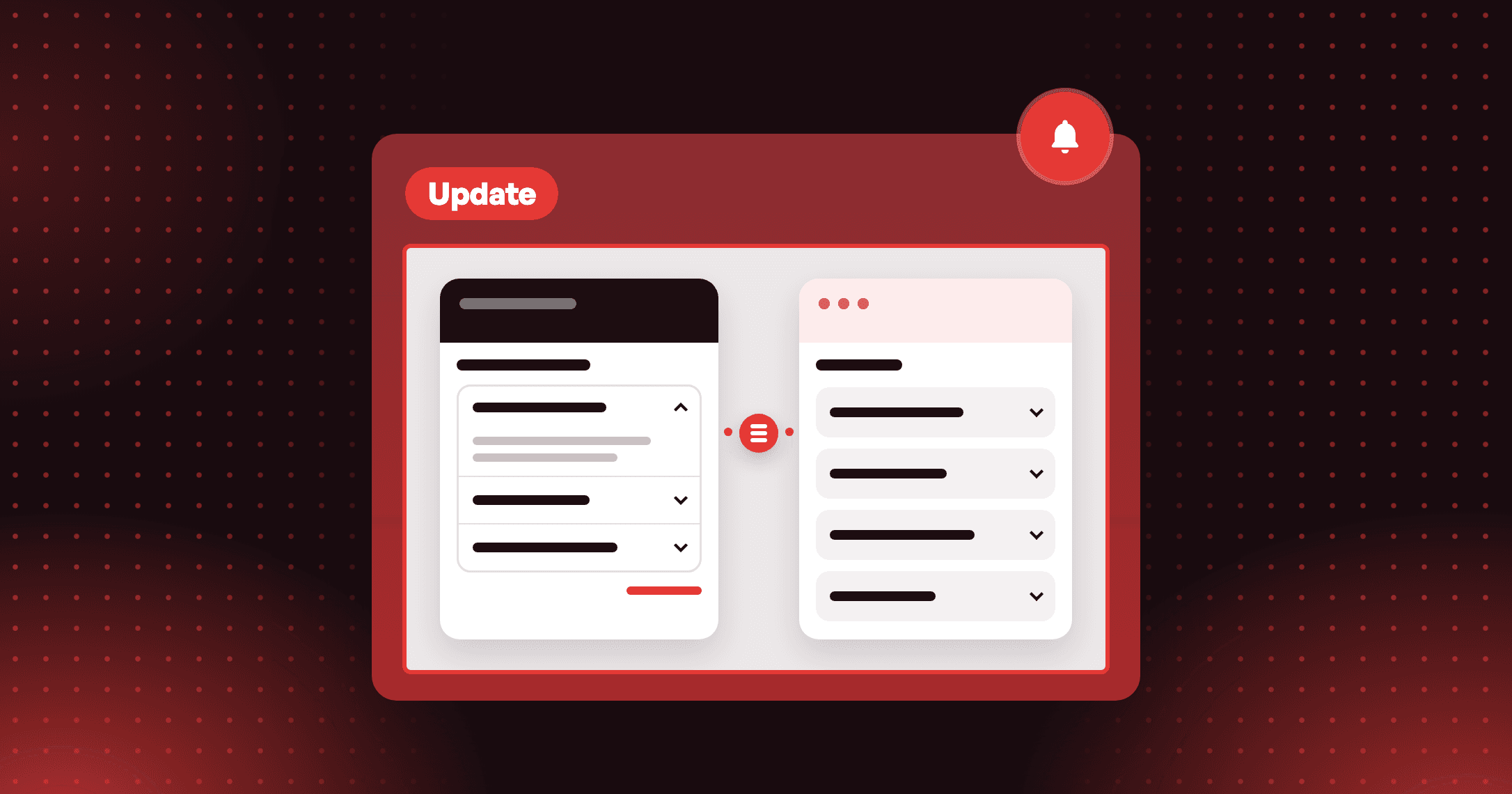
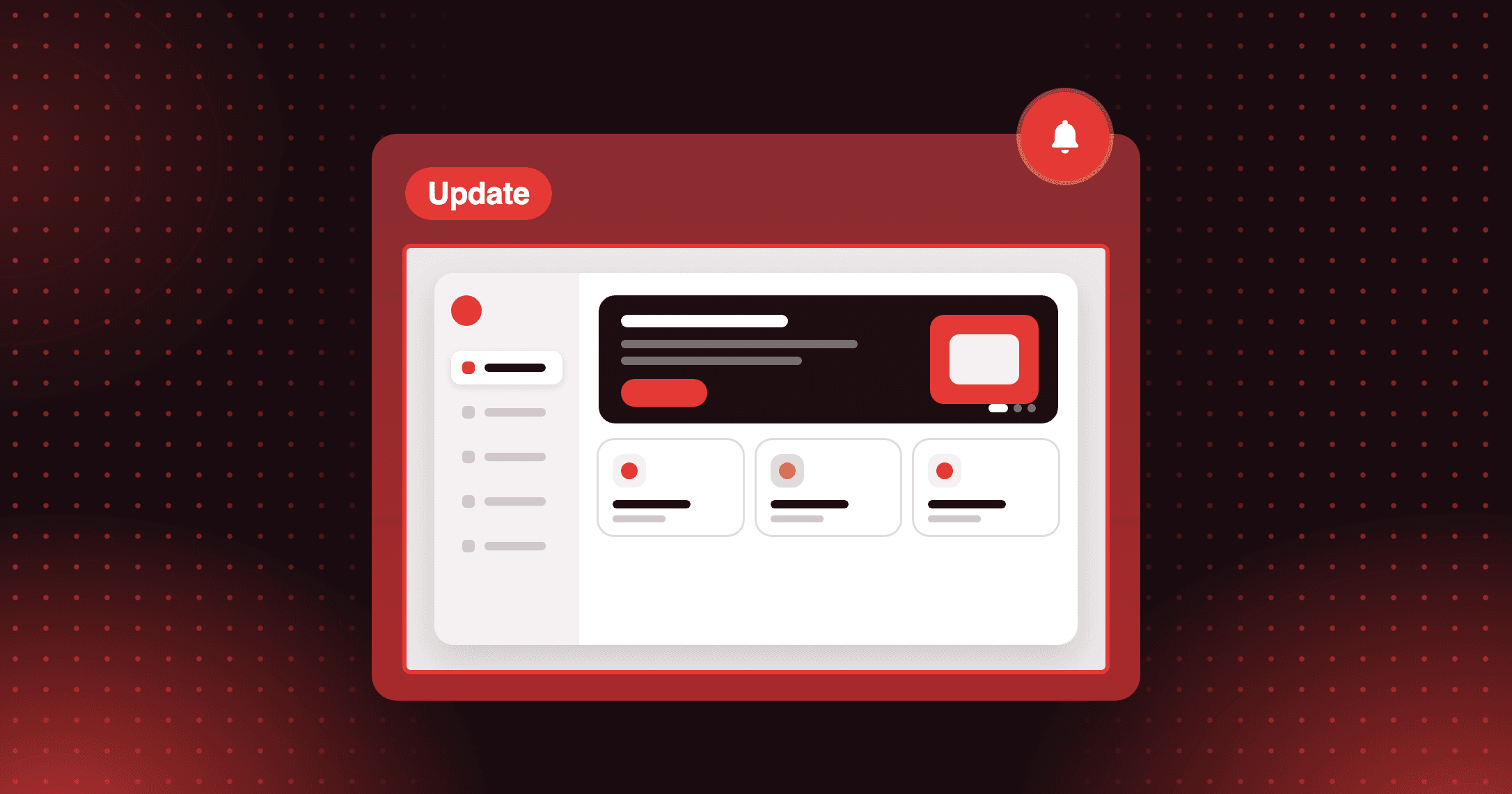
Manage Loyalty flow directly in the Shopify admin
Manage loyalty flows directly in the Shopify admin. Reduce friction, simplify daily workflows, and make loyalty part of your everyday store operations.


Summarize this post with AI
Why this matters
Joy's Shopify admin extension puts a customer's loyalty details on their customer page in Shopify. Your team checks status and handles routine loyalty actions in the place where they already manage customers.
See loyalty details on the customer page
The Loyalty program block shows member status, point balance, and VIP tier on Shopify's customer detail page. Staff read a customer's standing without opening a second dashboard.
Adjust points and redeem coupons in place
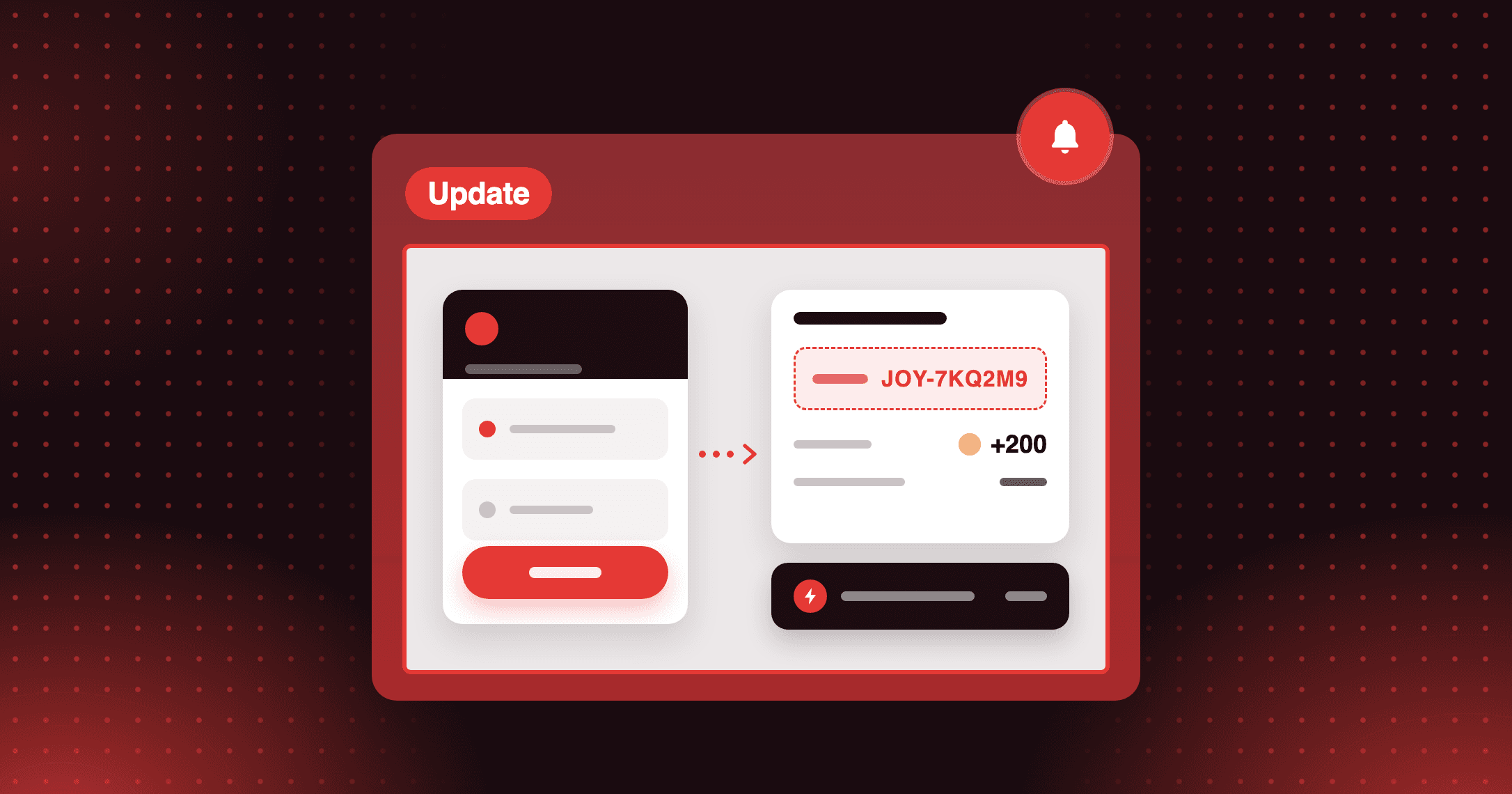
Add or subtract points from the block, or redeem a coupon by choosing a reward program. Both actions finish inside the Shopify admin.
Give every staff member the same view
Pin the block and it stays on the customer page for all staff. Anyone who can view customers in Shopify sees the same loyalty information.
Open a customer in Shopify admin and scroll to the Loyalty program block. Their member status, points, and VIP tier are on the page before you open Joy.
How to access and use
Step 1: Open a customer
In Shopify admin, go to Customers and click any customer.
Step 2: Find the Joy block
Scroll to Blocks, then to the Loyalty program extension by Joy.
Step 3: Adjust points
Click More actions → Adjust point balance, enter the amount to add or subtract, and click Adjust points.
Step 4: Pin the block
Click Pin to pin the extension for all staff.
Frequently asked questions
Will the Joy block slow down my Shopify admin?
No. The extension loads asynchronously, so it does not affect admin performance.
Can I choose which fields the block shows?
No. The displayed fields are standardized, and View details opens the complete information in Joy.
Can I record a reason when adjusting points?
Yes. When you adjust a point balance, you can add an optional reason along with the amount you add or subtract.