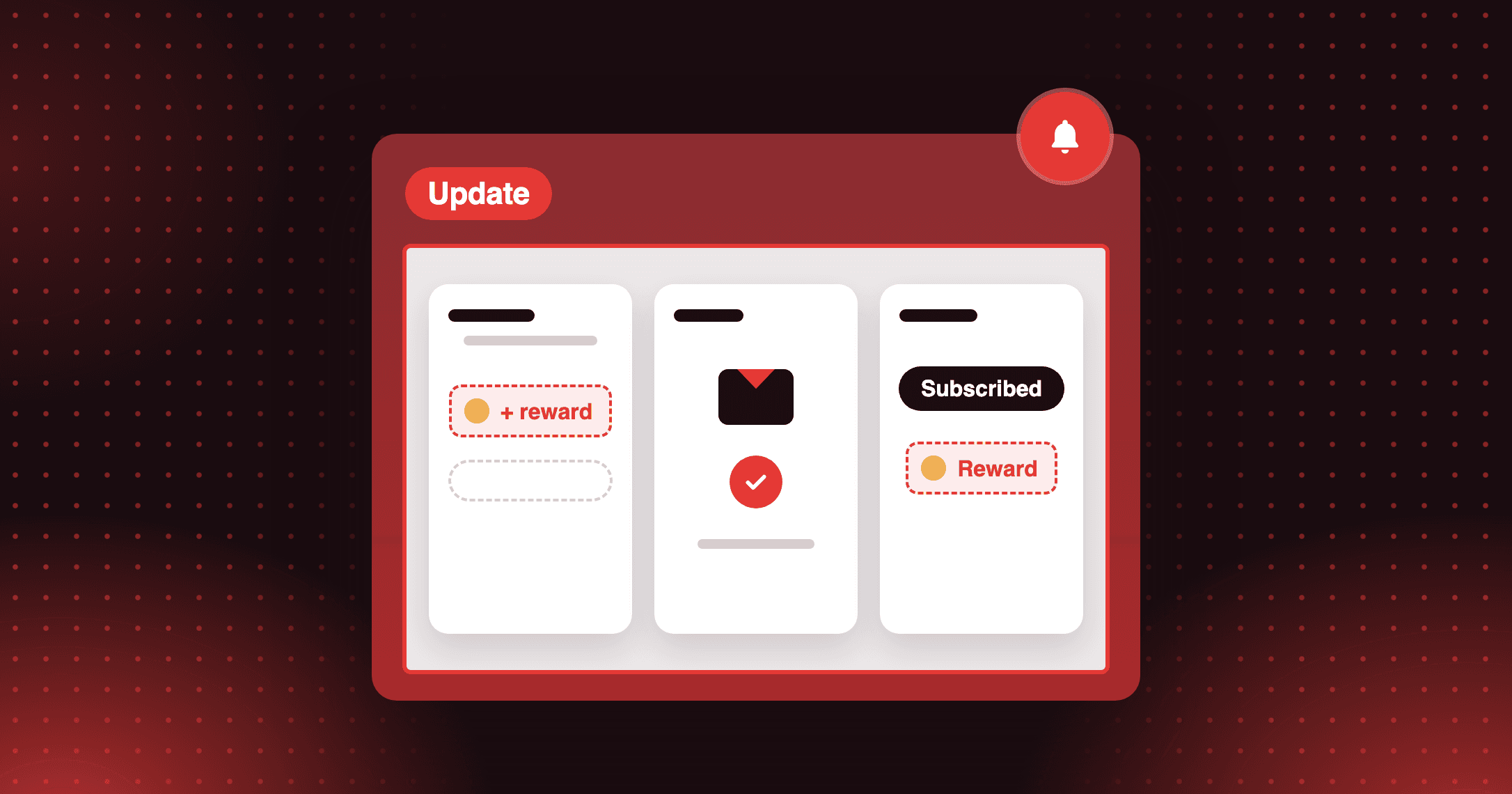
Milestone rewards now get a claim email
Confirm every milestone claim: customers get an email with their code, expiry and balance, and Klaviyo and Shopify Flow get an event.

Summarize this post with AI
Why this matters
A customer who claims a milestone reward has just done what you asked, and until now nothing confirmed it. A new email puts the code, its expiry and the balance in their inbox the moment they claim.
A confirmation with everything they need
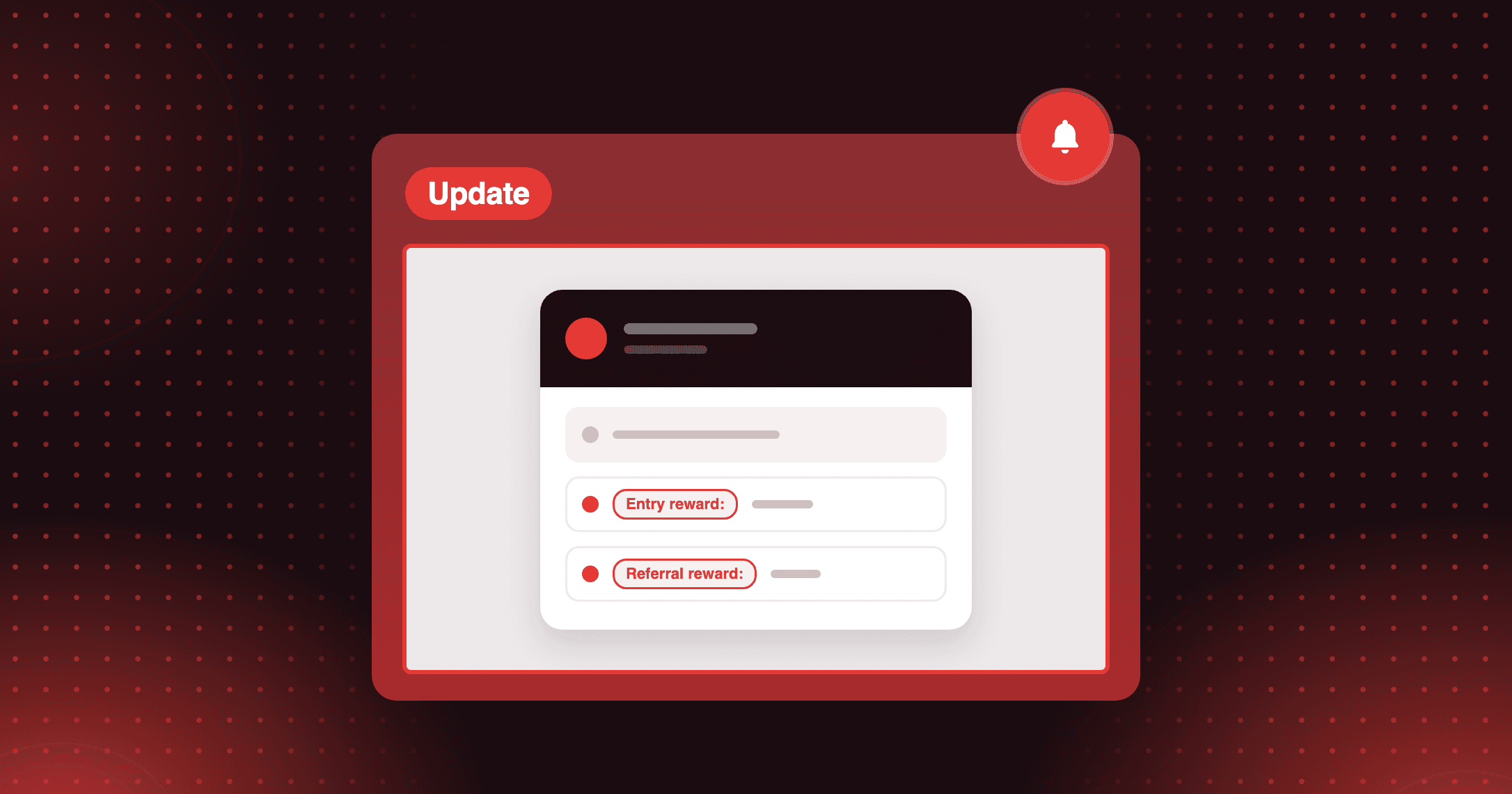
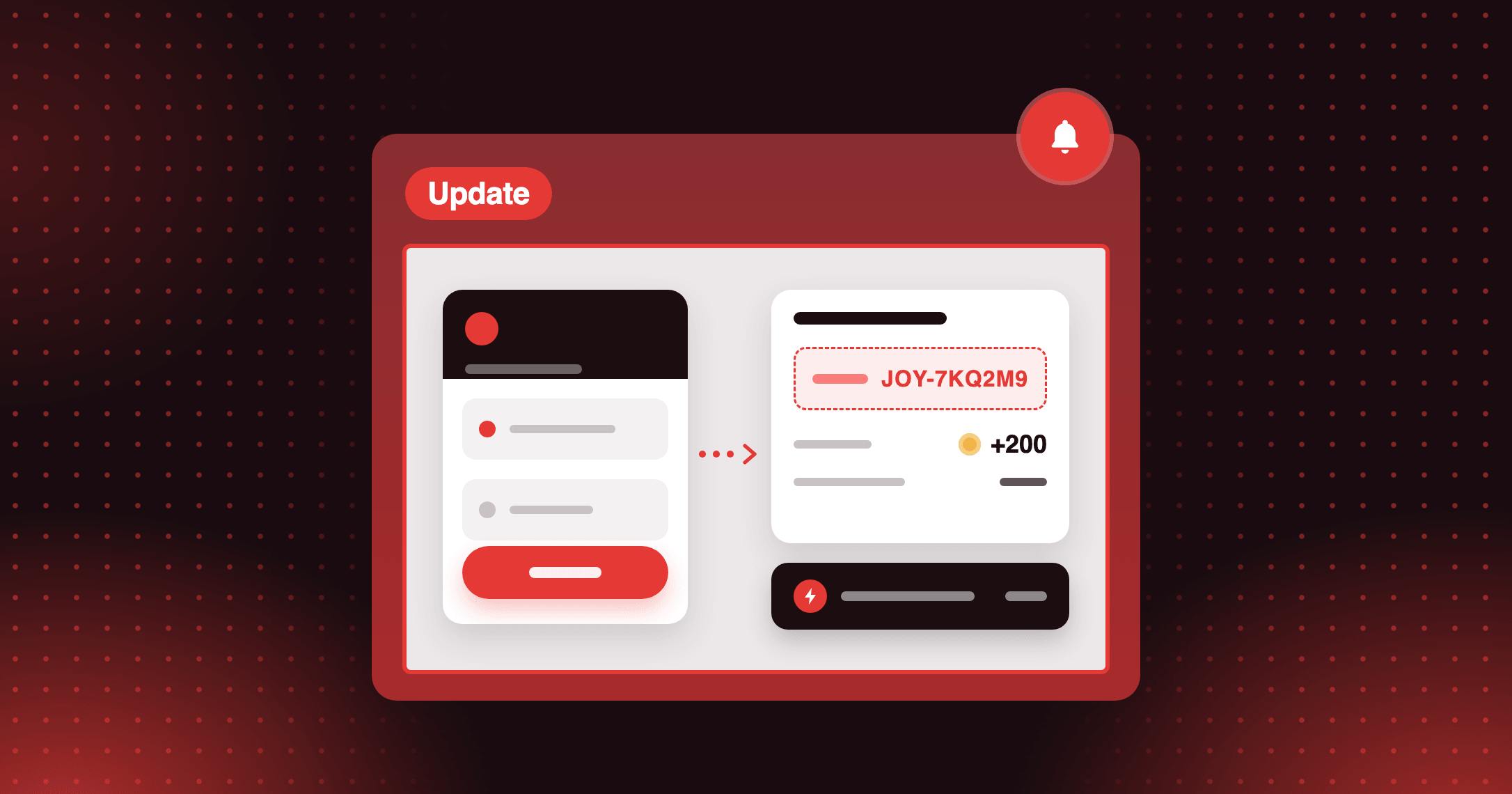
The Milestone reward claimed email lists what the customer received: the discount code and its expiry date, the points added with their new balance, store credit, and the free gift variant they chose. It only describes what was actually granted, so if an earning limit trims the points, the email shows the trimmed amount.
One claim, one email
Joy sends one email per claim, only for steps that let the customer pick their reward. A double-click grants the reward once. Steps that grant automatically keep using Reach new milestone.
An event for Klaviyo and Shopify Flow
The same claim fires Joy: Milestone Reward Claimed in Klaviyo and a Milestone reward claimed trigger in Shopify Flow, carrying the code, expiry and rewards, so you can build your own follow-up. The event fires whether or not the email is on.
How to access and use
Step 1: Turn on the email
The email is off by default. Open Settings > Notifications and switch on Milestone reward claimed, right below Reach new milestone.
Step 2: Edit the content
Open the notification to edit it in the same email editor as your other emails, then preview and send a test.
Step 3: Connect your marketing tools (optional)
In Klaviyo, tick Joy: Milestone Reward Claimed in the integration. In Shopify Flow, create a flow from the Milestone reward claimed trigger.