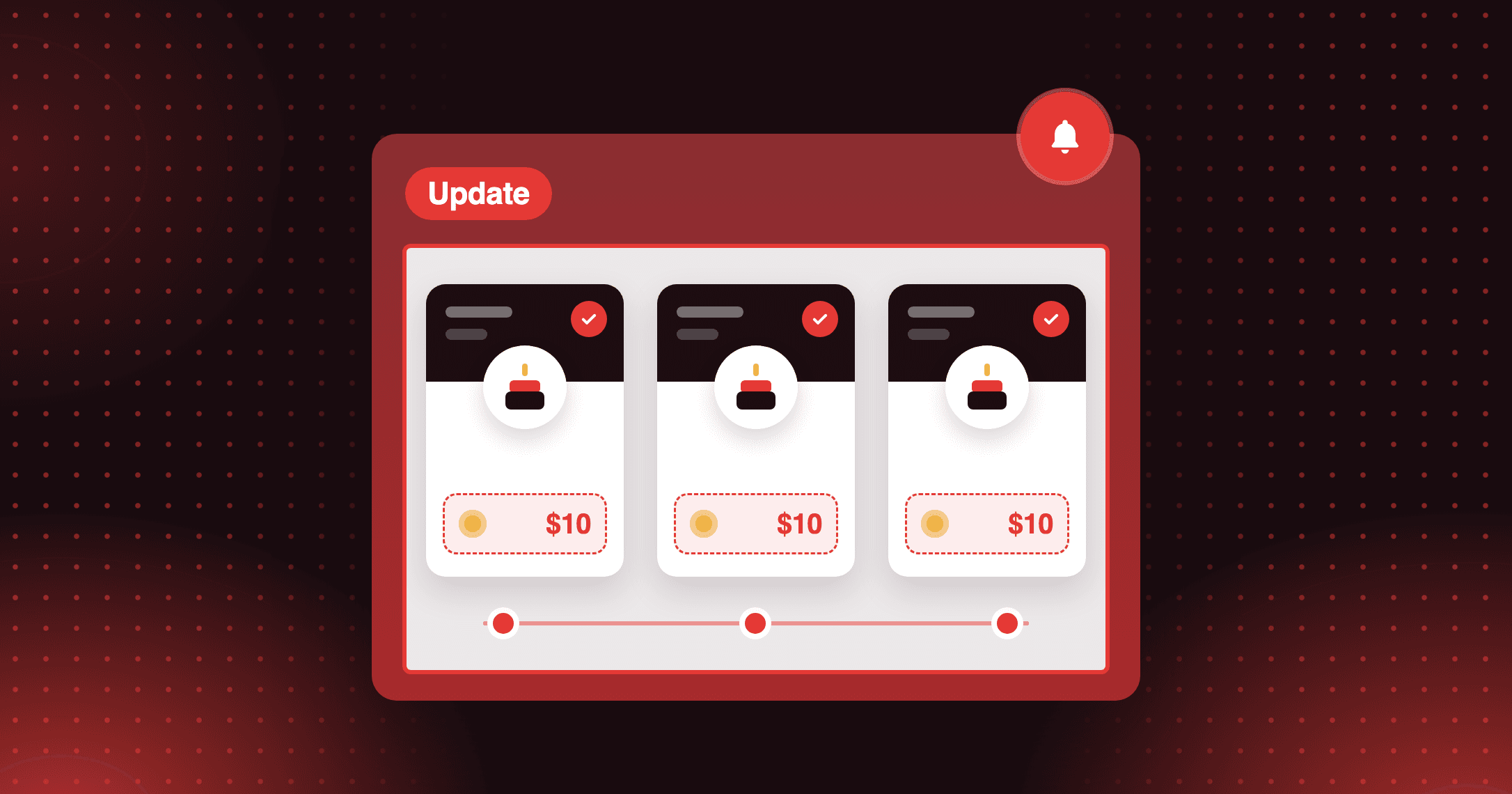
One loyalty program. Every currency. Fair points for every market.
Place Order V2 now supports per-currency earning rates — set 1pt/€2 EUR and 1pt/$1 USD in the same program. Every Shopify Market, earning the right amount.


Summarize this post with AI
Why this matters
Keep points fair across the markets you sell in. The Place Order V2 program now supports a separate earning rate for each presentment currency, with your primary-currency rate as the default.
Set an earning rate per currency
Keep your default rate in the store's primary currency, then configure a specific rate for any presentment currency you sell in. Each market earns points at a rate matched to its own prices.
Cover other currencies with the default
Orders in a currency you have not configured fall back to the default rate automatically. Refunds use the rate that was active at the time of the original order.
Show customers the rate they earn
The points calculator widget shows the earning rate for the currency a customer is browsing in. Their activity history lists amounts in the currency they paid in.
With a default of 1 point per US dollar, set EUR to 1 point per €1.10 spent. A eurozone order then earns points in line with the same order in dollars.
How to access and use
Step 1: Open your Place order program
In Joy, go to Reward programs → Earning programs and open Place order.
Step 2: Turn on currency rates
In the Reward settings section, check Set up earning rates by currency. The currencies enabled in your store appear.
Step 3: Set each rate
Your primary currency shows the default rate. Enter a rate for each additional currency, then click Save.
Frequently asked questions
Do currency rates change points on past orders?
No. Turning on per-currency rates does not disrupt existing orders or refund history.
Can I set currency rates for each VIP tier?
Yes. When the program rewards by VIP tier, open Rates by currency under each tier. A currency you leave unchanged falls back to that tier's base rate.
Do currency rates work with every rewarding method?
No. Per-currency rates apply only when the program rewards based on the amount spent. Methods based on items or orders do not show currency options.