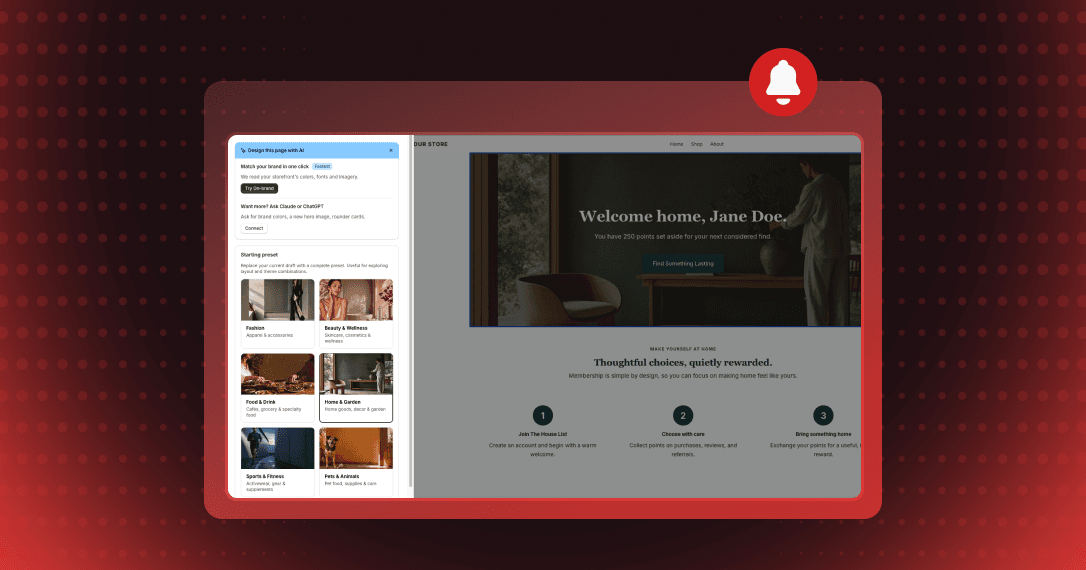
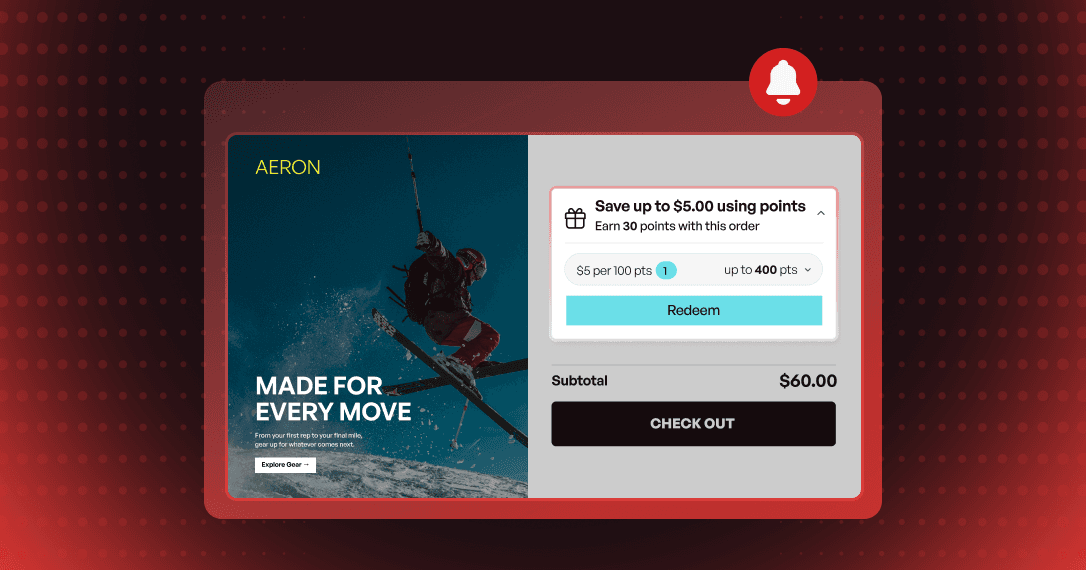
Perk type labels in the Joy widget
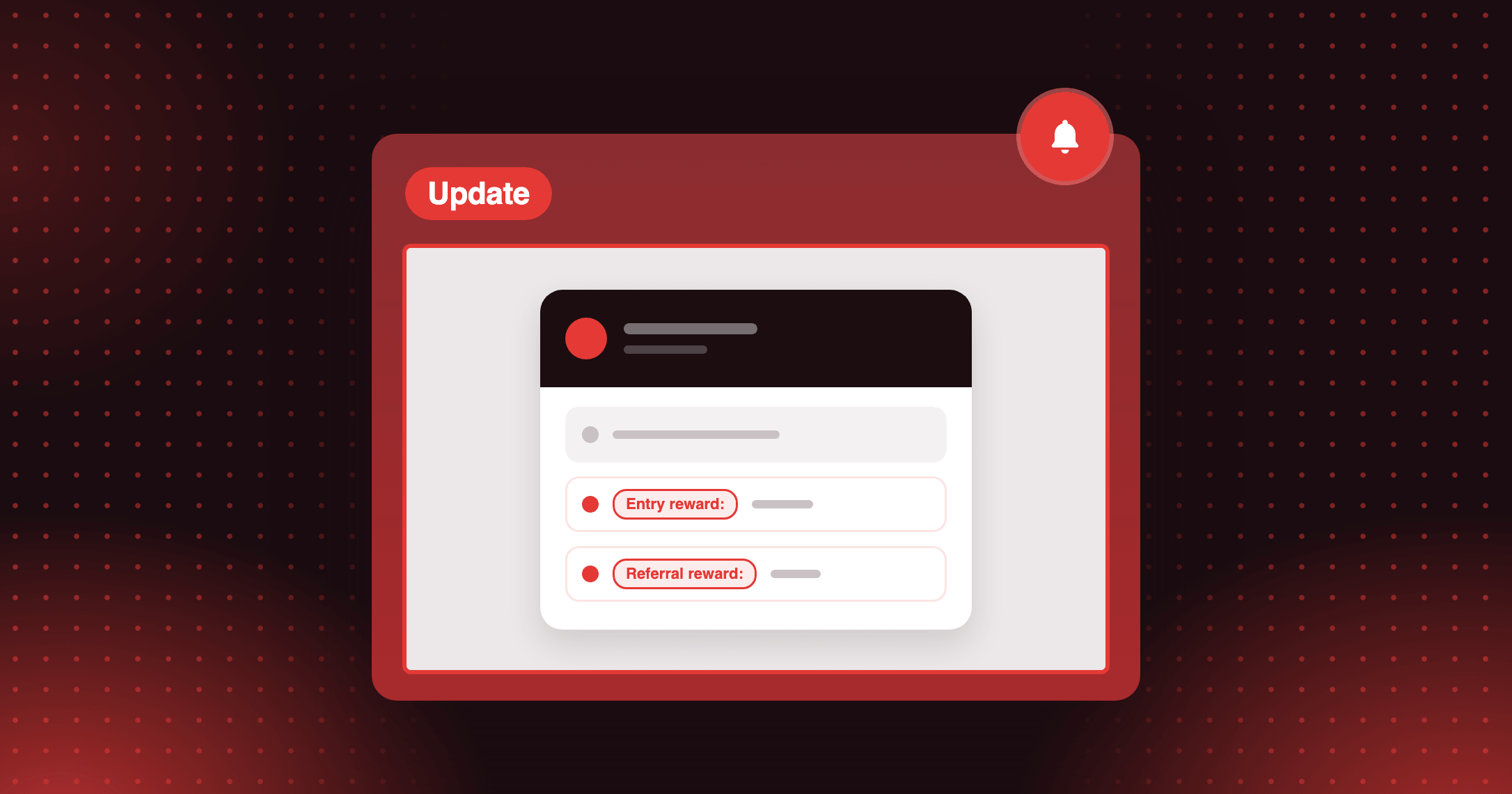
Show shoppers which tier perks come from joining and which from referring: a new Membership card setting adds "Entry reward:" and "Referral reward:" labels.

Summarize this post with AI
Why this matters
A tier perk list reads as a row of rewards, and shoppers can't tell which ones they get on joining and which come from referring. A new Membership card setting names them.
Entry and referral rewards are labeled
With Show perk type labels on, the Unified Widget starts entry rewards with "Entry reward:" and the referral reward with "Referral reward:" in each tier's perk list. The editor preview shows the same labels.
Referral reward only when it applies
The "Referral reward:" line appears only while your referral program is active and gives rewards by VIP tier. The setting is off by default, so nothing changes until you turn it on.
A new order setting on the Loyalty page
On the new Loyalty page, Move completed programs to the end in the Ways to earn panel decides whether programs a member has already earned show after the ones they can still do, or stay in your order.
How to access and use
Step 1: Open the Membership card settings
In the Unified Widget editor, open Membership card.
Step 2: Turn on Show perk type labels
Tick Show perk type labels and check the preview.
Step 3: Set the Ways to earn order
In the Loyalty page editor, open the Ways to earn panel and tick or untick Move completed programs to the end.