In-store loyalty enrollment in under 30 seconds — no app, no email, just a scan
Staff generates a QR code in Shopify POS. Customer scans. Wallet pass added in under 30 seconds. The fastest in-store loyalty enrollment ever built.


Summarize this post with AI
Why this matters
Staff can now add a customer's loyalty pass to Apple Wallet or Google Wallet from the Joy Loyalty app in Shopify POS. The customer scans a QR code at the counter and leaves with the pass saved on their phone.
Enroll customers at the counter
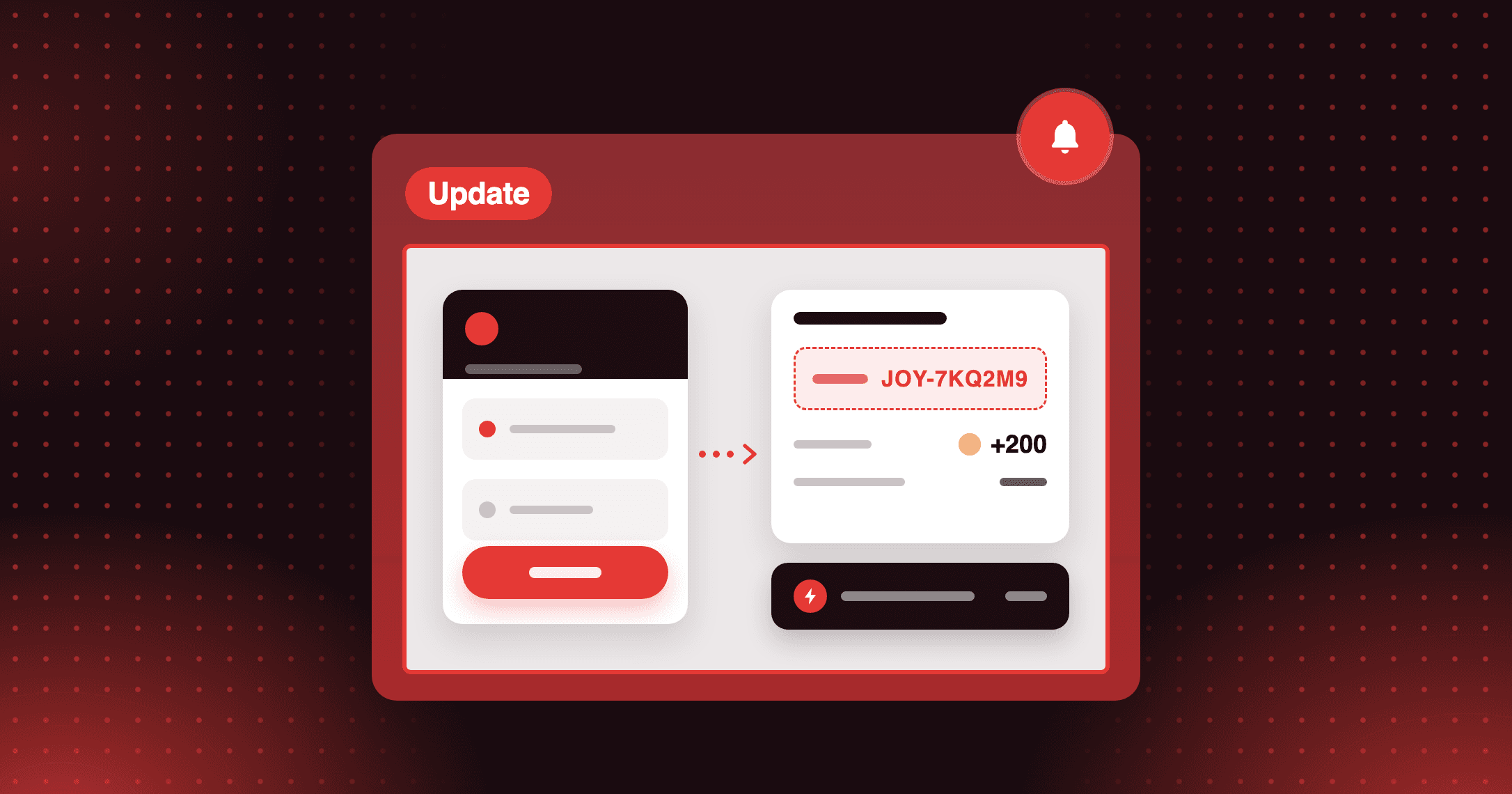
Staff generate a QR code in the Joy Loyalty app, and the customer scans it and taps Add. New customers are enrolled automatically, with no follow-up required.
Link the pass to existing members
If the customer is already a Joy member, the pass links to their existing account. Their points, tier, and rewards stay intact.
Keep the pass current automatically
Once saved, the pass updates points after every transaction and reflects tier changes. With wallet pass notifications enabled, customers also receive alerts for points earned, tier upgrades, and reward expiry on their lock screen.
At your next sale, add the customer and one product to the cart, open Joy Loyalty, and tap Add to Apple Wallet.
How to access and use
Step 1: Add customer and product
In Shopify POS, tap Customers to find or create the customer, then add them and at least one product to the cart.
Step 2: Open Joy Loyalty
Tap the Joy Loyalty icon in Shopify POS. The app loads the customer from the cart.
Step 3: Generate the QR code
Scroll to the Wallet pass section and tap Add to Apple Wallet or Add to Google Wallet.
Step 4: Have the customer scan
The customer scans the QR code with their phone camera, taps the link, and taps Add.
Frequently asked questions
What if the customer has no compatible phone?
They still use their loyalty account at checkout with their email or phone number, and they can add the wallet pass later from your online store.
How do customers use the pass on later visits?
They open the Joy Loyalty pass in their Wallet app and show its code. Staff scan it, and the customer's points balance and available rewards load automatically.
Can I customize the Apple Wallet pass design?
Yes. You set the logo, colors, pass name, and fields once for every pass, and each pass still shows that customer's own points, tier, and name.