Your customer is in the cart with points they never spent
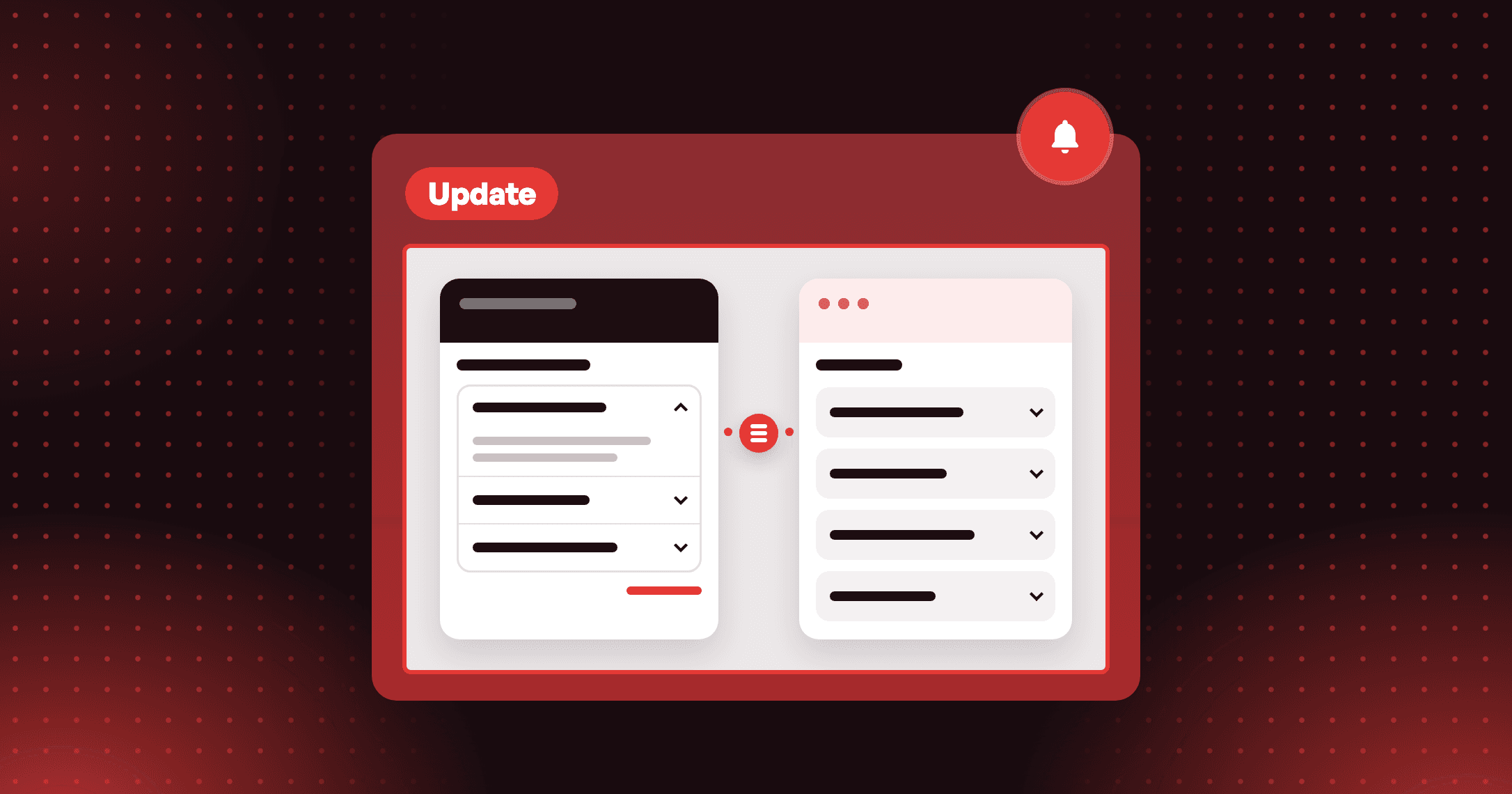
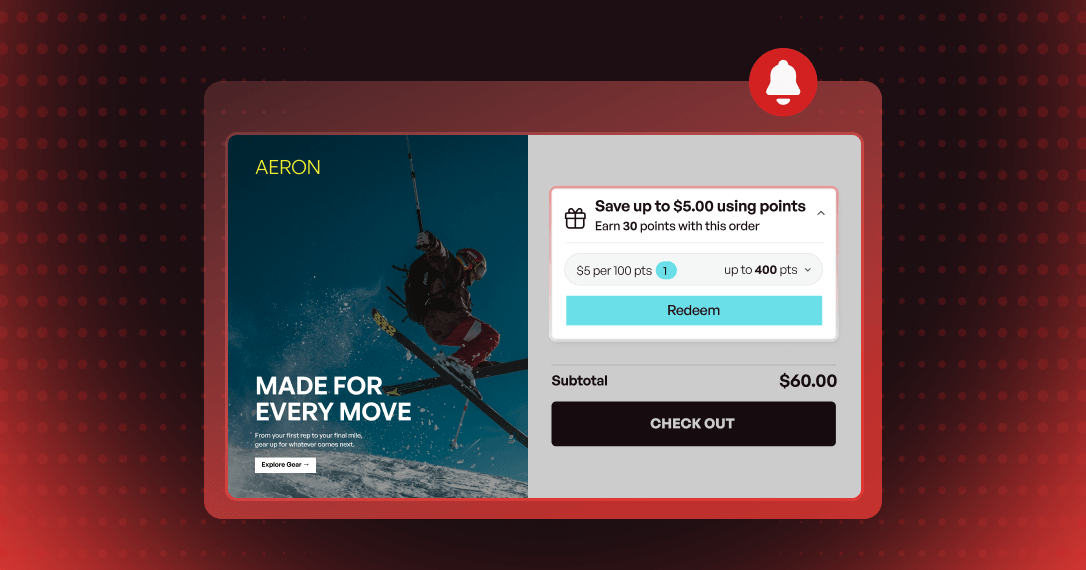
Redeem in Cart is rebuilt — its own full-screen editor, eight style presets, an On-brand scan, a points slider for dynamic rewards, and free shipping redeemed from the cart. No page reload.

Summarize this post with AI
Why this matters
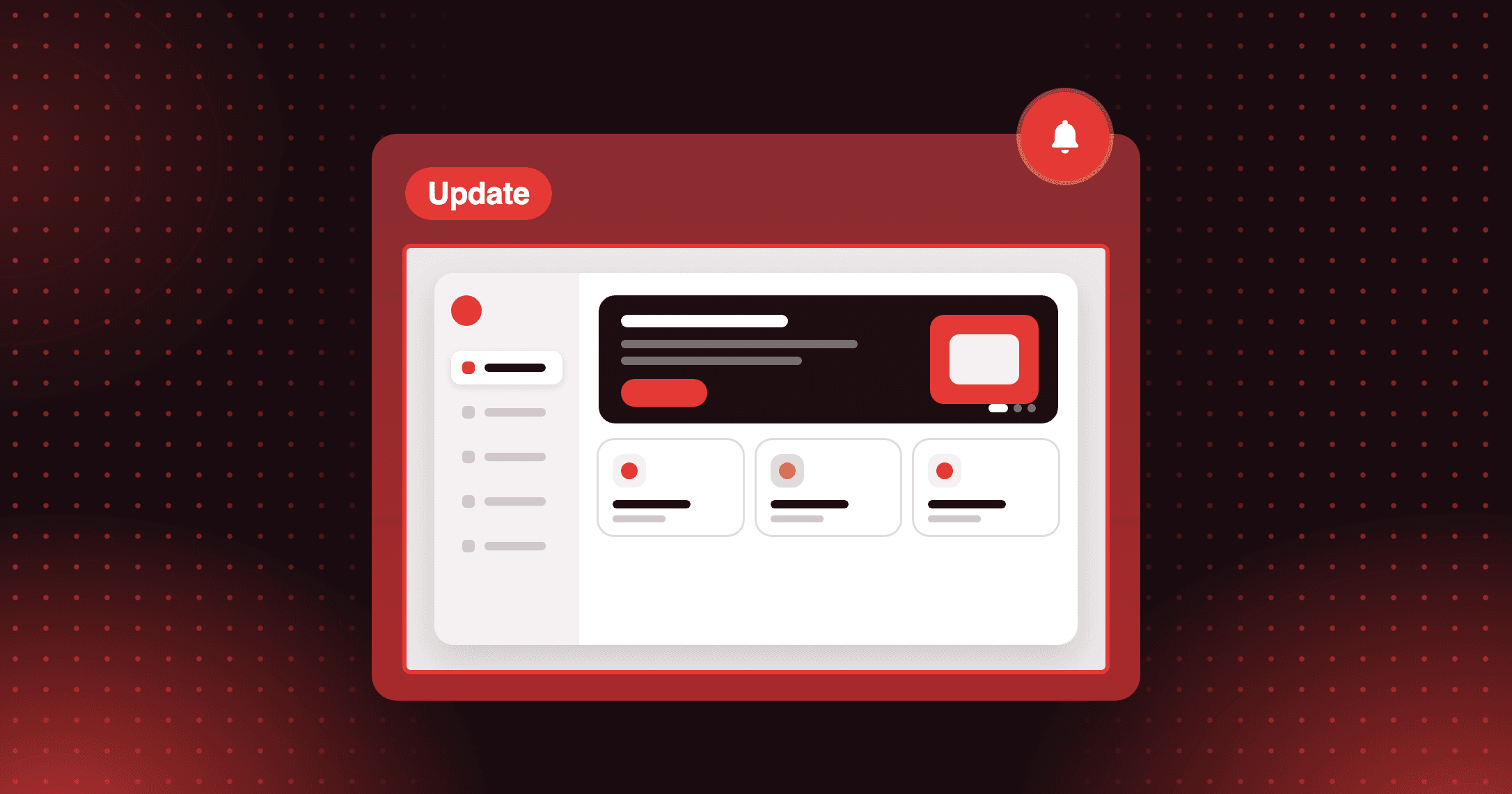
Redeem in Cart has been rebuilt with a full-screen editor of its own. The block works in the cart drawer and on the cart page, and you set its look and placement against a live cart preview.
Lead with the best reward
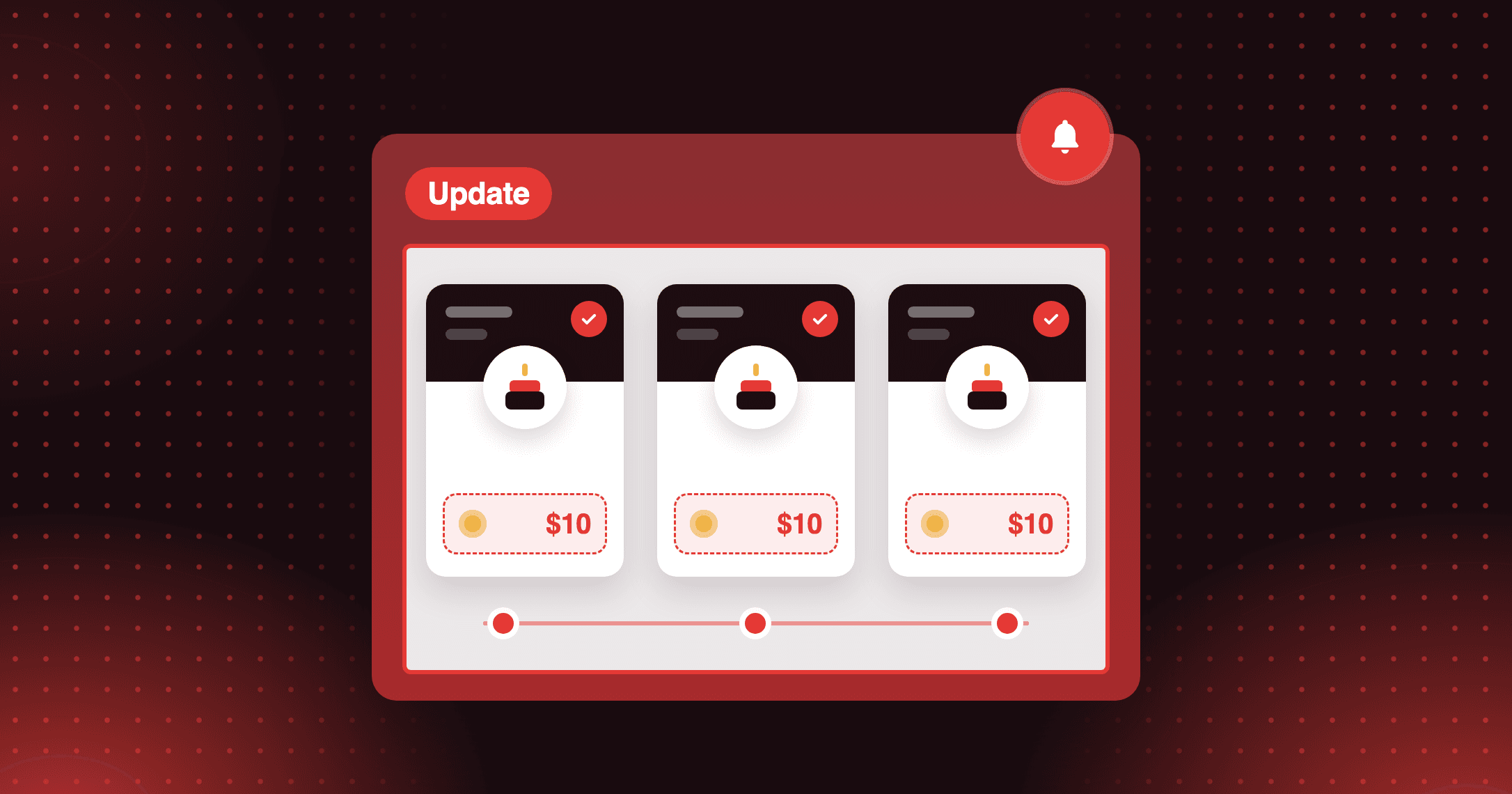
The card opens on the reward that saves the customer the most on their current cart. Every reward applies without reloading the page.
Let customers choose their point spend
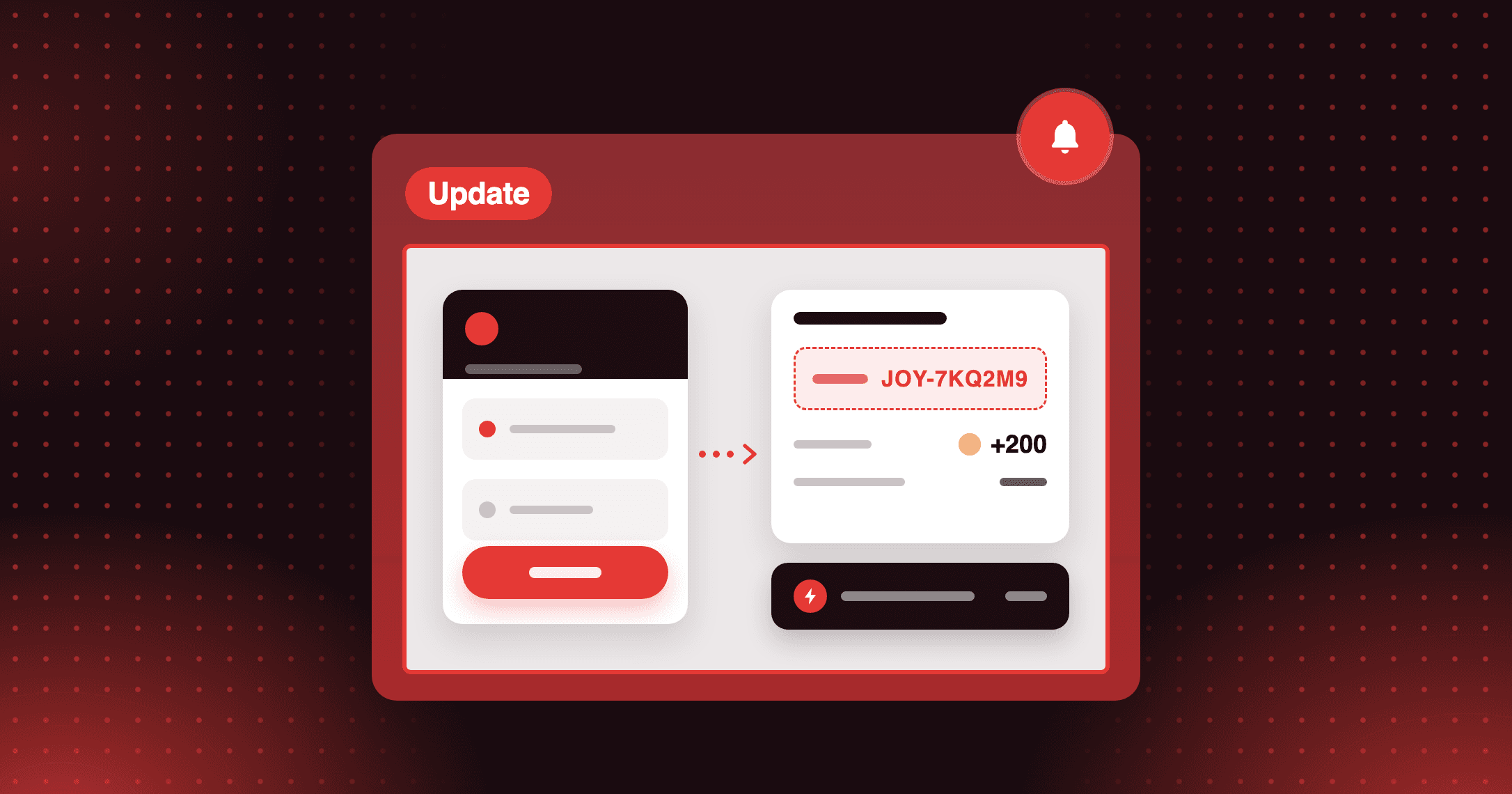
Dynamic rewards get a slider, with an optional input for customers who prefer to type the number. Free shipping rewards now redeem from the cart too, next to discount rewards.
Match the card to your store
Start from a style preset, or run On-brand to read your storefront's colors, button style, corner radius and font. You review every detected value before it applies.
In the editor preview, switch between Member, Guest, Not redeemed and Redeemed. Check how the card reads in each state before you place the block in your theme.
How to access and use
Step 1: Turn on the app embed
In your Shopify Theme Editor, open App embeds, switch on Joy: Redeem in Cart, and save.
Step 2: Open the editor
From your Joy dashboard, go to Embedded content and open Redeem in Cart.
Step 3: Style the card
Pick a preset or run the On-brand scan, then review the detected values before you apply them.
Step 4: Place the block
Choose where the block renders: Above cart summary, at a snippet you paste into your theme, or before a CSS selector you name.
Frequently asked questions
Can I hide the block from guests?
Yes. In the editor's settings, you can hide the block for guests, or for customers without enough points.
Do customers lose points if they abandon the cart?
No. Points are only permanently deducted when the customer completes the purchase.
Can I translate the card's labels?
Yes. You can edit every label on the card and its translations for each language your store supports.