Store Credit Rewards: Real Cashback, Spent at Checkout
Real cashback customers spend at checkout — no points math, no coupon codes. How store credit rewards work, and why the value stays in your store.


Summarize this post with AI
Why this matters
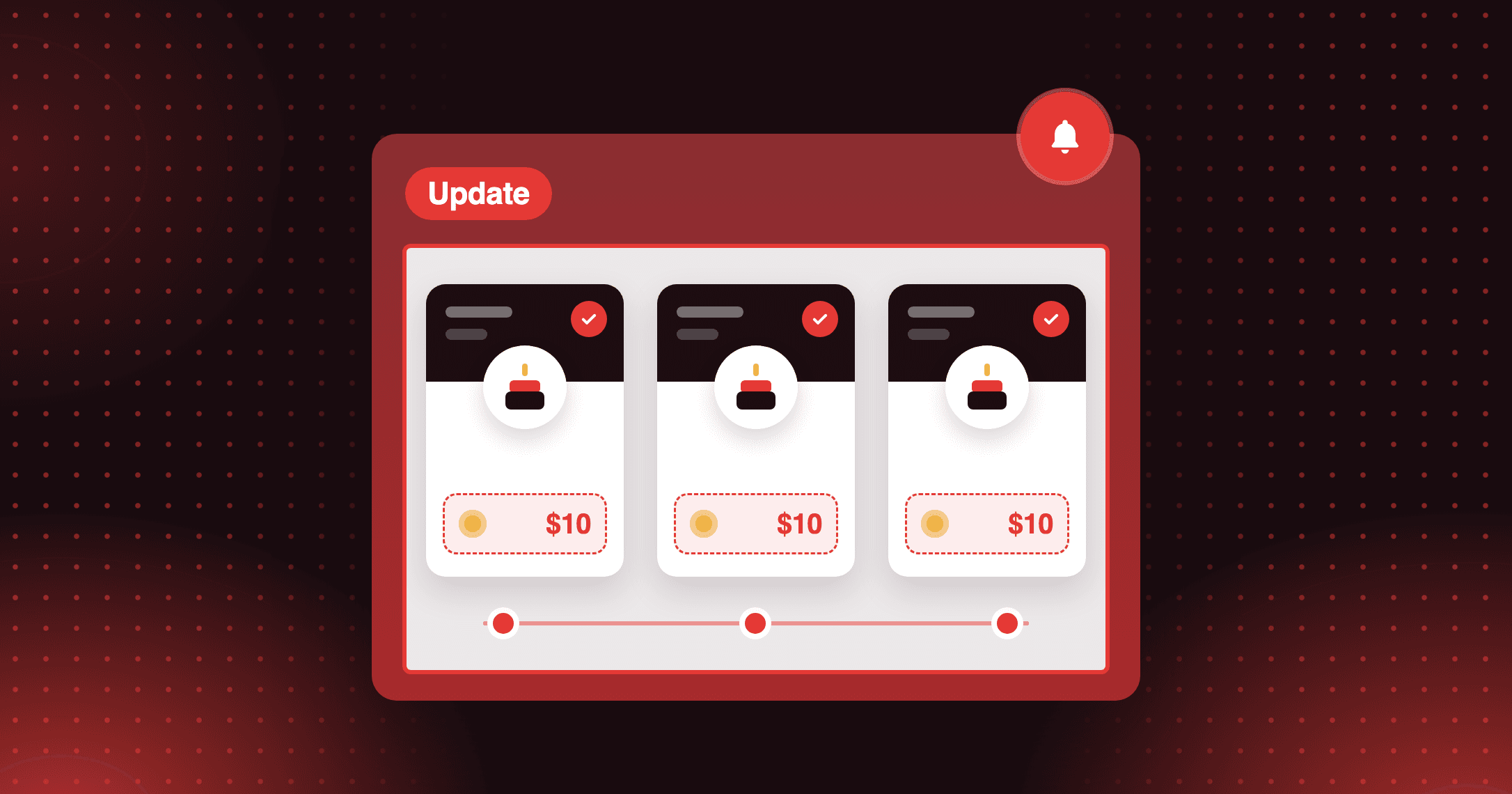
Reward customers with cashback they spend at your checkout. Store credit rewards in Joy put a cash balance in the customer's account that can only be spent with you, so each reward is a reason to order again.
Issue credit where customers earn
Give store credit on Place Order as a percentage back, on Milestones, on Referrals, or from a Shopify Flow workflow. You set the rule once, and Joy issues the credit whenever a customer meets the condition.
Let customers spend credit without a code
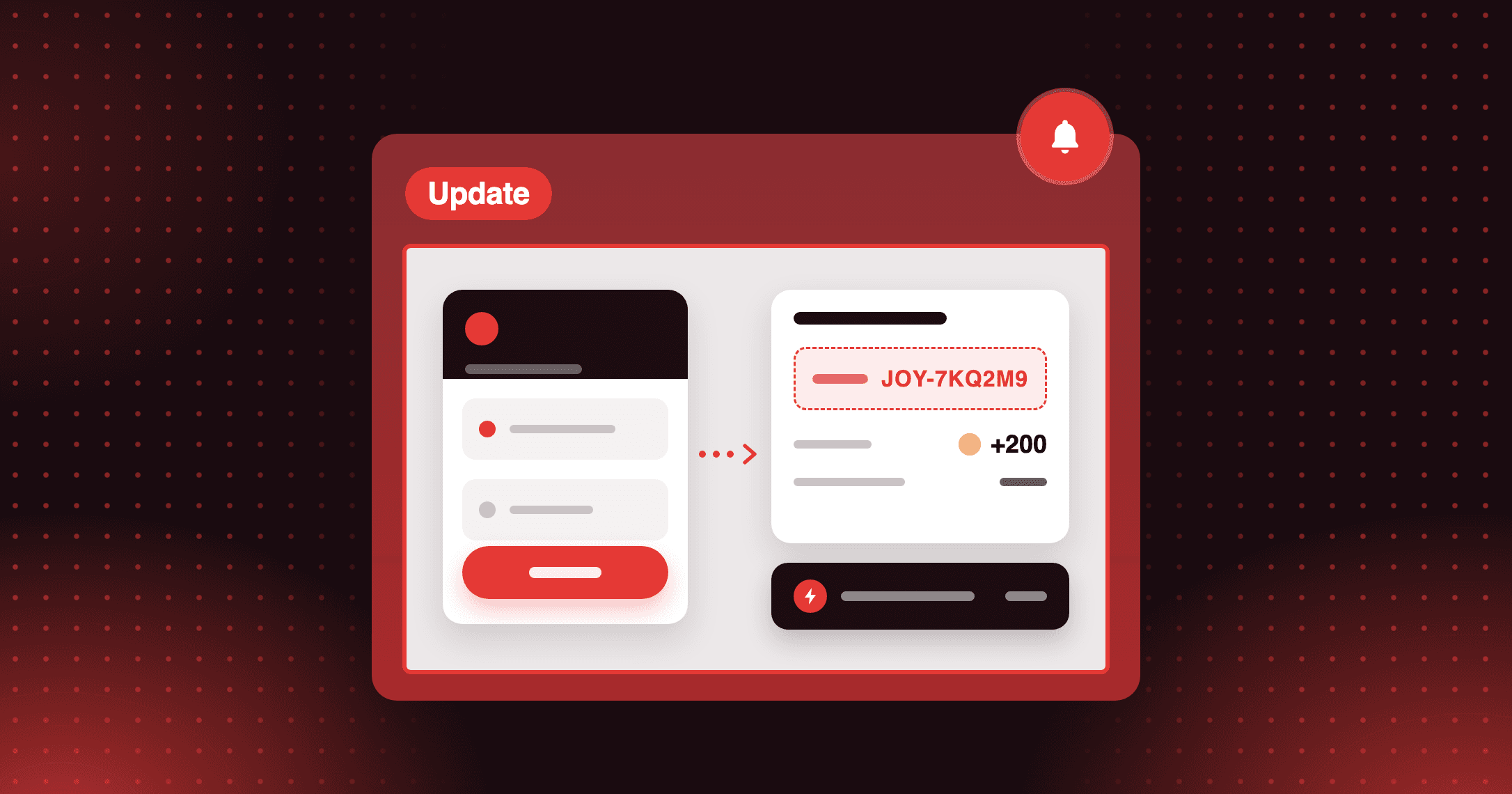
Joy's store credit is powered by Shopify-native store credit, so the balance is available at checkout as a payment option. There is no code to copy and no redeem button to find.
Show the balance wherever points appear
Store credit appears in the loyalty widget, the loyalty page, the customer account and the product page automatically. You configure no new placements, so customers find their credit where they already check rewards.
Start with cashback on every order: set Place Order to give a percentage back as store credit. After the next order, check that the credit shows in that customer's loyalty widget.
How to access and use
Step 1: Choose where customers earn
In Joy, open Reward programs and pick Place Order for cashback, Milestones or Referrals.
Step 2: Select Store Credit
Choose Store Credit as the reward type, click Grant Access, then Confirm. You grant access once and it applies to all programs.
Step 3: Set the reward rule
Enter a percentage back for orders, or a fixed amount for referrals.
Step 4: Set expiration
Use a global window under Reward programs → Point Expiration, or override it per program.
Frequently asked questions
Can I run store credit alongside points?
Yes, in separate programs. Each program gives one reward type, either Points or Store Credit, so a store can run both side by side.
What happens to store credit when an order is refunded?
It returns to the customer's balance. When an order paid with store credit is refunded, the credit used goes back, and the refund accounts for tax and shipping correctly.
Does adding an expiration affect balances customers already have?
No. Expiration only applies to store credit granted after you turn it on, so existing balances are never affected.