Your loyalty program now lives inside your customers' Shopify account
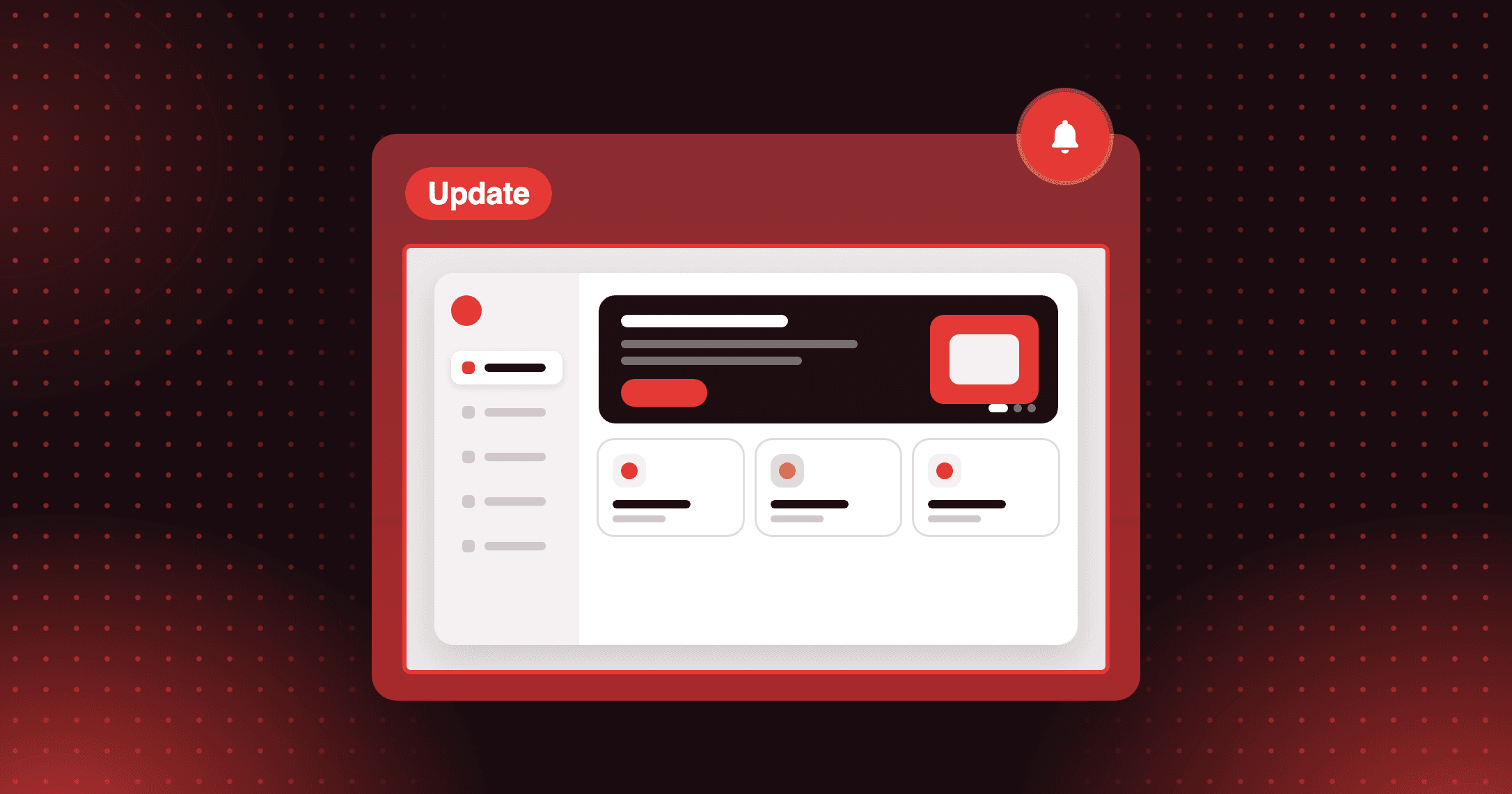
The Loyalty Hub is a full-page loyalty experience built natively into Shopify New Customer Accounts — no separate loyalty page, no redirects, no friction.


Summarize this post with AI
Why this matters
Put your loyalty program where customers already check their orders. The Loyalty Hub is a full-page loyalty dashboard inside Shopify New Customer Accounts, and you decide which sections appear and in what order.
Show loyalty inside the customer account
A customer who logs in to check an order sees their loyalty dashboard in the same account. There is no separate loyalty page to visit and no popup to find.
Put the whole program on one page
The Hub has eight sections: Points Balance, My Coupons, Ways to Earn, Ways to Redeem, VIP Tiers, Referral Program, Wallet Pass, and Activity History.
Choose sections and their order
Drag sections to reorder them and toggle any section on or off. You can also upload a hero banner image and set its position and height.
Move Points Balance to the top of the Hub. A customer checking an order status then sees their points first.
How to access and use
Step 1: Open Loyalty Hub settings
In Joy, go to On-site content → Account page and click Setup on the Loyalty Hub card.
Step 2: Configure the Hub page
Upload a hero image, toggle sections on or off, and drag them into the order you want.
Step 3: Open the account editor
Click Go to account editor.
Step 4: Add the Hub page
Find Joy: Loyalty Hub in the apps list, click the + icon, and choose Accounts under Add page to.
Step 5: Add it to the menu
Choose Create menu or Add to menu, then click Save.
Frequently asked questions
Does the Loyalty Hub replace my account page blocks?
No. Both can run together: the blocks give a quick summary on the Profile page, and the Hub gives the full loyalty page in its own tab. You can add a link from your blocks to the Hub.
What happens to sections for features I have not set up?
They stay hidden. If you have no VIP program, the VIP Tiers section does not appear, and the same applies to Referral Program and Wallet Pass.
Can I edit the Hub's text and translations?
Yes. Every text label in the Hub, including section headings and button labels, is editable in the Translations settings in Joy.