You renamed the program in Joy. Your loyalty page kept the old name.
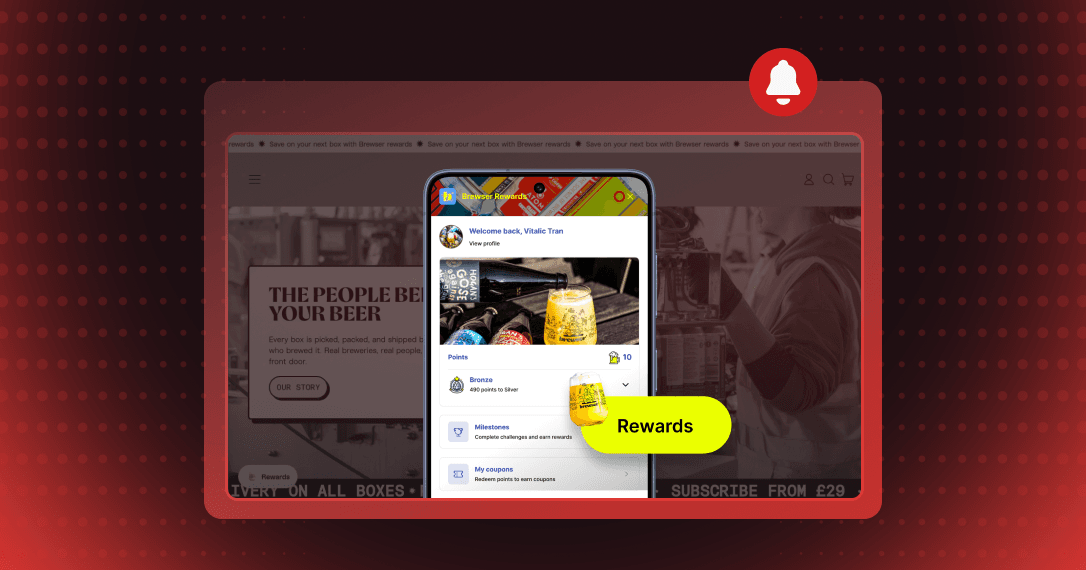
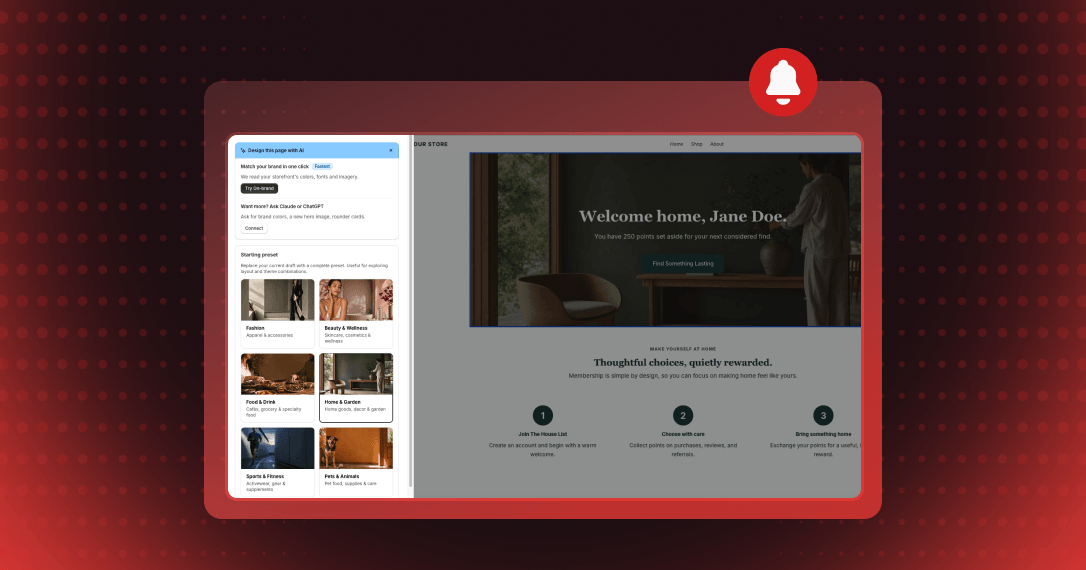
The loyalty page is now built inside Joy — a live preview beside every setting, fifteen drag-to-reorder sections, eight industry templates, and earn, redeem and VIP tier cards that read your live programs instead of text typed into the page.

Summarize this post with AI
Why this matters
Version 2 of the loyalty page is built in one editor inside Joy. Start from a preset, drag sections and programs into order, and preview the page on desktop or mobile as a guest or a signed-in customer.
Show your live program on the page
Ways to earn, Ways to redeem, VIP tiers, Refer a friend and Rewards activity read your programs and the shopper's data when the page loads. Rename a program in Joy and the page shows the new name.
Show each section to the right audience
Set every section to Everyone, Members only or Non-members only. The section that explains the program can show to guests and stay hidden from members who already joined.
Match the page to your storefront
Brand scan, marked Beta, reads your store and proposes colors and typography, imagery and copy changes. You choose which ones to keep, and nothing changes until you apply them.
Preview the page as a guest on mobile. Then open the Sections tab and set the section that explains the program to Non-members only.
How to access and use
Step 1: Open the editor
In Joy, go to Onsite → Loyalty page, find Loyalty page editor (V2), and click Open editor.
Step 2: Design the page
In the Design tab, apply a Starting preset. In the Sections tab, drag sections into order and choose who sees each one.
Step 3: Match your brand
In the On-brand tab, enter your Storefront URL for Brand scan, review the proposed changes, then click Apply selected changes.
Step 4: Save your changes
Click Save. Joy saves your draft and publishes it to the storefront in one step.
Step 5: Put the page on your store
In Set up, click Create page. Then click Edit in theme editor and add the Joy: Loyalty Page V2 block to the page's own template.
Frequently asked questions
Does applying a preset change my programs?
No. A preset replaces the page design and its primary-language copy. Your Custom CSS and your live earning, spending, referral and VIP program data stay as they are.
Can Joy rebuild my Version 1 design in Version 2?
Yes. The Switch to Version 2 window has a Contact us here link where you can ask the team to rebuild your Version 1 design.
Where do I edit the page's wording and translations?
In the editor's Translations tab, where the copy is grouped by section. Edit text in a section's panel opens that tab.