
Product update
Redeem in Cart now shows guests your rewards before they sign in
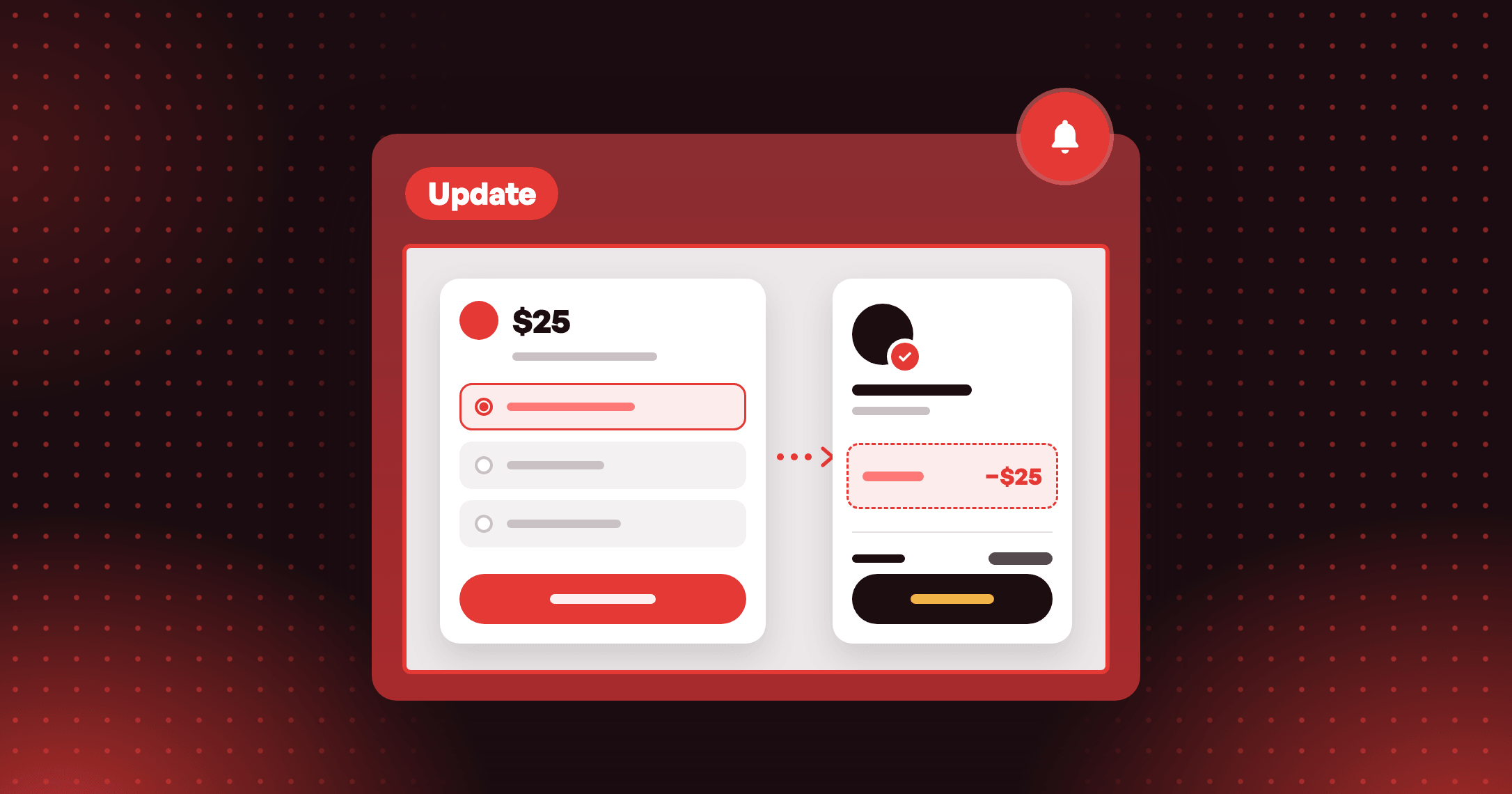
Show signed-out shoppers what points buy right in the cart, then let them sign in to redeem. One checkbox, off by default.

Summarize this post with AI
Why this matters
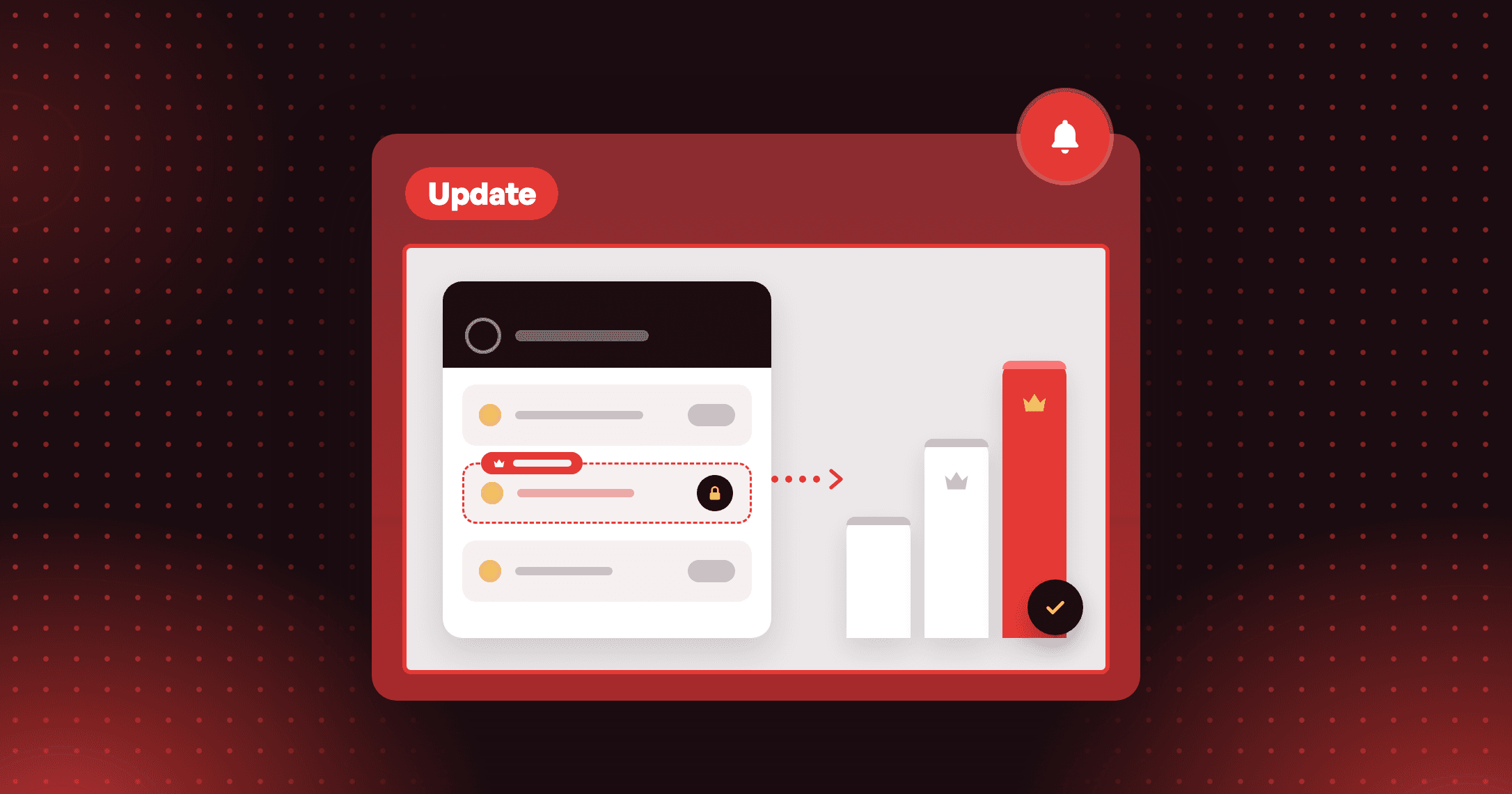
By default, a signed-out shopper sees a teaser with the points the order earns and a sign-in link. One checkbox puts your rewards in front of them too.
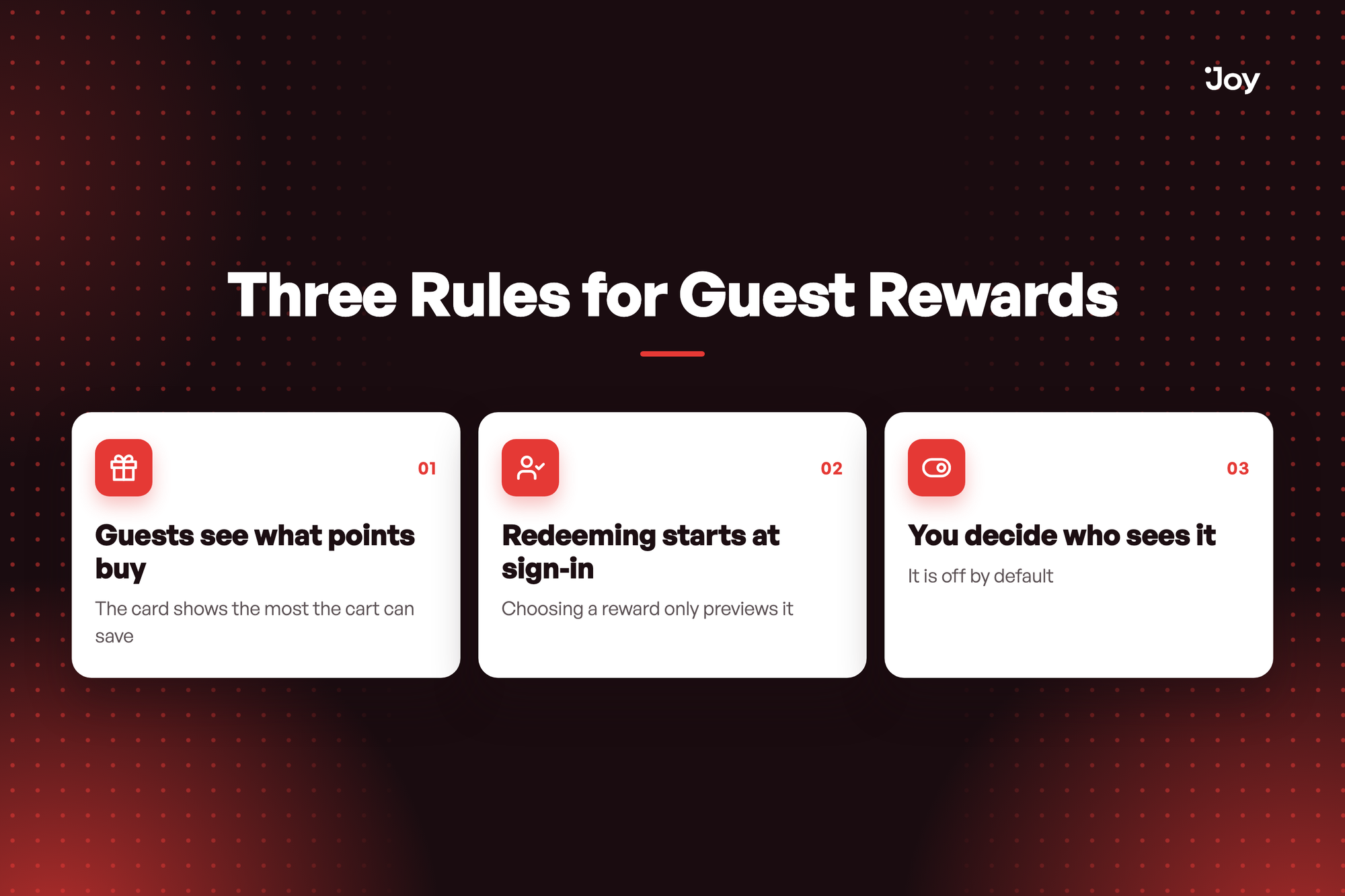
Guests see what points buy
The card shows the most the cart can save, such as Save up to $25 using points, above the rewards the cart qualifies for.
Redeeming starts at sign-in
Choosing a reward only previews it. No coupon is created and no points move, and a sign-in button takes the place of Apply.
You decide who sees it
It is off by default. Hide block for guest users still wins: while it is on, guests see no block at all.
Illustrative question
A shopper is at the cart and has not signed in. Can they see what my points buy? Only if you tick Show rewards to guest users in the Redeem in Cart editor. They see the rewards the cart qualifies for and a sign-in button, and they redeem once they sign in.
How to access and use
- In Joy, go to On-site content and open the Cart drawer tab.
- Click Setup on the Redeem in cart V2 card.
- Open the Settings tab and tick Show rewards to guest users under Visibility.
- Save your changes, then switch the editor preview to Guest to check the card.